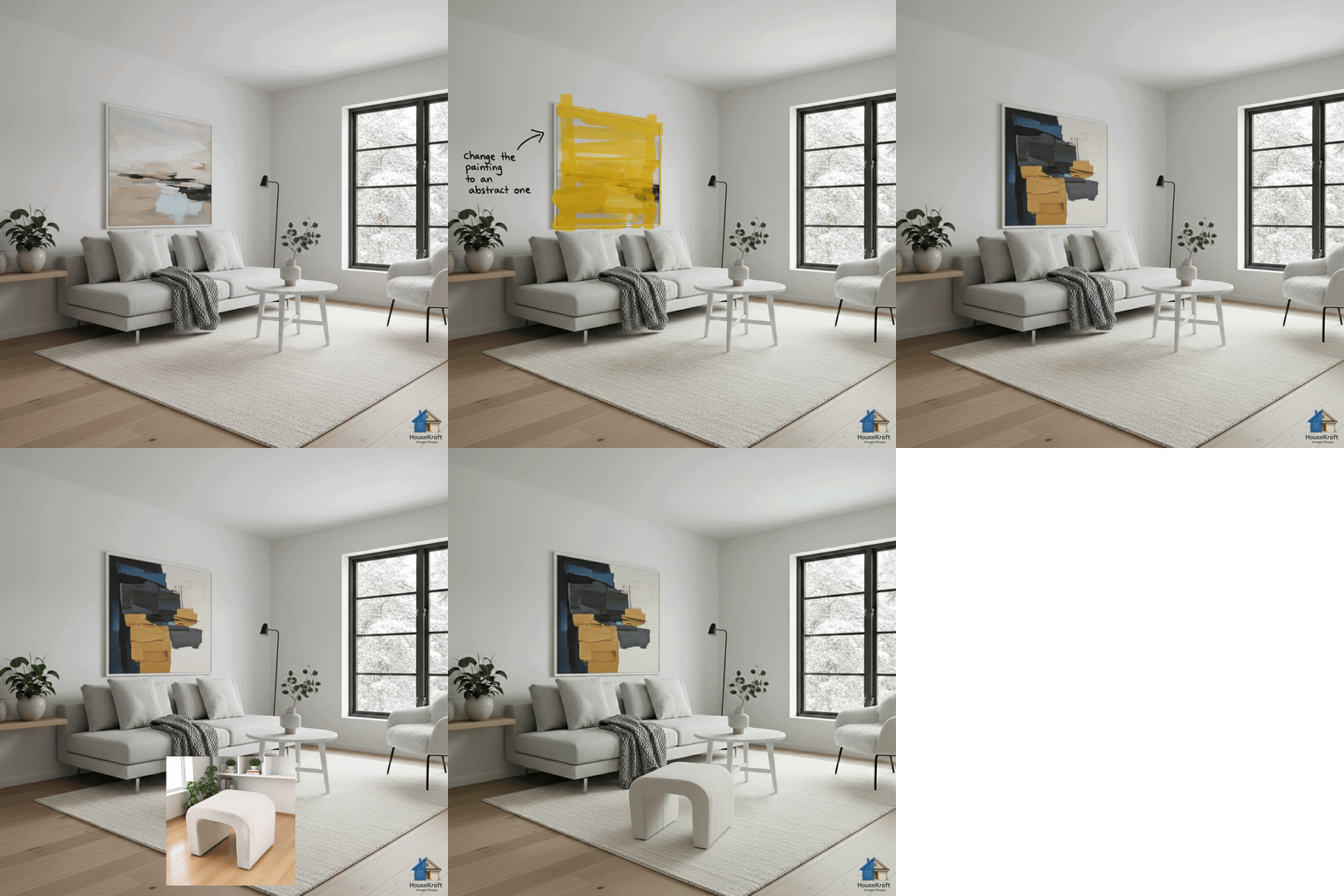
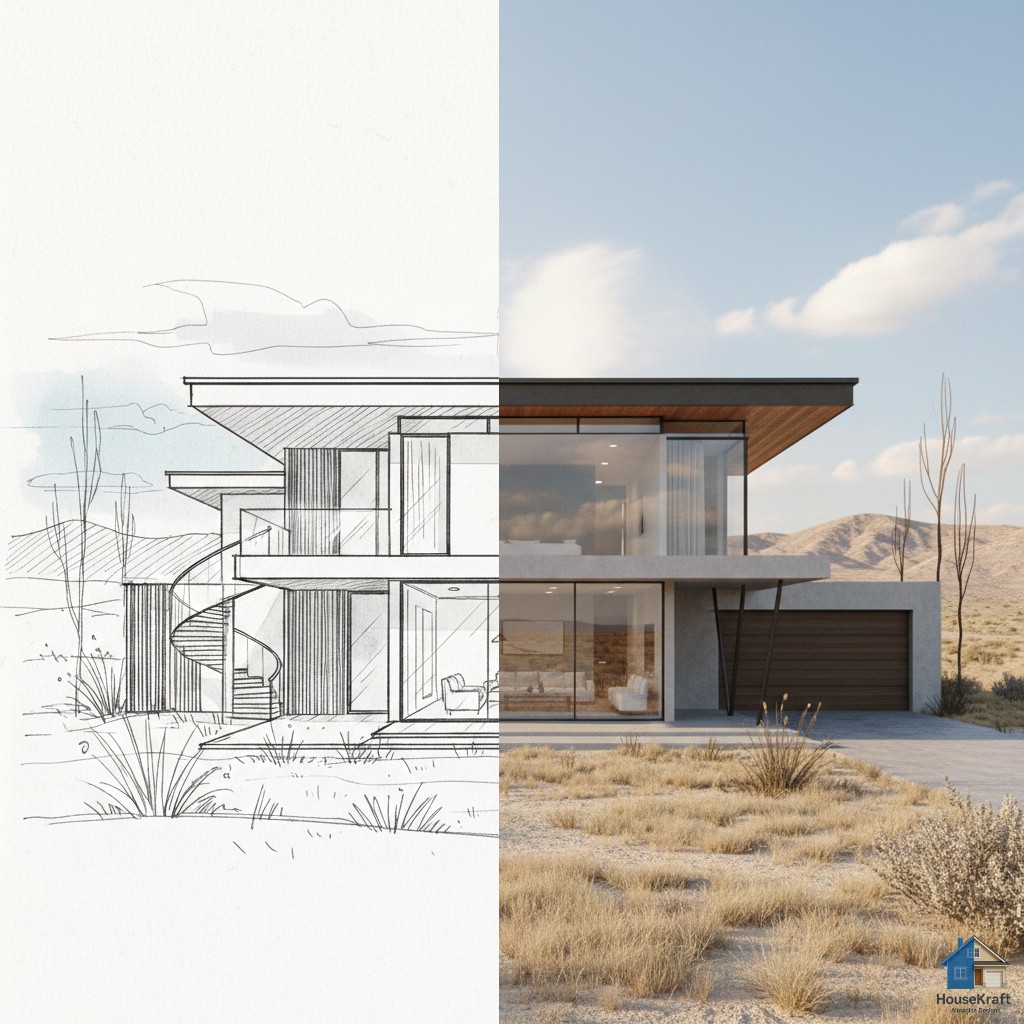
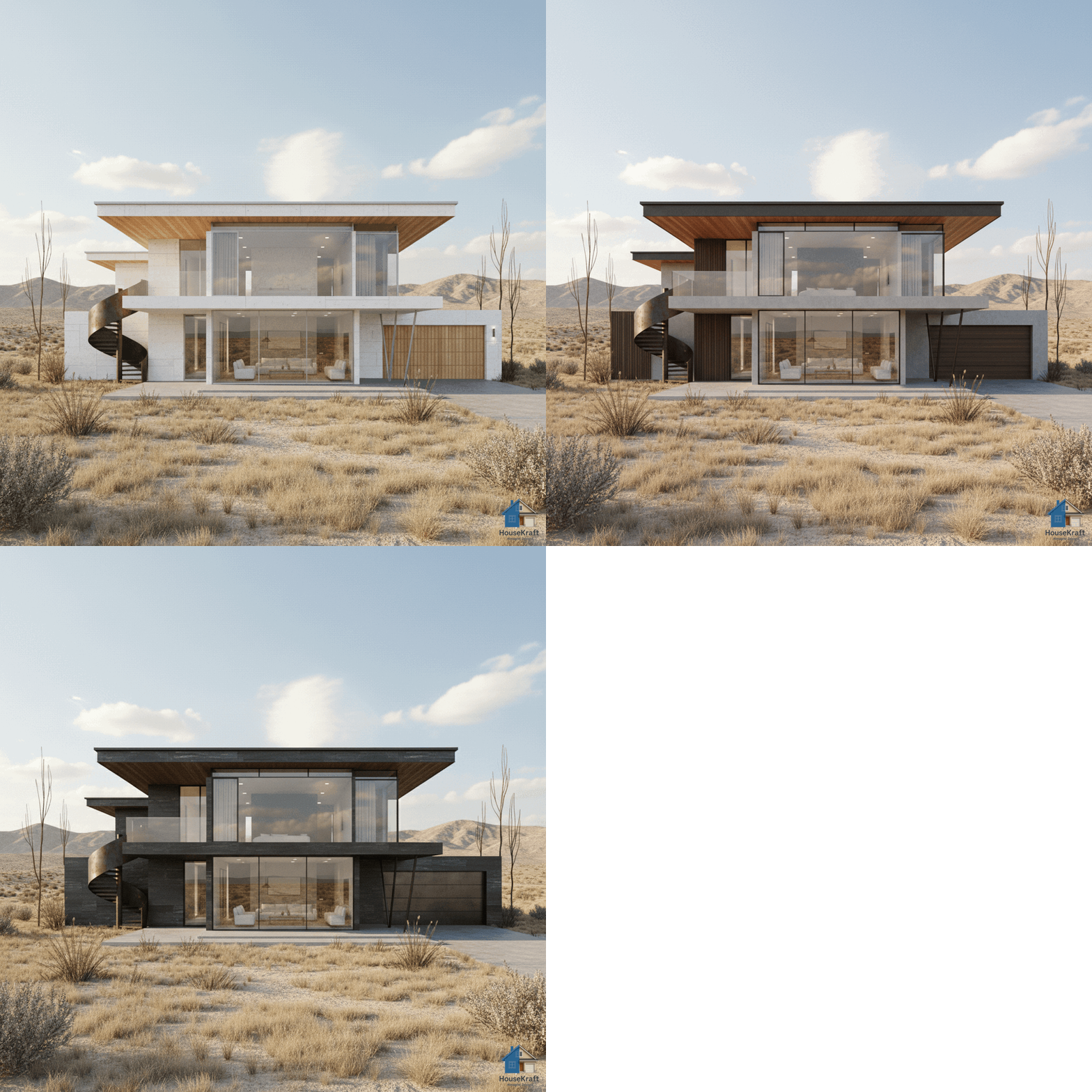
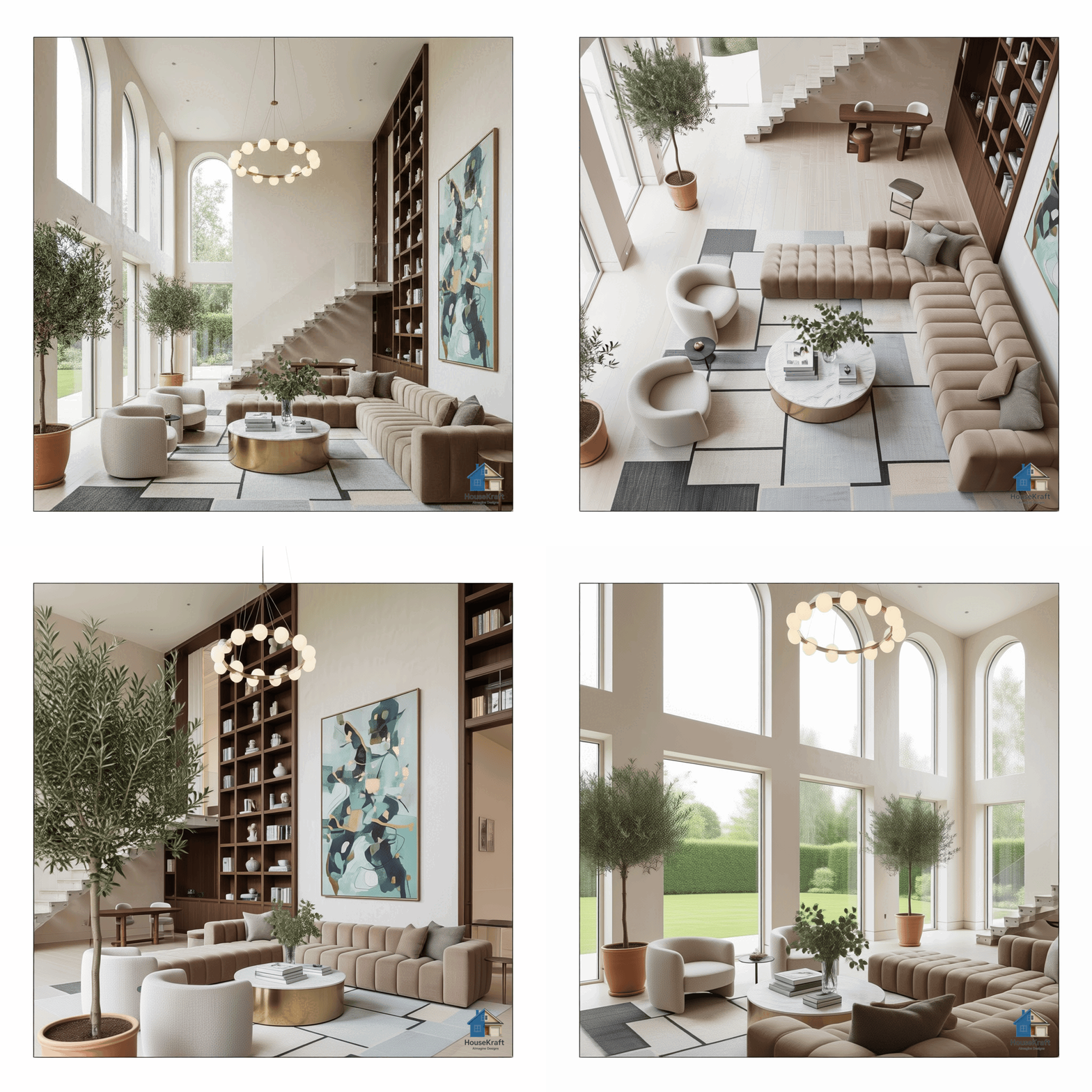
Built Into Every Tool · Upscaling

AI upscaling,
built into every tool.

Print quality, built into every tool. You don't need a separate upscaler. Every HouseKraft result — staging, paint, flooring, renders and more — comes with a one-tap upscale to crisp, print-quality resolution.

✦ Now part of every tool — tap Upscale on any result

Included with every tool and every plan
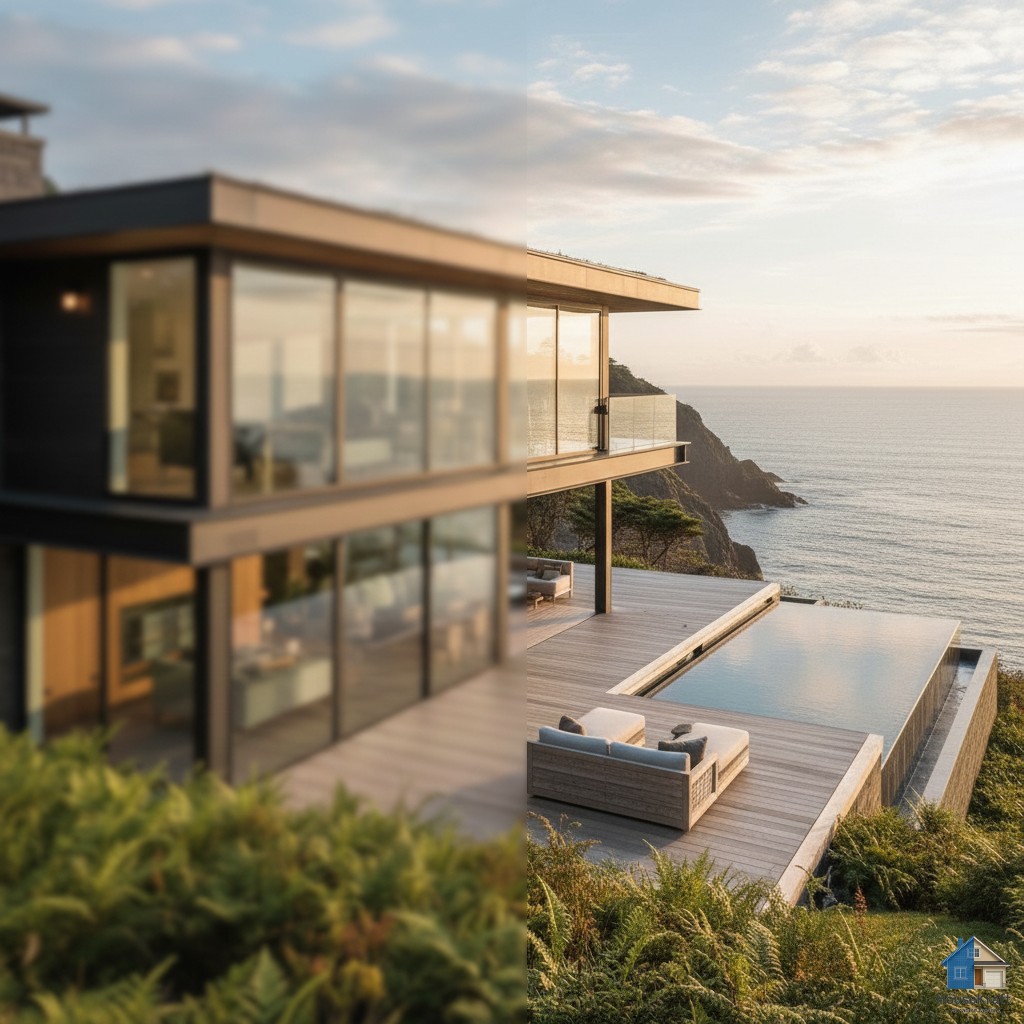
AI upscaled interior render at print quality
See It In Action

Before and after,
side by side.

Drag the handle to compare. Real HouseKraft results.

After: Original → upscaled — AI image upscaler Before: Original → upscaled — AI image upscaler
BeforeAfter
Original → upscaledDrag to compare the detail
After: Original → upscaled — AI image upscaler Before: Original → upscaled — AI image upscaler
BeforeAfter
Original → upscaledDrag to compare the detail
What it does

AI upscaling for print-quality renders

Great renders deserve great resolution. Image Upscaling sharpens any AImagined render up to print-quality — ideal for presentations, portfolios, and client deliverables that need to look flawless up close.

Why use it

Key advantages.

Print-ready resolution

Crisp detail for presentations and print.

Portfolio quality

Deliverables that look flawless.

One click

Upscale any render instantly.

FAQ

Questions,
answered.

How do I upscale a render?

Tap Upscale on any HouseKraft result. It's built into every tool.

Do I need a separate image upscaler?

No. Upscaling is part of every tool, so there's nothing extra to install or pay for separately.

What is upscaling good for?

Presentations, portfolios, print and client deliverables that need to look sharp up close.

Keep Exploring

More AImagine tools.

Ready to tryImage Upscaling?

Upload a photo and see it in seconds. No credit card, no commitment.