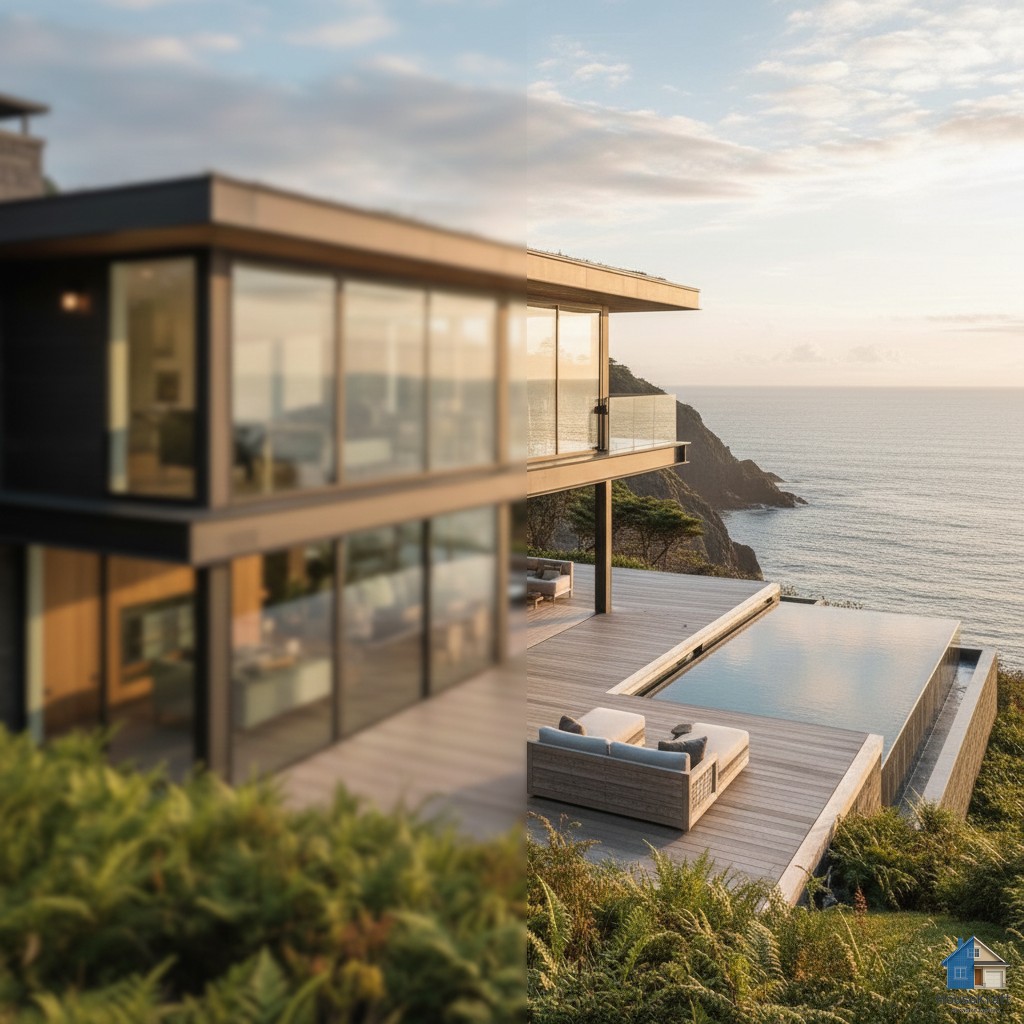
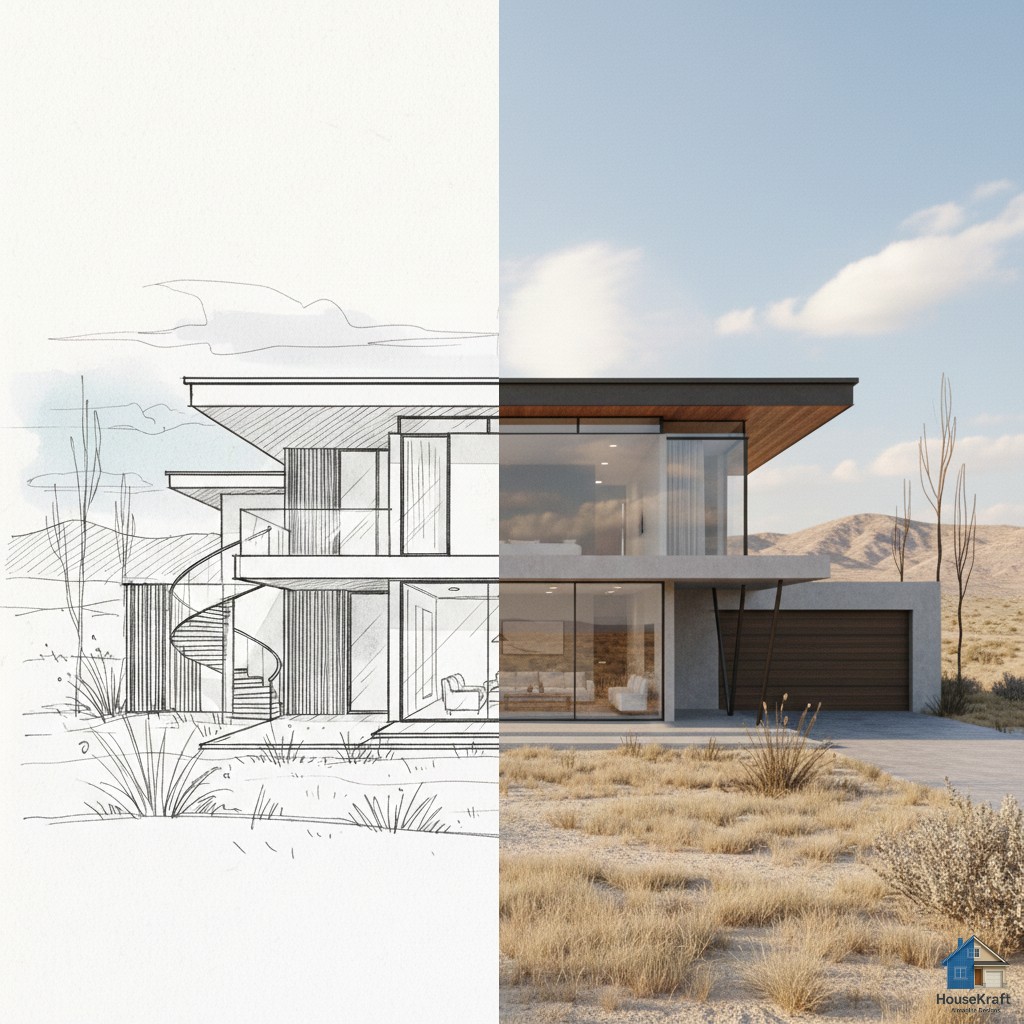
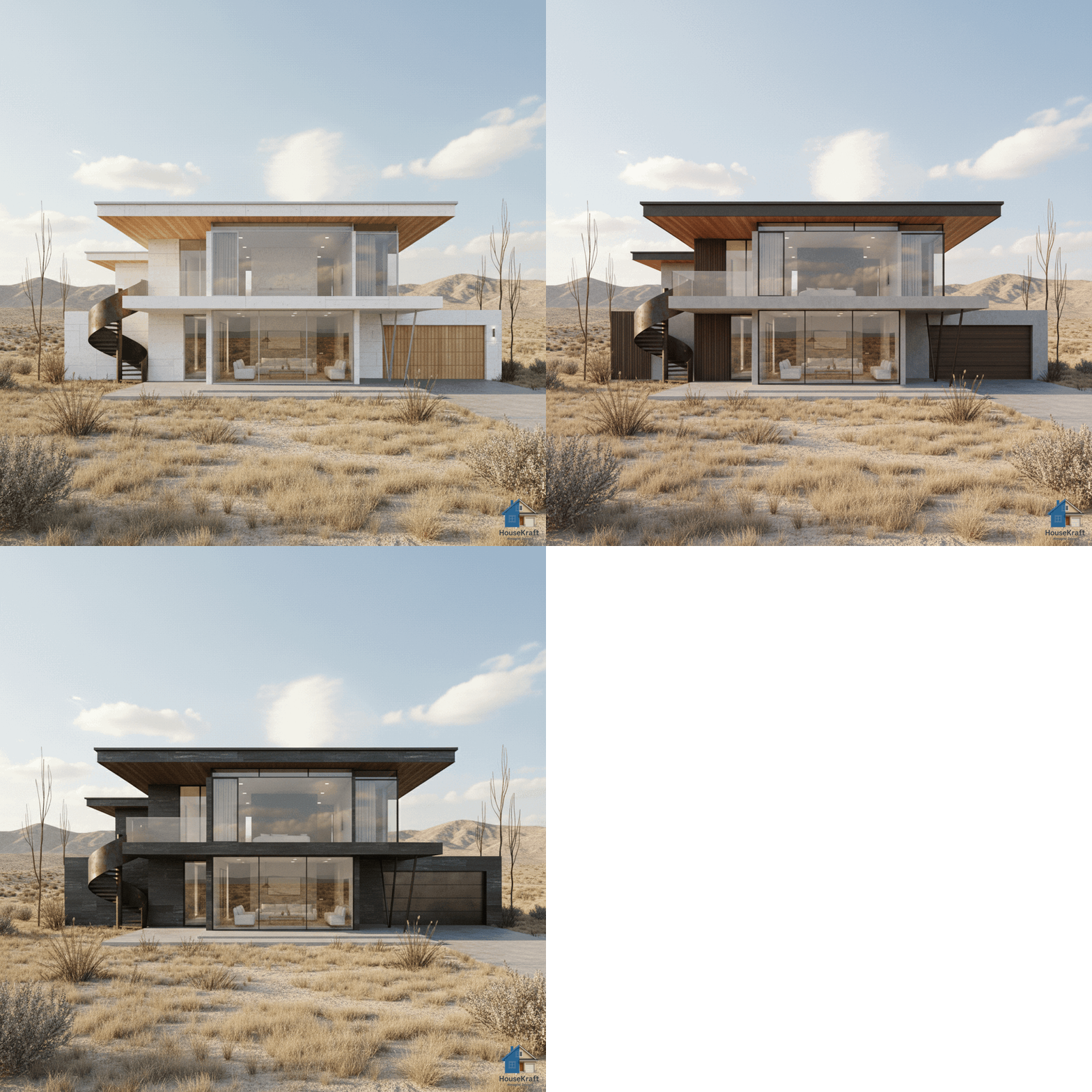
Shift the camera angle or perspective of any render — present the same space from multiple viewpoints to find the perfect shot.
✦ NEW · Redesigned point-of-view editor — easier to use on desktop and mobile
Pro · Works in any browser
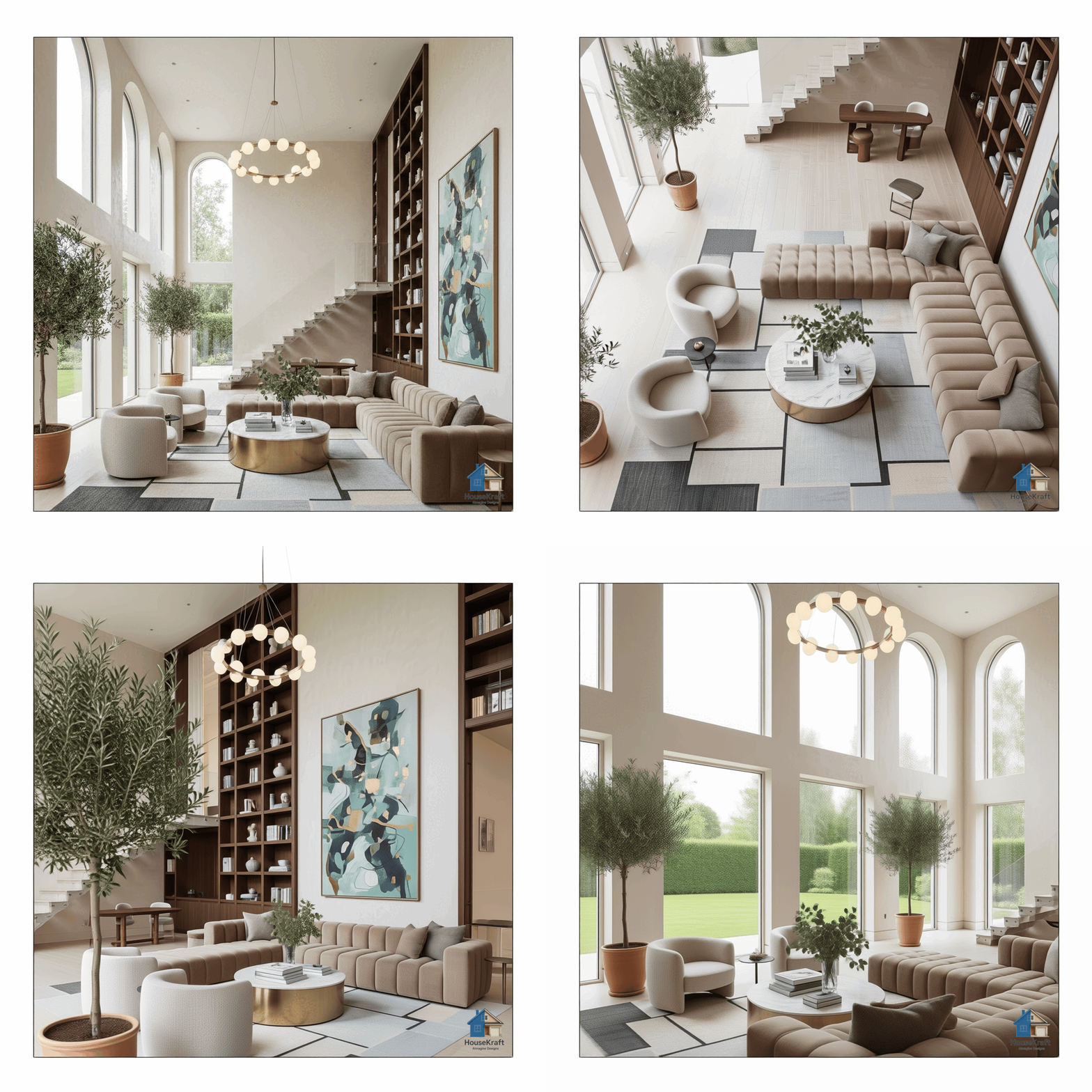
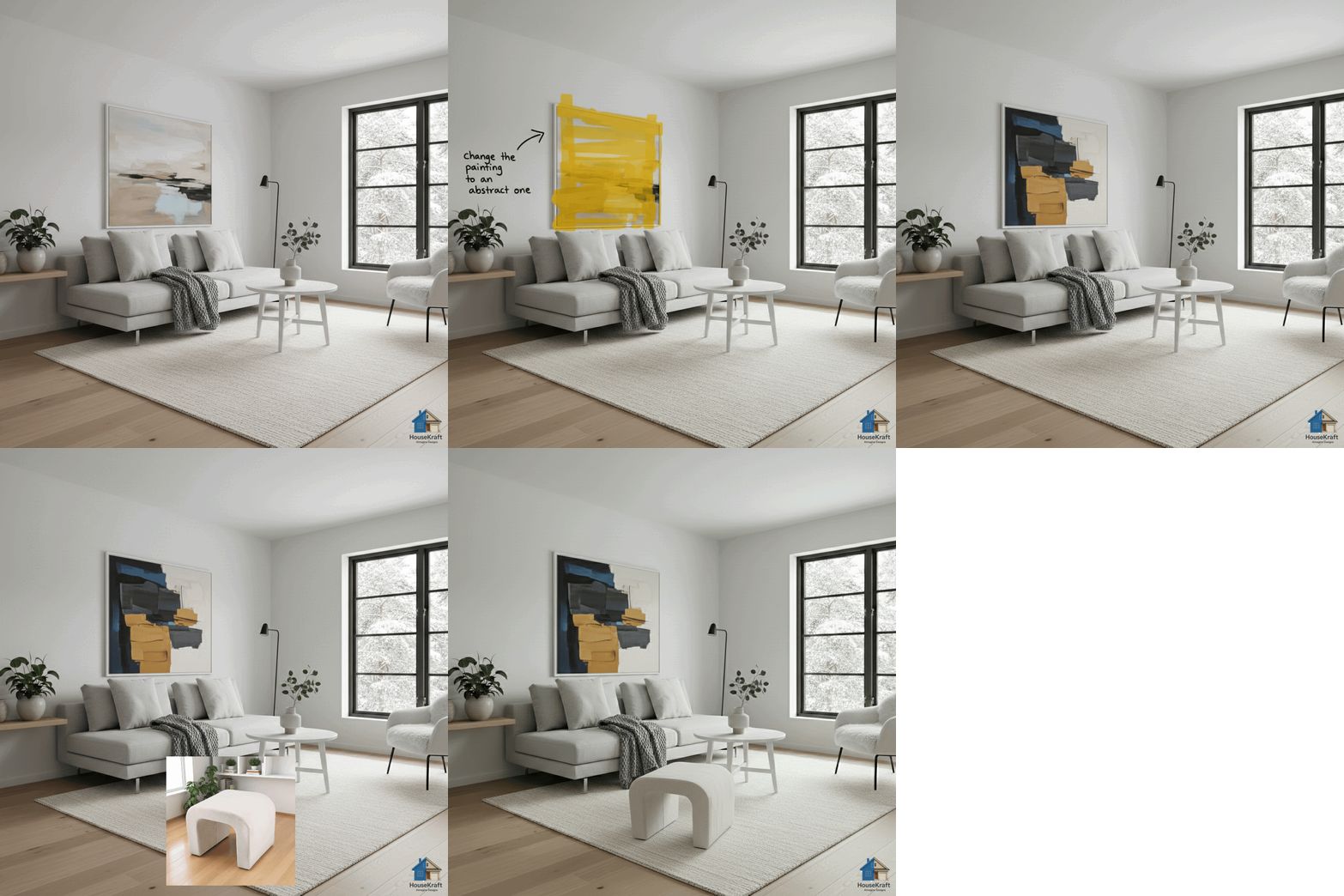
Show a space from every side. Change Point of View shifts the camera on any render so you can present the same design from multiple angles — no re-modelling — and find the composition that lands.
Present a design from any angle.
Shift the camera, keep the design.
Land the perfect composition.

Target specific objects, areas, or details for precise AI edits — change exactly what you want,
Learn more
Upscale any AImagined render to crisp, high resolution — perfect for print-quality presentations
Learn more
Turn hand-drawn sketches, floor plans, or rough concepts into photorealistic architectural rende
Learn more
Swap materials on any rendered surface — wood to marble, brick to glass, fabric to leather — and
Learn moreUpload a photo and see it in seconds. No credit card, no commitment.