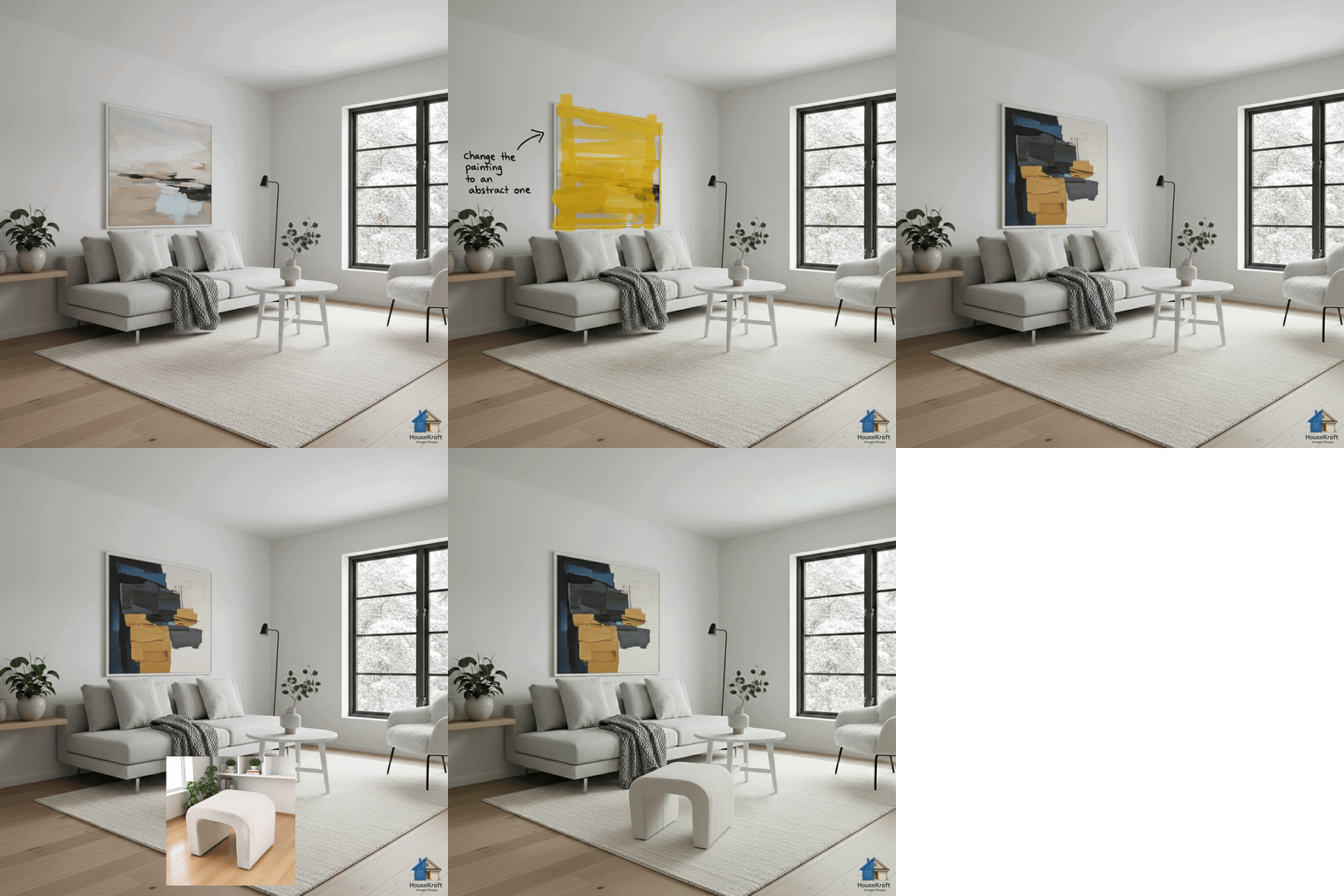
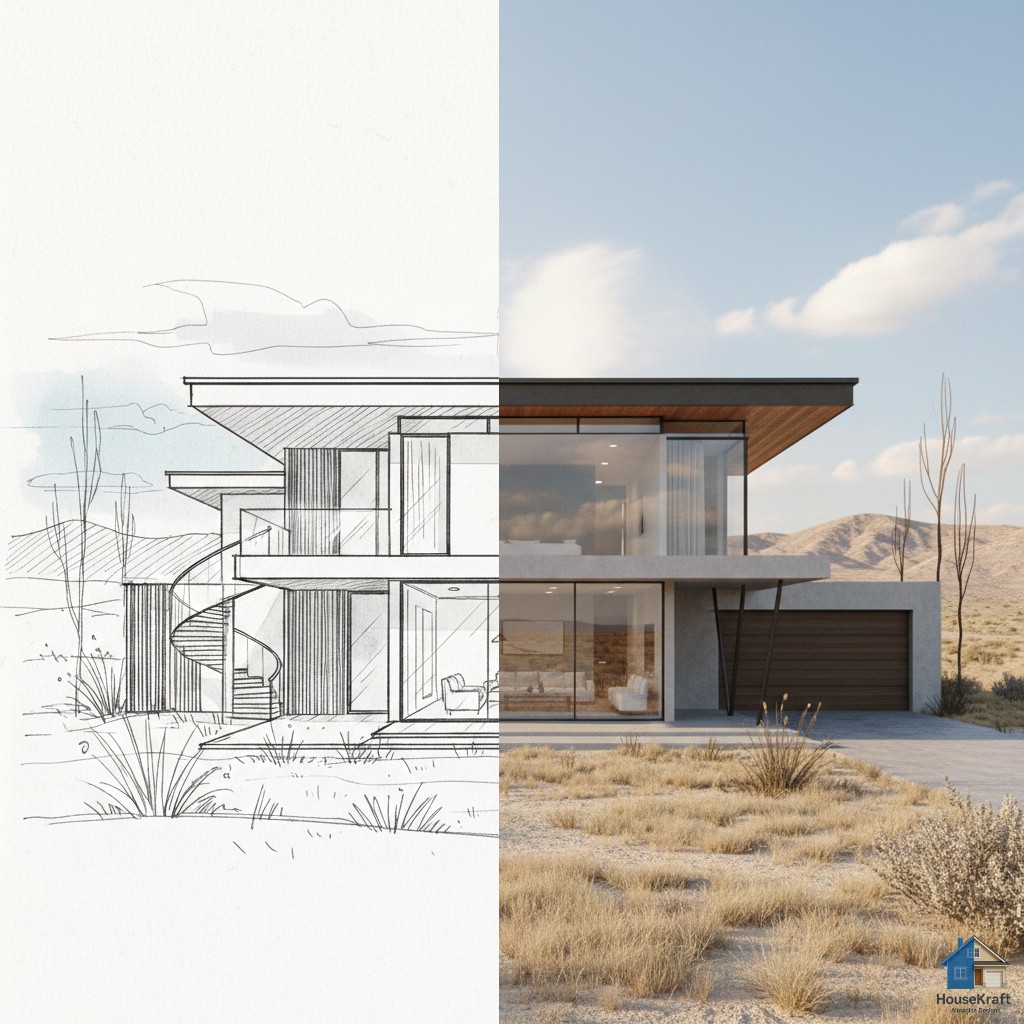
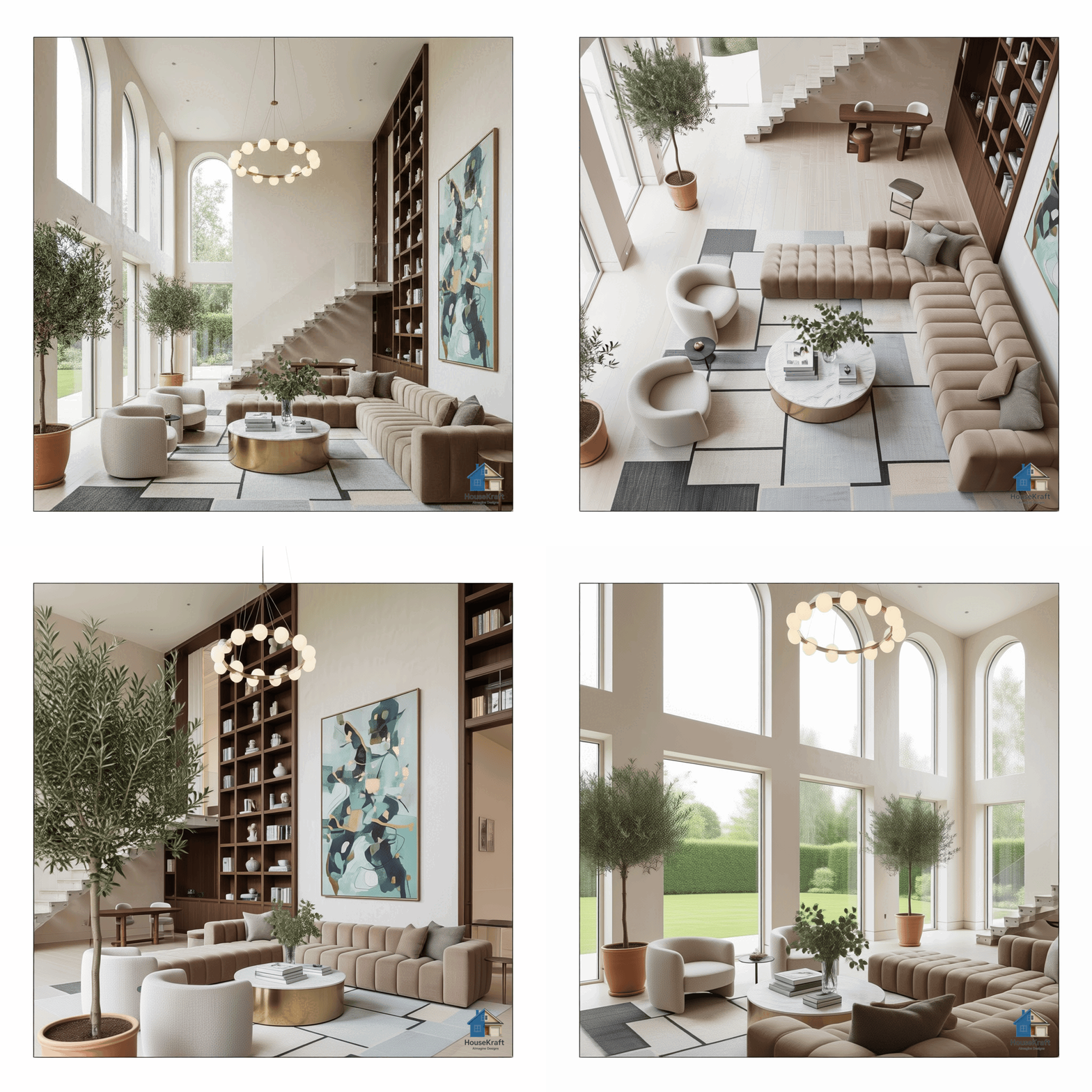
Pro · Change Material on Render

AI material swap.
Change any surface, instantly.

Swap materials, no re-render. Swap materials on any rendered surface — wood to marble, brick to glass, fabric to leather — and fine-tune finishes instantly.

Pro · Works in any browser
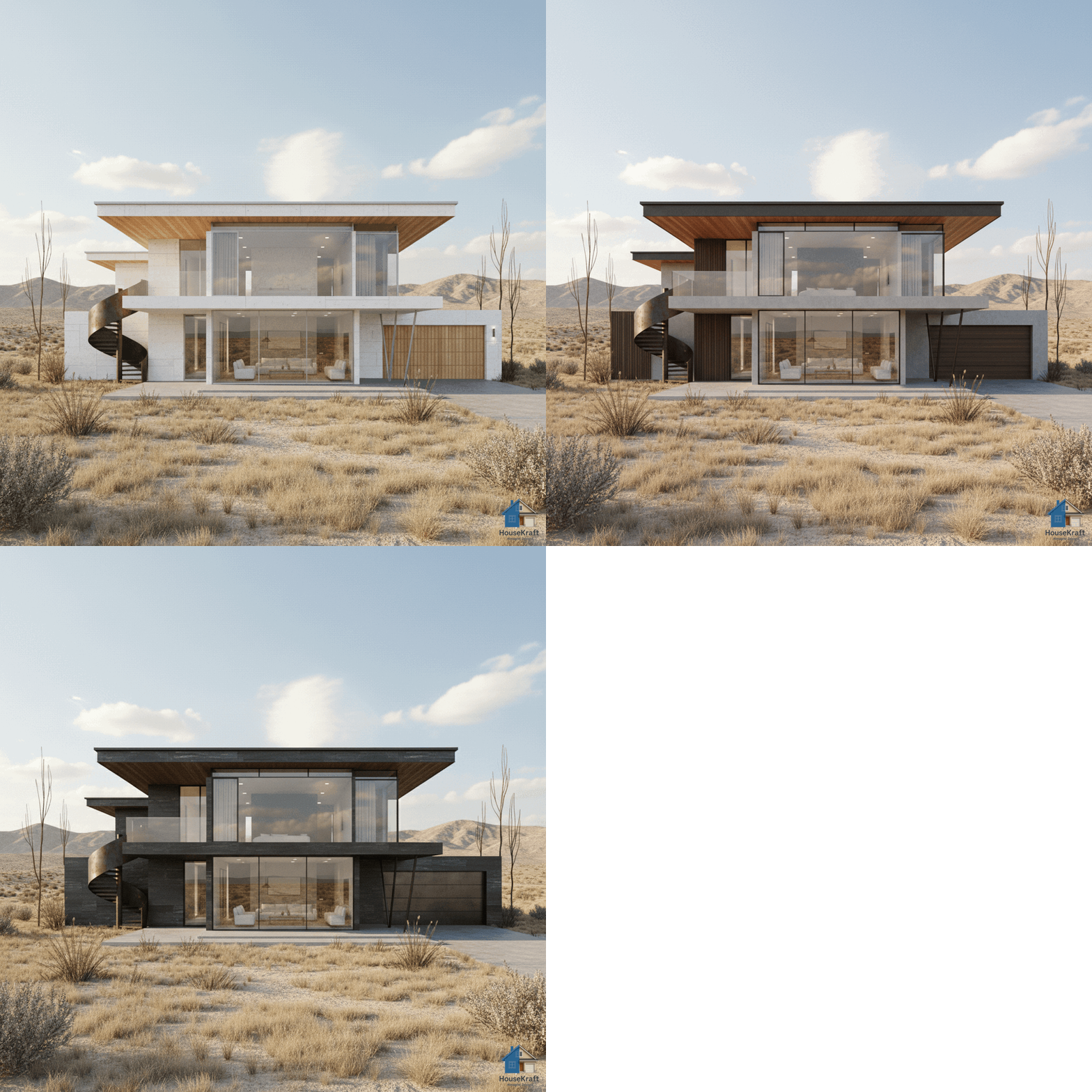
AI material swap changing a surface material in a render
See It In Action

Before and after,
side by side.

Drag the handle to compare. Real HouseKraft results.

After: Material swapped — AI material swap Before: Material swapped — AI material swap
BeforeAfter
Material swappedDrag to compare
After: Another material — AI material swap Before: Another material — AI material swap
BeforeAfter
Another materialDrag to compare
What it does

Swap materials on renders with AI

Explore finishes in real time. Change Material on Render swaps materials on any surface — wood to marble, brick to glass, fabric to leather — so you can fine-tune a look on the spot without re-rendering the whole scene.

Why use it

Key advantages.

Any surface

Floors, walls, furniture, finishes.

Explore live

Compare materials on a client call.

No re-render

Keep the scene, change the finish.

FAQ

Questions,
answered.

Can I change a material without re-rendering?

Yes. Pick the surface and the new material, and HouseKraft swaps it in the existing image.

Can I change several surfaces at once?

Yes. You can mark several areas and change their materials together.

Which materials can I use?

Common finishes like wood, stone, marble, tile, brick, glass, fabric and leather.

Keep Exploring

More AImagine tools.

Ready to tryChange Material on Render?

Upload a photo and see it in seconds. No credit card, no commitment.