Pro · AI Precise Custom Editing

Edit one detail with AI.
Leave the rest untouched.

Surgical edits, nano precision. Target specific objects, areas, or details for precise AI edits — change exactly what you want, and nothing you don't.

Pro · Works in any browser
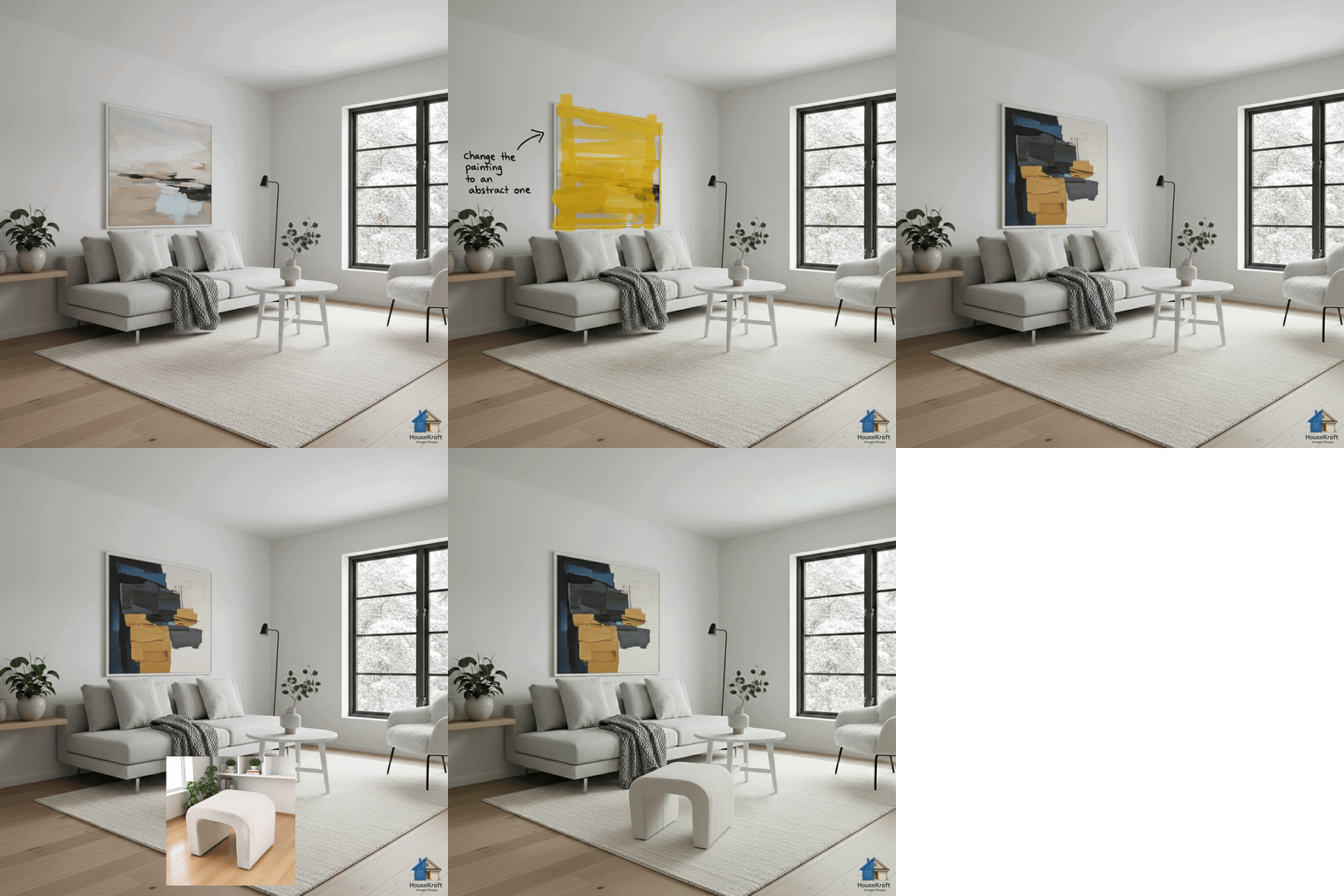
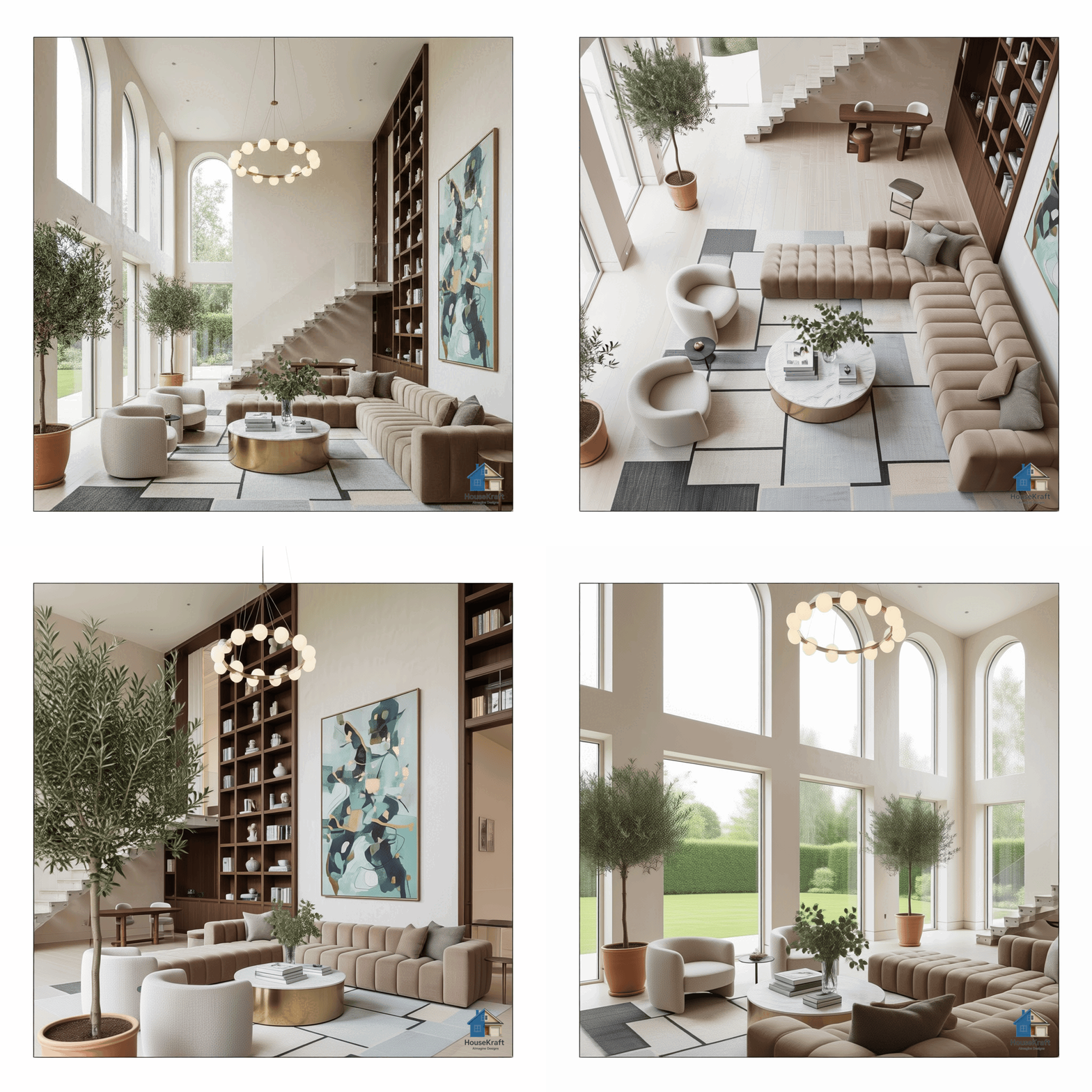
Precise AI edit of one detail in an interior render
See It In Action

Before and after,
side by side.

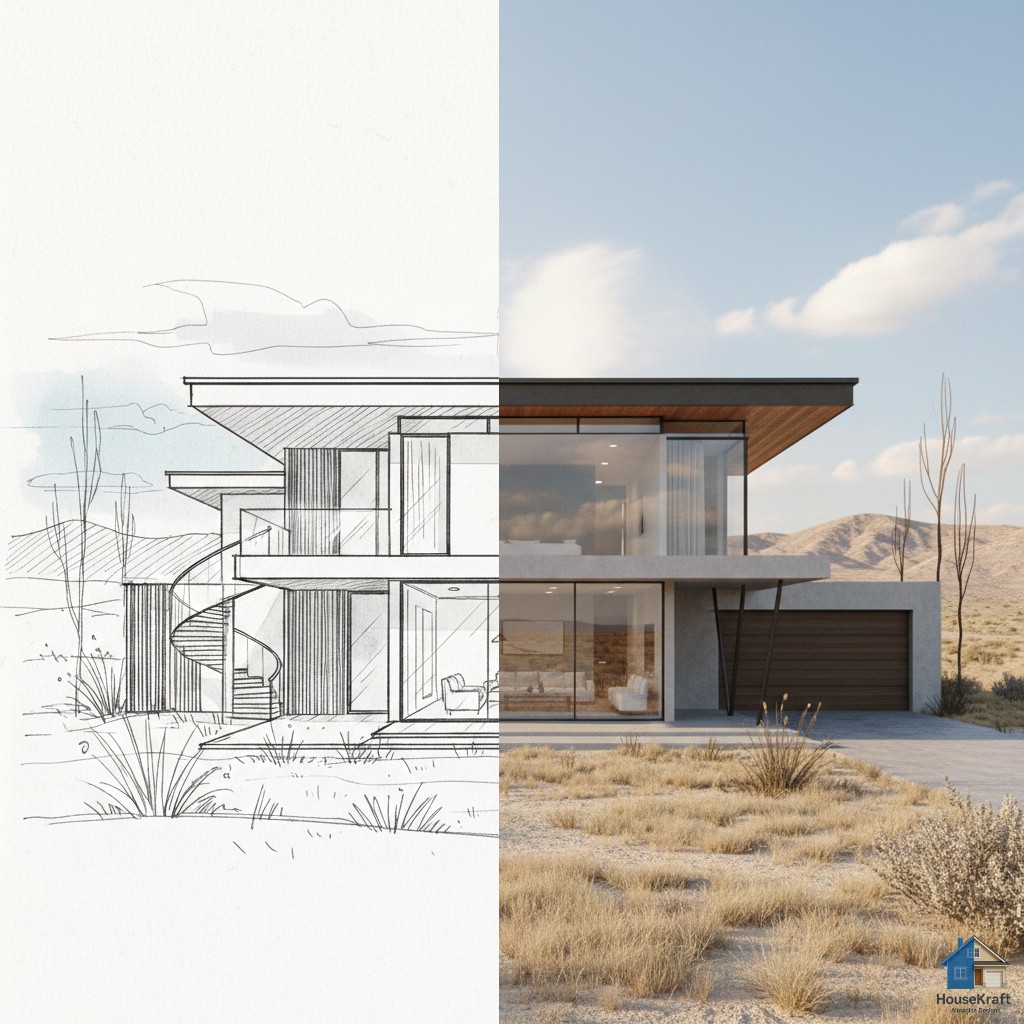
Drag the handle to compare. Real HouseKraft results.

After: One detail changed — AI interior photo editor Before: One detail changed — AI interior photo editor
BeforeAfter
One detail changedDrag to compare
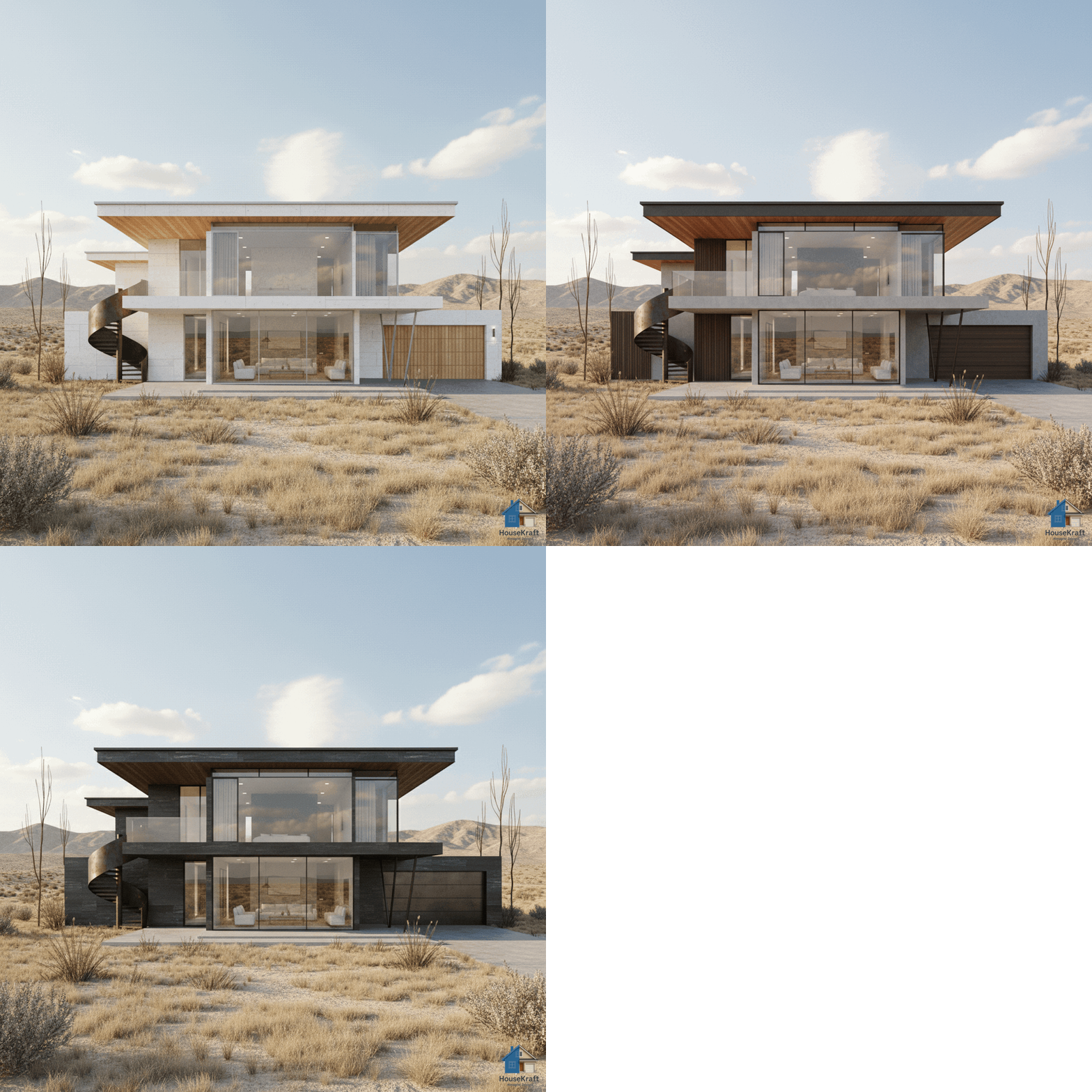
After: Another precise edit — AI interior photo editor Before: Another precise edit — AI interior photo editor
BeforeAfter
Another precise editDrag to compare
What it does

Precise AI editing for interior photos and renders

Sometimes you need to change one thing without touching the rest. Precise Custom Editing gives you nano-level control to target a specific object, area, or detail — so you refine a render without redoing it.

Why use it

Key advantages.

Target one detail

Edit exactly what you want.

No full re-render

Keep the rest of the work intact.

Pro-grade control

Surgical precision for serious creators.

FAQ

Questions,
answered.

How do I change just one part of a render?

Mark the area you want to change and say what should be there. Only that area is edited.

Will it change the rest of the image?

No. Precise editing is built to keep everything outside the marked area as it was.

What can I change?

Anything you can point at: a lamp, a cushion, a cabinet finish, a piece of art.

Keep Exploring

More AImagine tools.

Ready to tryAI Precise Custom Editing?

Upload a photo and see it in seconds. No credit card, no commitment.