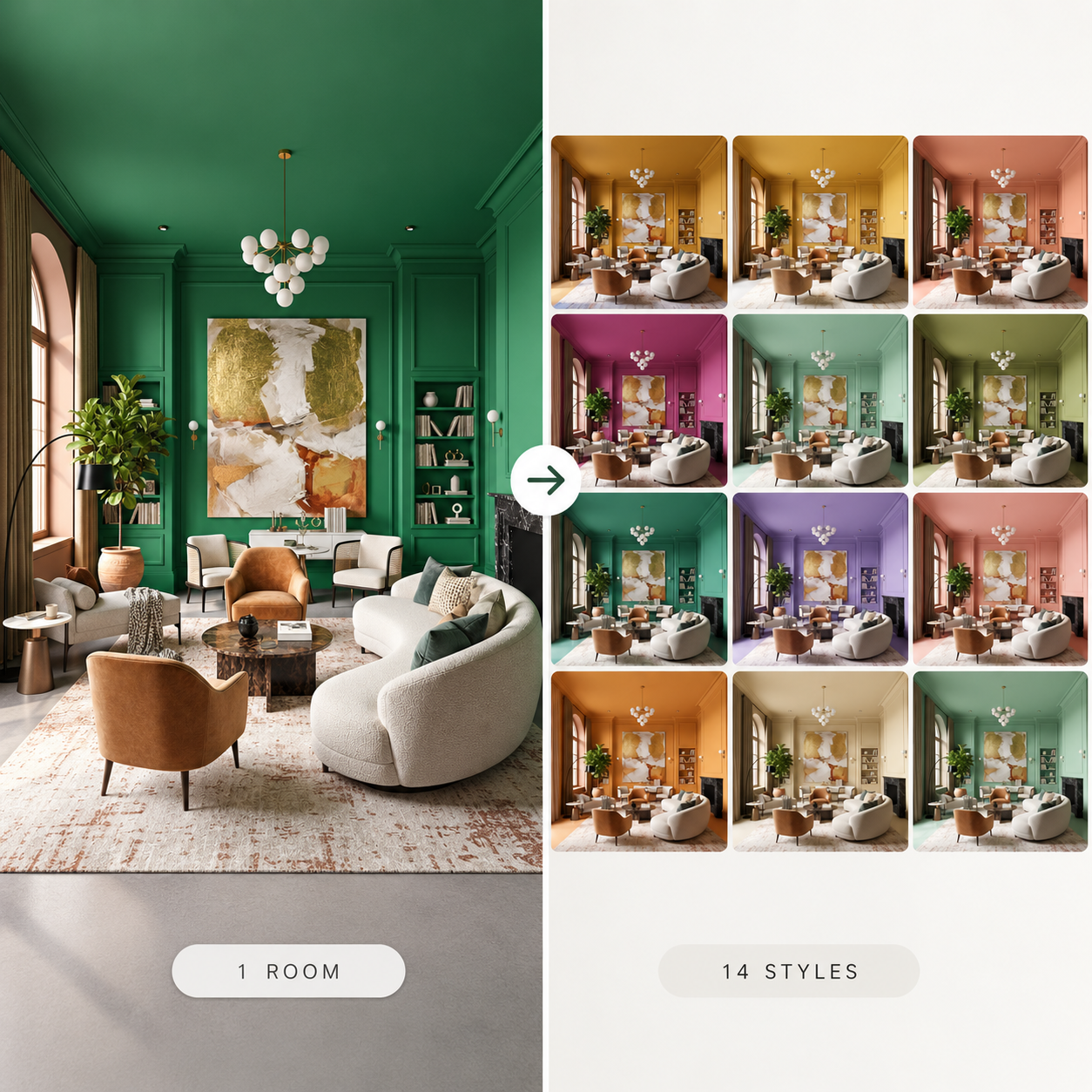
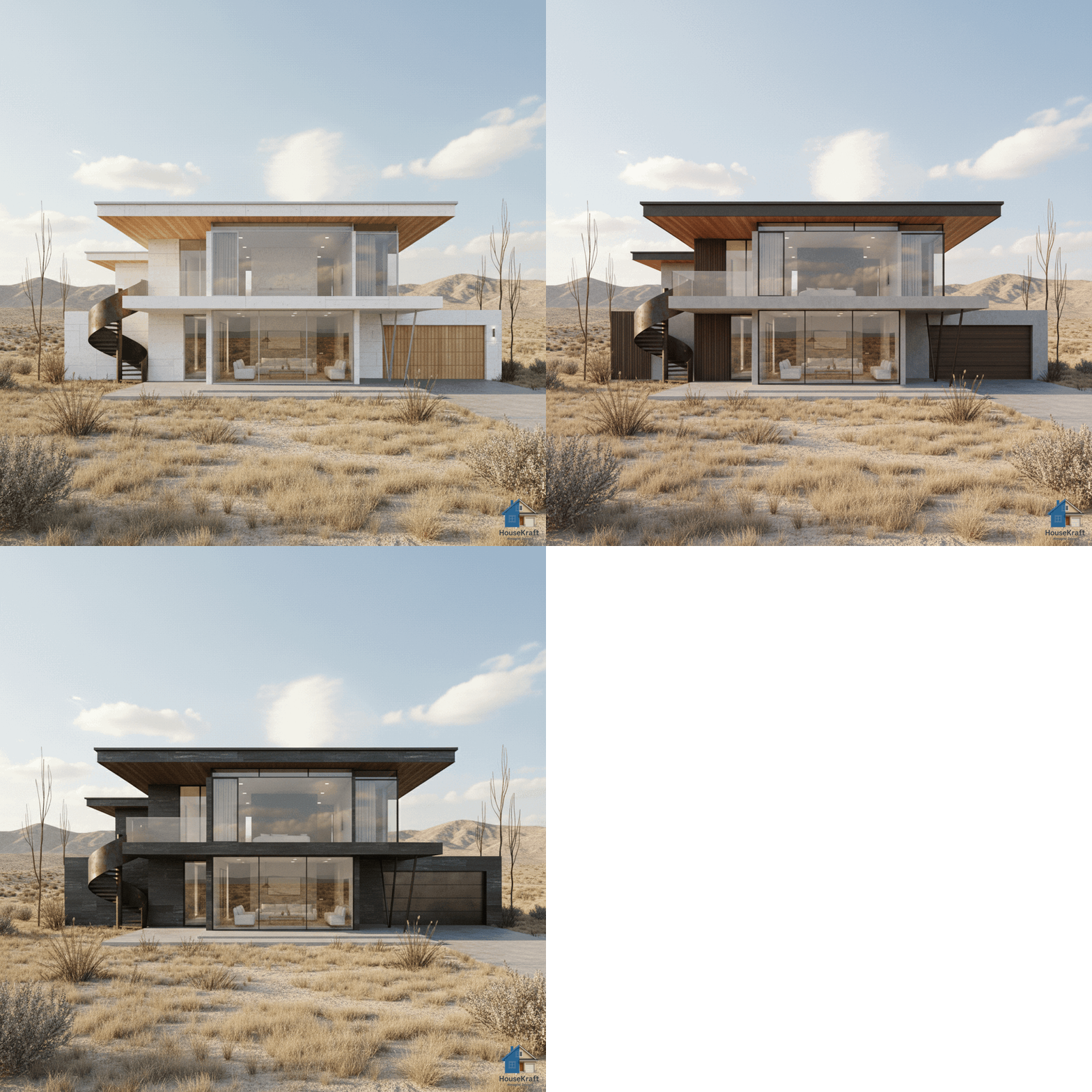
Generate many design variations in a single batch at a lower cost per idea. Shortlist what works, discard what doesn't, and move your favorites forward — design exploration at scale.
Pro plan · Sign up to get started · Works in any browserGreat design is a numbers game — the more directions you explore, the better your final choice. But generating ideas one at a time is slow and expensive. En Masse lets you produce many variations of a space in a single batch, at a lower cost per idea, so you can explore widely without burning time or credits. Run a room through multiple themes, palettes, layouts, or material combinations at once, then review them side by side. Discard the misses, keep the contenders, and push your shortlist forward into precise editing or higher-resolution renders. It's built for professionals who present options to clients, for designers pressure-testing a concept from every angle, and for anyone who'd rather choose from a wall of possibilities than commit to the first idea that comes out.
Generate a wide set of variations in a single run instead of one slow render at a time.
Explore broadly at a reduced cost per variation, so wide exploration stays affordable.
Keep the contenders, discard the rest, and push favorites into precise editing or upscaling.
Present a curated wall of directions to clients rather than a single take-it-or-leave-it render.
Available on desktop and mobile — use HouseKraft anywhere, anytime.
Full-featured interface with side-by-side comparison and detailed controls.
Optimized for on-the-go use — snap, upload, and AImagine from your phone.
Scale
Instead of a single render, get a whole set of directions to compare at a glance.
Exploration
Run one space through multiple themes and palettes in a single batch and pick the winner.
Explore many directions at once and shortlist your favorites. Sign up for a Pro plan to access bulk ideation.
Discover everything HouseKraft can do — from one-tap Express transforms to Pro-grade power tools.

Apply a complete design theme or moodboard to any room.
Explore →
Furnish empty rooms with AI-generated furniture and decor.
Explore →
Remove furniture to reveal a room's true potential.
Explore →
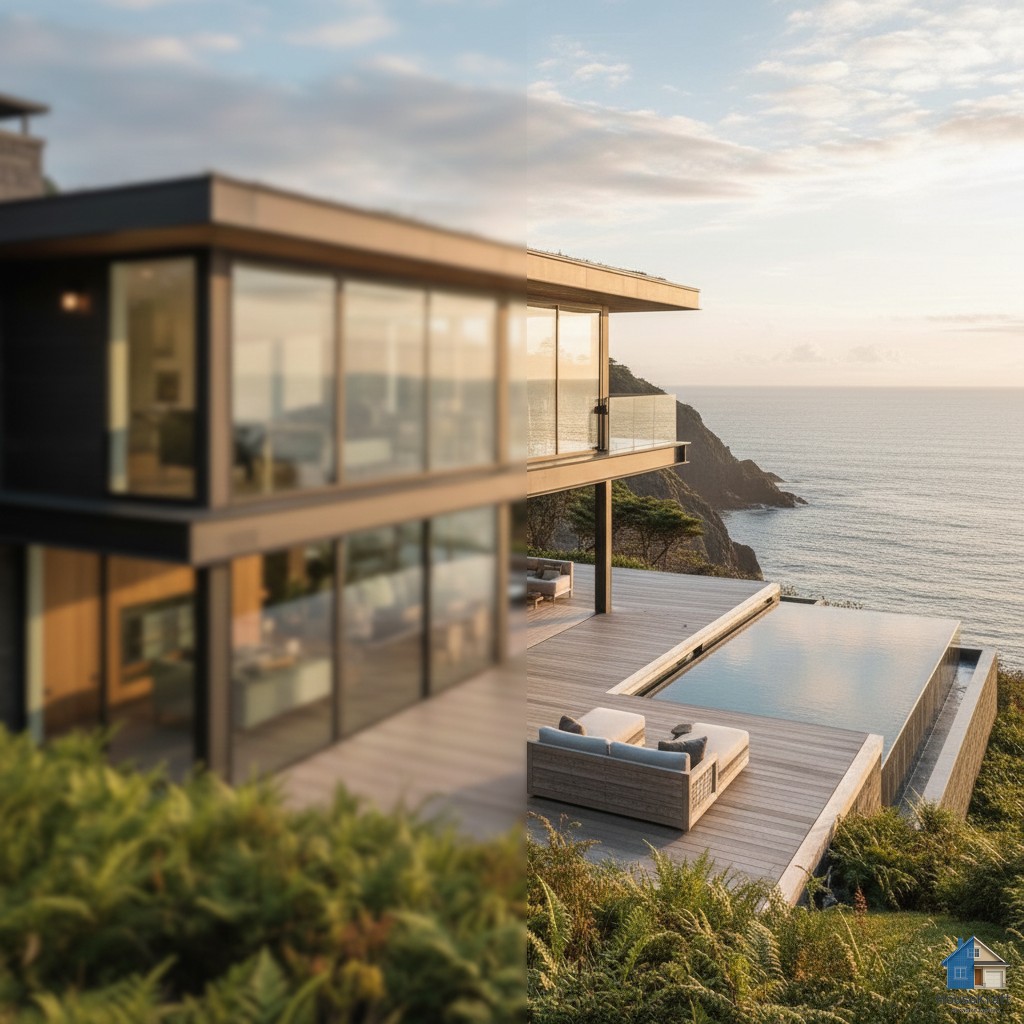
See any room at sunrise, golden hour, or night.
Explore →
Change the weather and the view outside the window.
Explore →Turn one photo into a cinematic walkthrough video.
Explore →Transform a room photo into an immersive 360° view.
Explore →Just describe what you want — the AI runs the right tool.
Explore →Edit any render through a simple text conversation.
Explore →
Visualize hardwood, tile, marble, or carpet in your room.
Explore →
Test any paint color on your actual walls.
Explore →
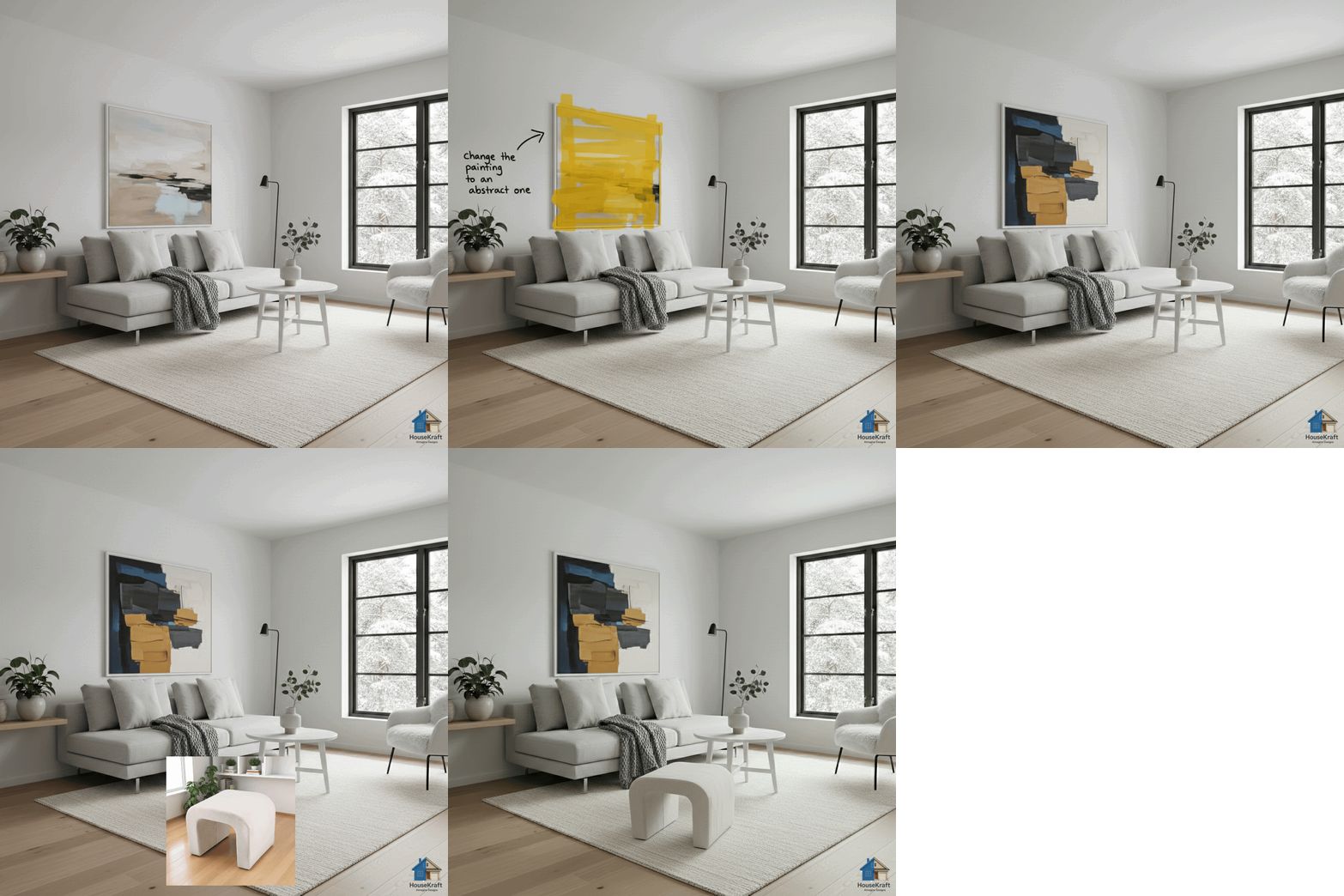
Swap, add, or replace furniture, lighting, and decor.
Explore →
Target specific objects for surgical, nano-level edits.
Explore →
Upscale renders to crisp, print-ready resolution.
Explore →
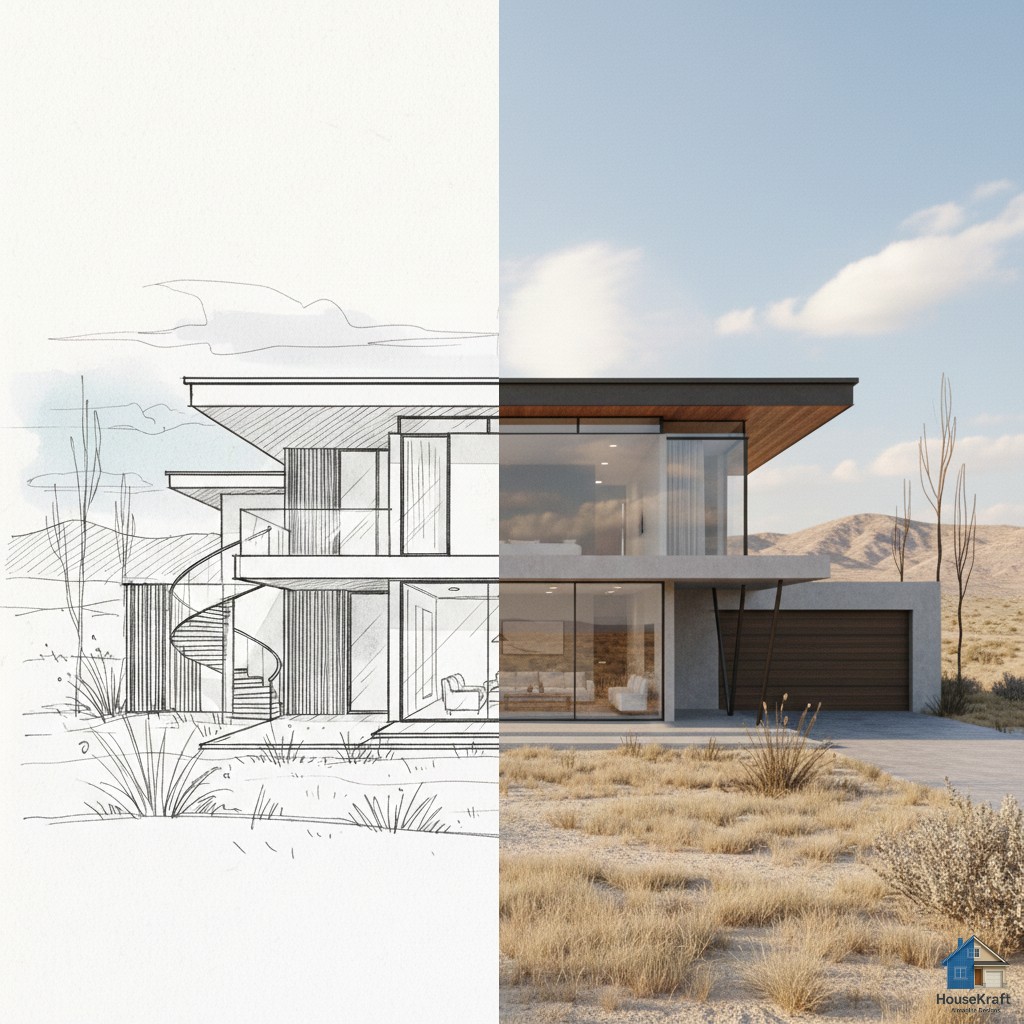
Turn sketches into photorealistic architectural renders.
Explore →
Swap materials on any surface without re-rendering.
Explore →
Shift the camera angle or perspective of any render.
Explore →Get a 3D dollhouse render from a 2D floor plan.
Explore →