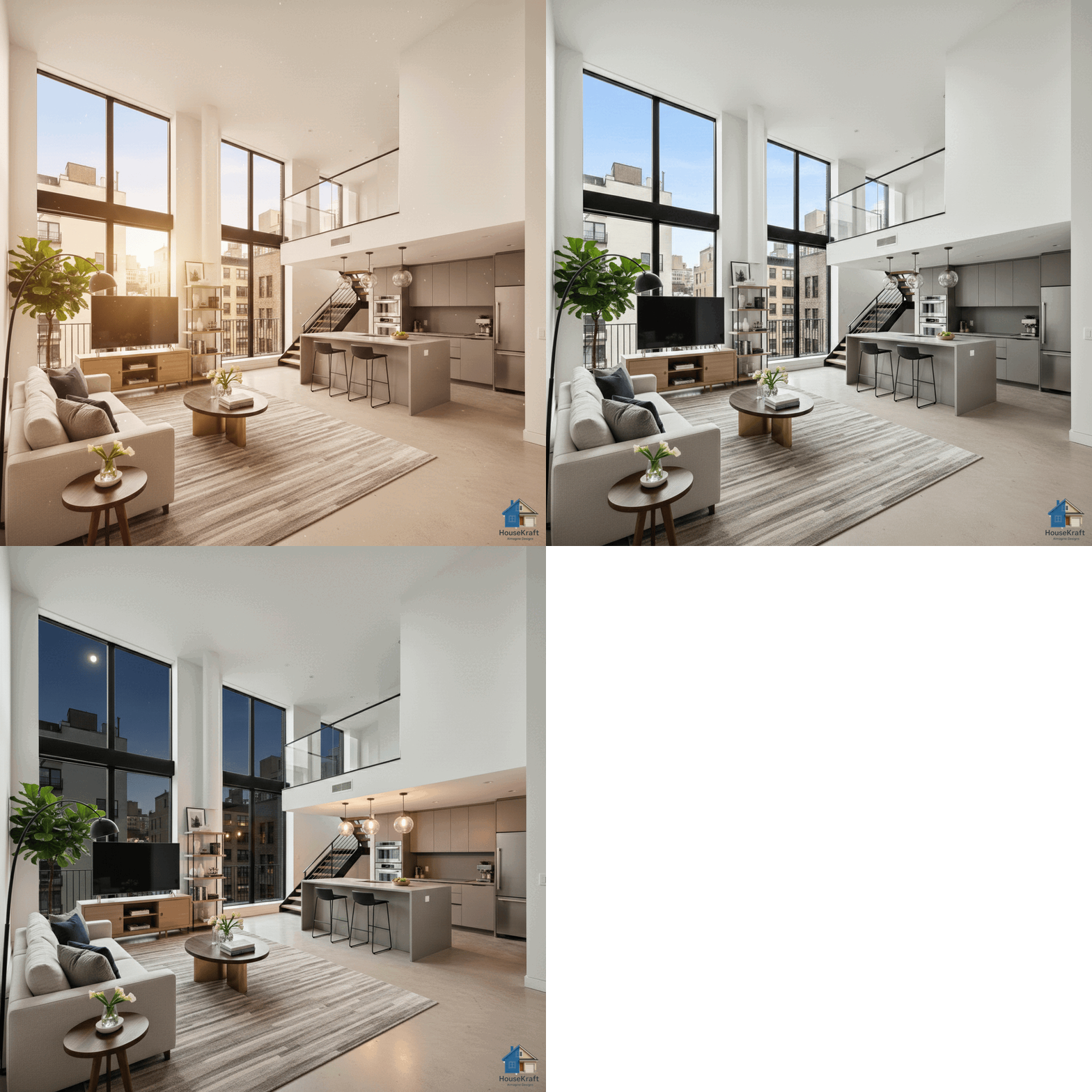
Visualize how a room transforms from sunrise through golden hour to night. Understand how natural and artificial light shifts the mood, warmth, and ambiance of any interior or exterior.
Free basic trial · No credit card required · Works in any browserLight is the single most powerful element in design. The same room can feel energizing at sunrise, productive at midday, romantic at golden hour, and cozy at night — but you rarely get to experience all those moods before moving in or completing a renovation. HouseKraft's AImagine Time of Day Change takes any room photo and re-renders it at different times of day with photorealistic accuracy. See how morning sun streams through east-facing windows, how midday light fills the space evenly, how golden hour casts warm amber tones across surfaces, and how artificial lighting takes over after dark. For real estate photographers, this means creating golden hour shots without scheduling around the sun. For architects, it means demonstrating how daylighting design performs throughout the day. For homeowners, it's about understanding how a room will actually feel at the times they'll use it most.
Render any room at dawn, morning, midday, golden hour, twilight, or night — each with accurate light direction and color temperature.
See how sunlight enters through windows at different angles throughout the day, casting realistic shadows and highlights.
Real estate agents: get that perfect golden hour listing shot without scheduling around sunset. Works on any photo, any time.
Understand how a room will feel at the times you'll use it most — morning coffee, afternoon work, evening relaxation.
Available on desktop and mobile — use HouseKraft anywhere, anytime.
Full-featured interface with side-by-side comparison and detailed controls.
Optimized for on-the-go use — snap, upload, and AImagine from your phone.
Golden Hour
See how the same room transforms from flat midday light to the warm, dramatic glow of golden hour.
Night
Watch a cityscape transition from bright daylight to glowing nighttime — see how exterior lighting completely changes the mood.
Upload a room photo below and see the result instantly. No sign-up required for your first try.
Upload your first photo and get an AI-generated result in under 30 seconds. Start with a free basic trial — no credit card, no commitment.
Discover everything HouseKraft can do — from one-tap Express transforms to Pro-grade power tools.

Apply a complete design theme or moodboard to any room.
Explore →
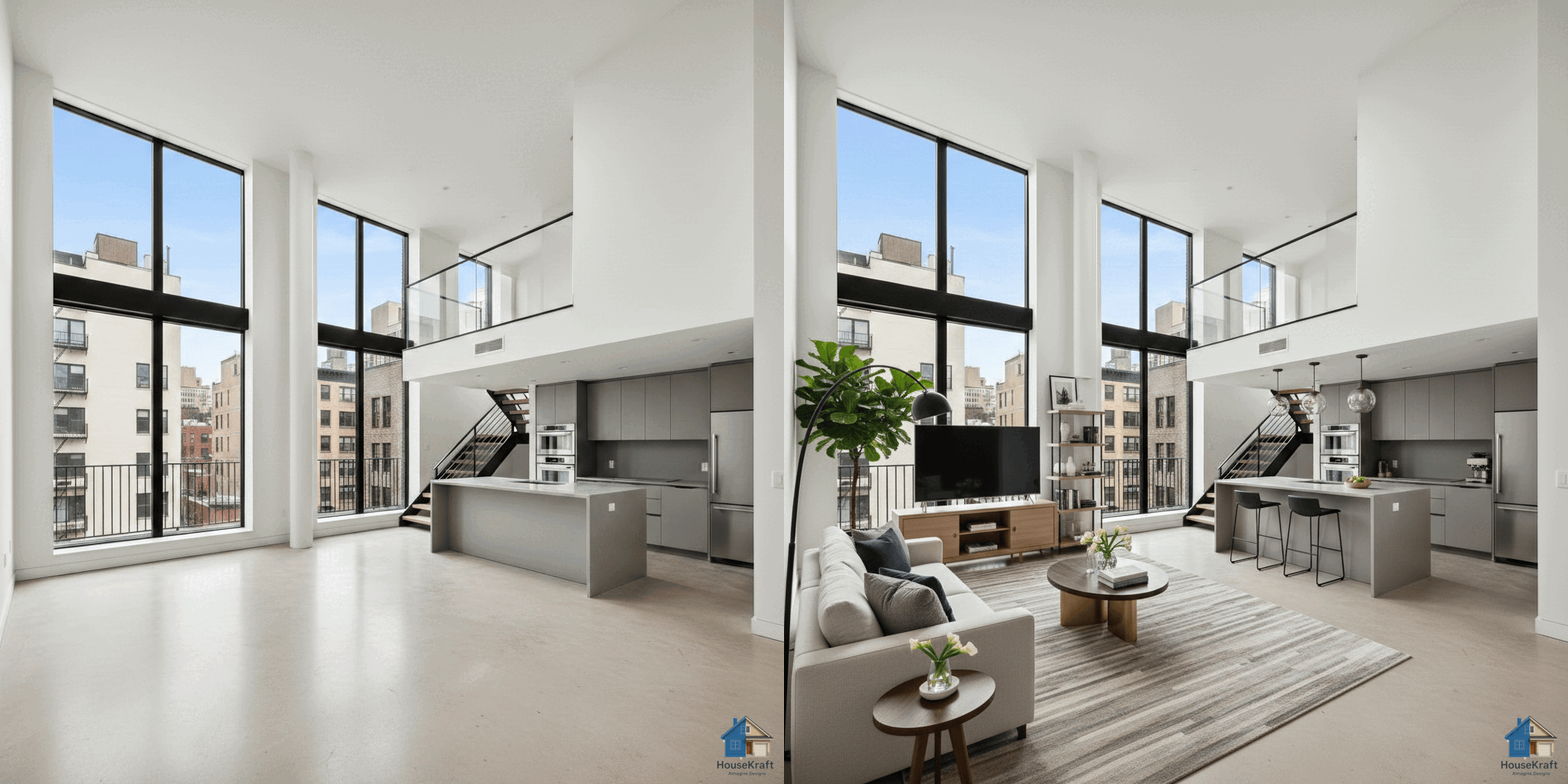
Furnish empty rooms with AI-generated furniture and decor.
Explore →
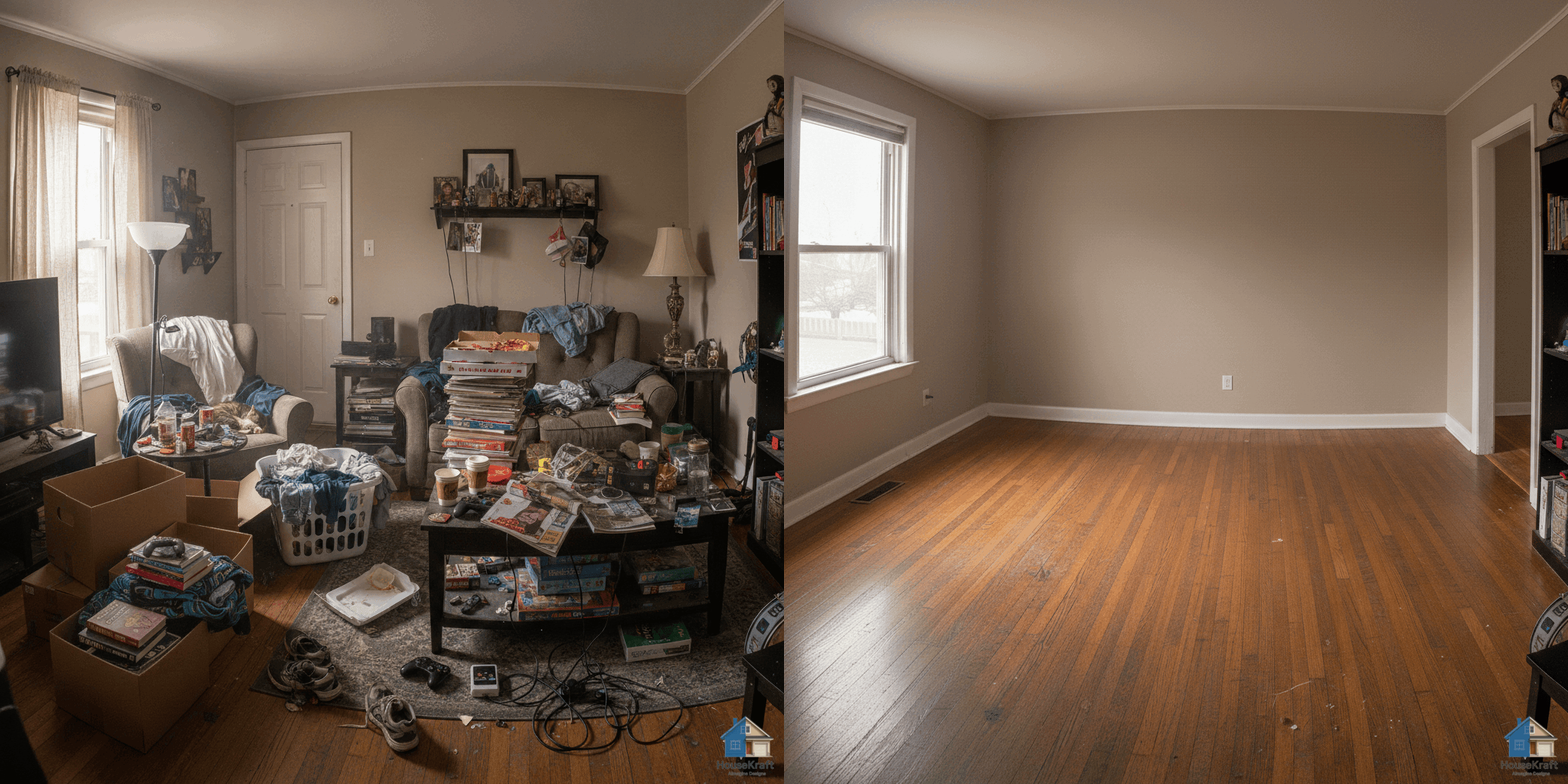
Remove furniture to reveal a room's true potential.
Explore →
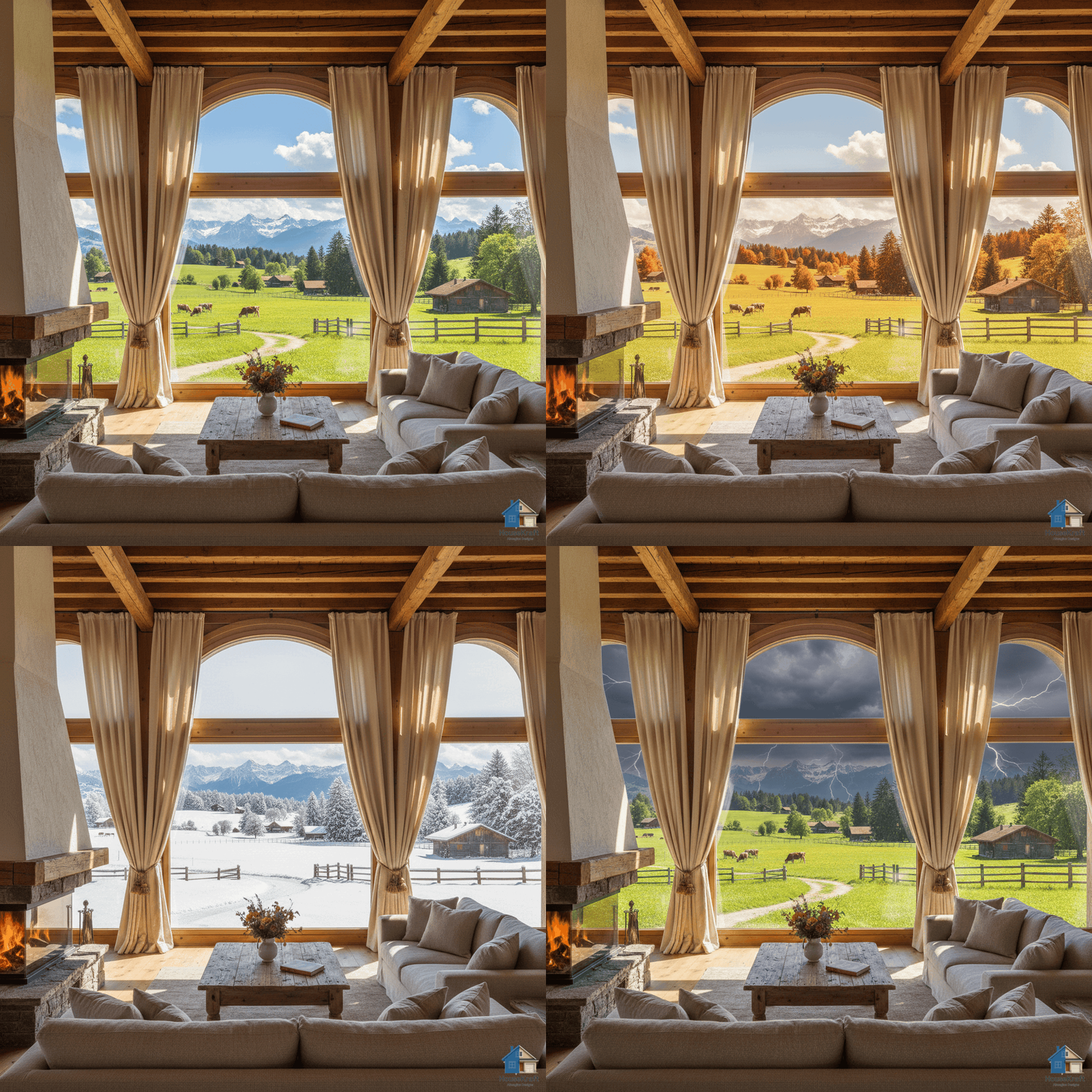
Change the weather and the view outside the window.
Explore →Turn one photo into a cinematic walkthrough video.
Explore →Transform a room photo into an immersive 360° view.
Explore →Just describe what you want — the AI runs the right tool.
Explore →Edit any render through a simple text conversation.
Explore →
Visualize hardwood, tile, marble, or carpet in your room.
Explore →
Test any paint color on your actual walls.
Explore →
Swap, add, or replace furniture, lighting, and decor.
Explore →
Target specific objects for surgical, nano-level edits.
Explore →
Upscale renders to crisp, print-ready resolution.
Explore →
Turn sketches into photorealistic architectural renders.
Explore →
Swap materials on any surface without re-rendering.
Explore →
Shift the camera angle or perspective of any render.
Explore →Explore many design variations at once, at lower cost.
Explore →Get a 3D dollhouse render from a 2D floor plan.
Explore →