Express · Room Staging

AI room staging.
Furnish empty rooms in seconds.

Stage an empty room in seconds. Instantly fill a bare space with furniture, decor, and accessories — and help buyers picture the full potential of any listing.

Express · Works in any browser
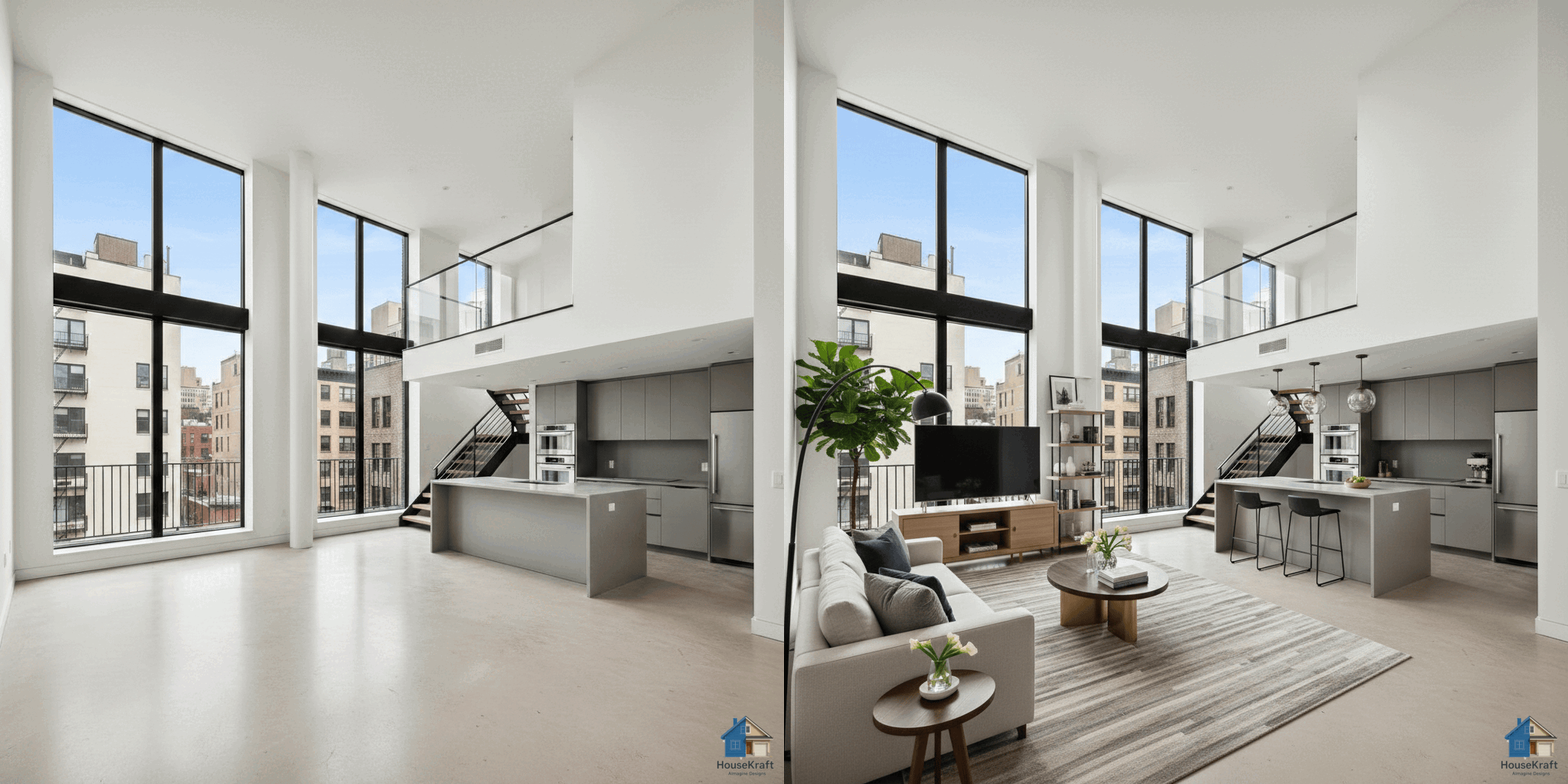
AI virtual staging of an empty room
See It In Action

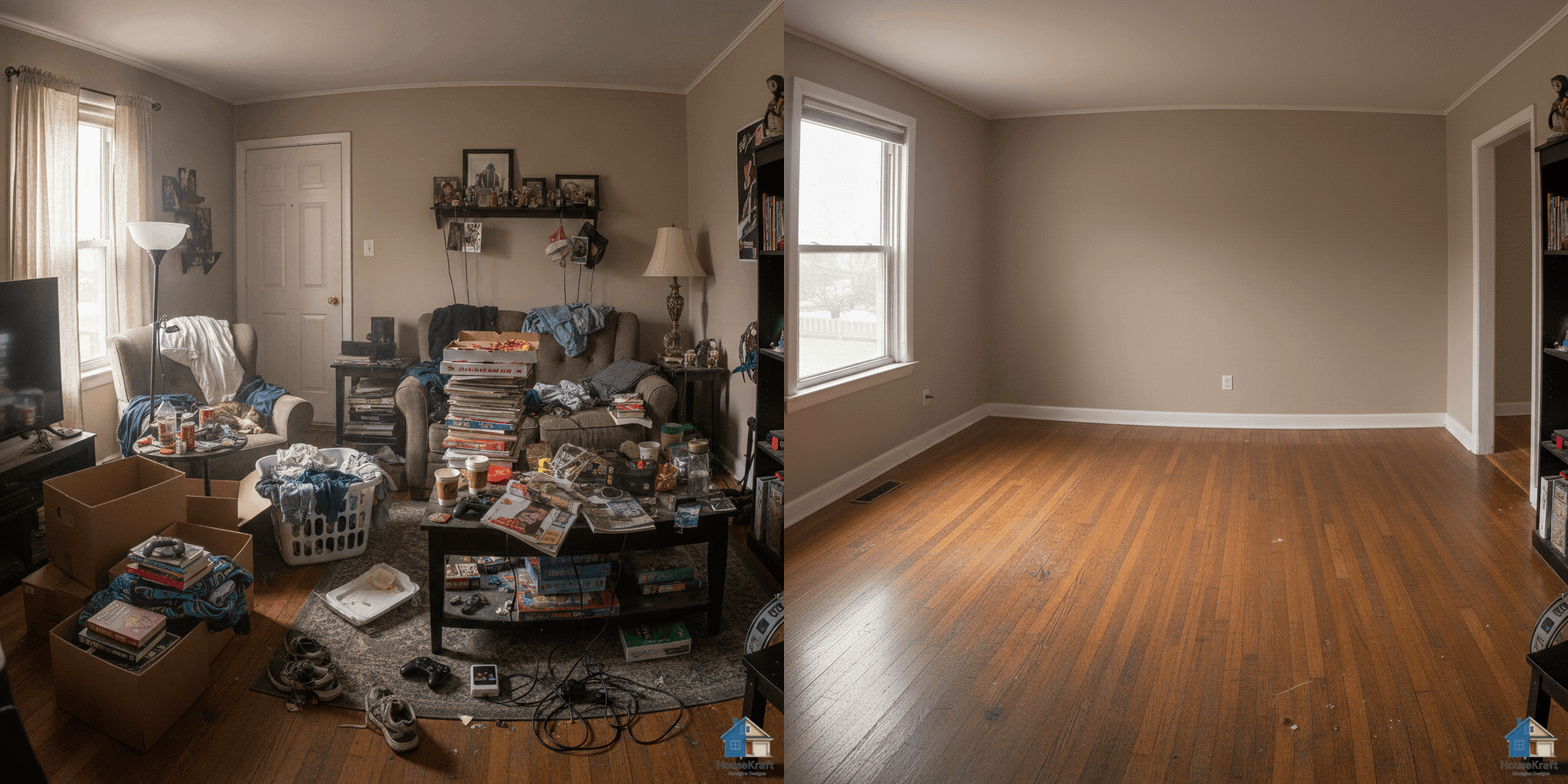
Before and after,
side by side.

Drag the handle to compare. Real HouseKraft results.

After: Empty room → furnished — AI room staging Before: Empty room → furnished — AI room staging
BeforeAfter
Empty room → furnishedDrag to compare
After: Empty room → furnished — AI room staging Before: Empty room → furnished — AI room staging
BeforeAfter
Empty room → furnishedDrag to compare
What it does

AI room staging for empty rooms

Empty rooms are hard to imagine and slower to sell. Room Staging fills a bare space with realistic furniture, decor, and accessories so anyone can picture the finished home. Perfect for listings, rentals, and pre-purchase planning — no physical staging, no rented furniture.

Why use it

Key advantages.

Furnish instantly

Turn an empty room into a styled space in seconds.

Built for listings

Help buyers see the potential and move faster.

A fraction of the cost

Skip physical staging entirely.

Quick Try

Try Room Staging right here.

Upload a photo below and see it in action. No sign-up required for your first try.

FAQ

Questions,
answered.

What is AI virtual staging?

AI virtual staging adds realistic furniture, decor and accessories to a photo of an empty room, so buyers and clients can picture the finished space without physical staging.

How long does virtual staging take with HouseKraft?

Seconds per photo. Upload a room photo, pick a style, and the staged image comes back almost instantly.

Can I stage a whole listing at once?

Yes. Bulk Staging stages up to 50 photos in one job, with automatic logo, watermark and listing meta tagging.

Keep Exploring

More AImagine tools.

Ready to tryRoom Staging?

Upload a photo and see it in seconds. No credit card, no commitment.