Express · Weather & Location

Change the weather in any photo.
And the view outside.

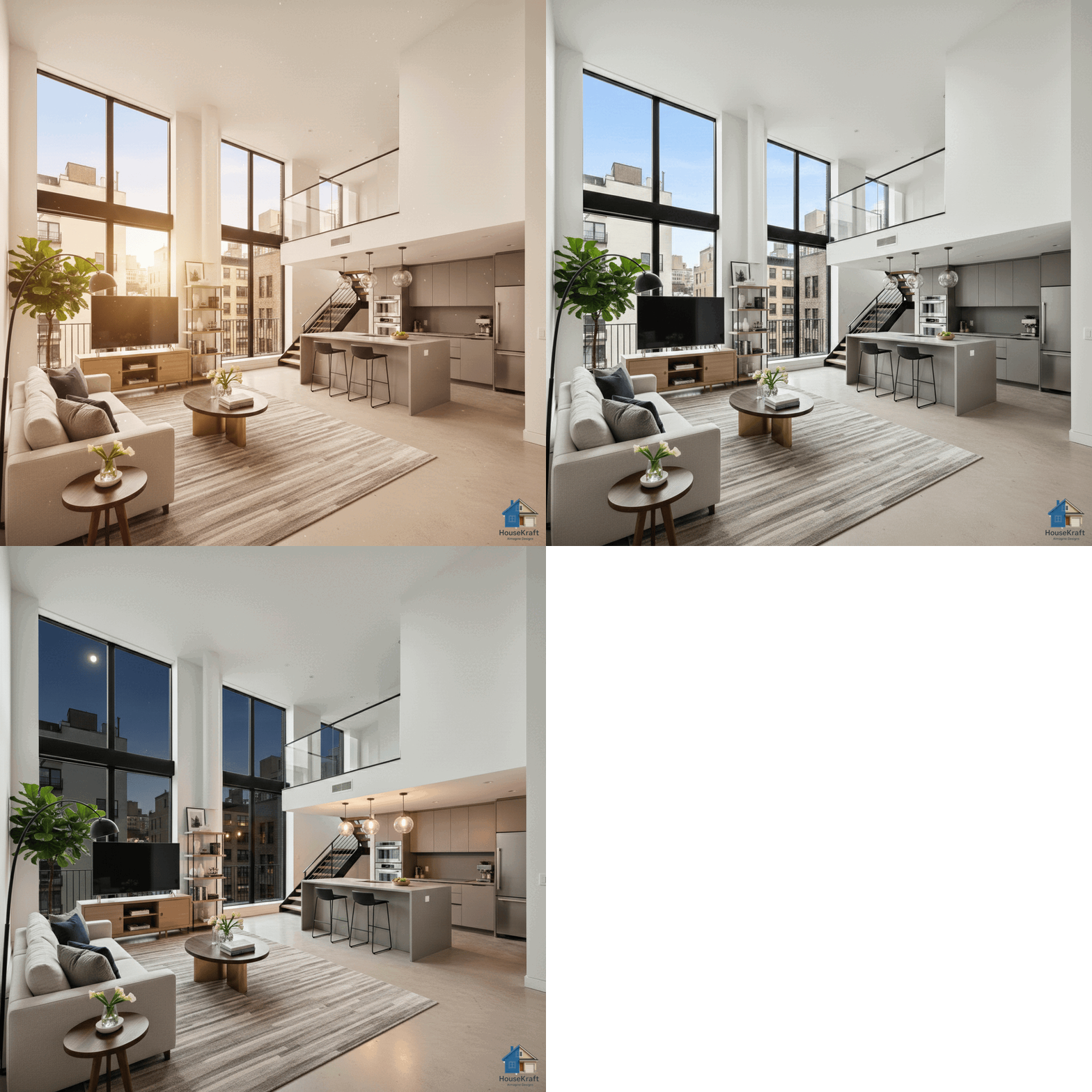
Change the world outside the window. Swap the weather and the view outside — rainy day, snowy scene, tropical setting — to see how exteriors affect the feel of a space.

Express · Works in any browser
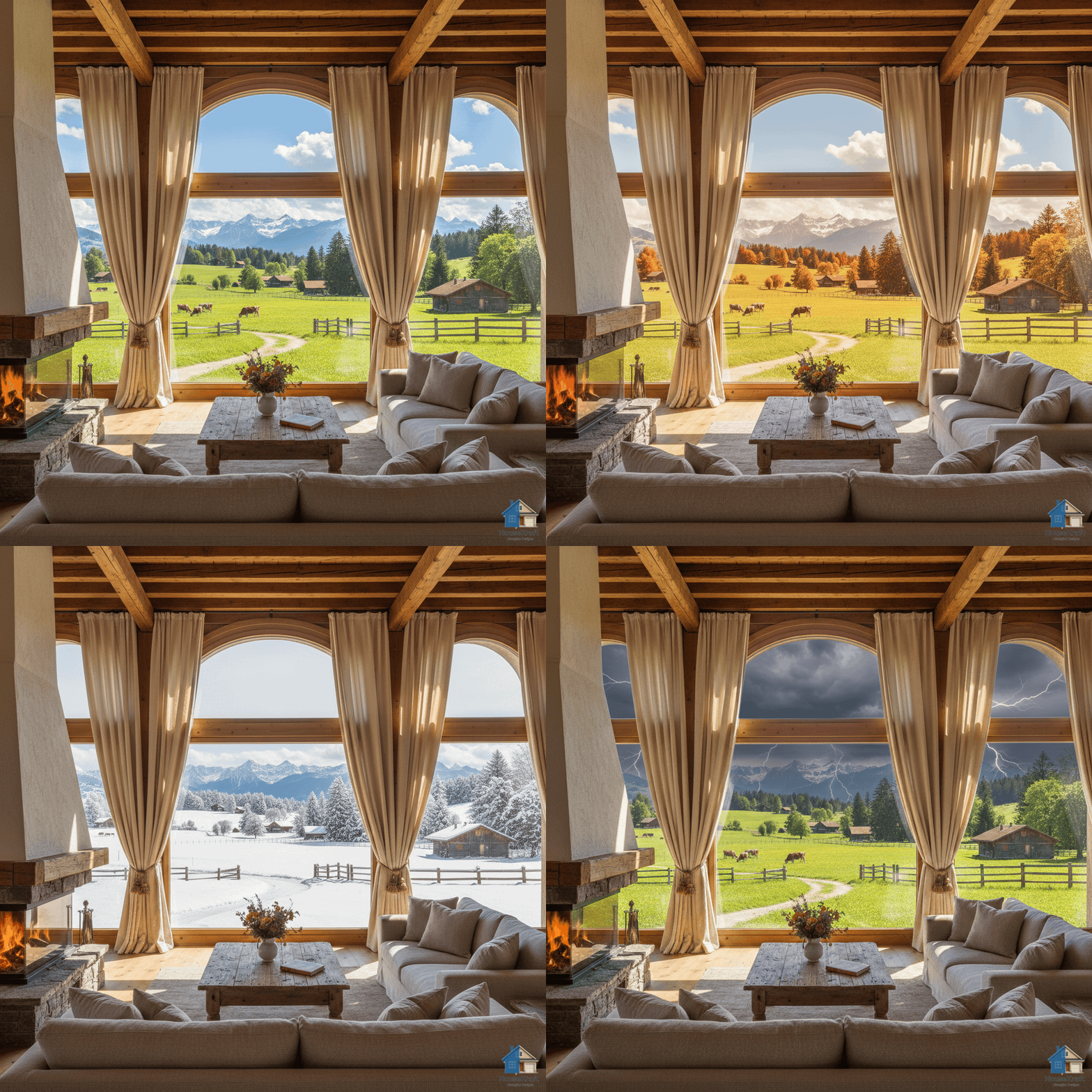
AI weather change in the view outside a room's window
See It In Action

Before and after,
side by side.

Drag the handle to compare. Real HouseKraft results.

After: Sunny → snow — change weather in photo Before: Sunny → snow — change weather in photo
BeforeAfter
Sunny → snowDrag to compare
After: Clear → rain — change weather in photo Before: Clear → rain — change weather in photo
BeforeAfter
Clear → rainDrag to compare
What it does

Change the weather and window view with AI

The view outside shapes the mood inside. Weather & Location lets you change the scene beyond the window — sunshine, rain, snow, or a tropical outlook — to visualize how a space feels in any setting.

Why use it

Key advantages.

Set the scene

Rain, snow, sunshine, or a tropical view.

Mood in context

See how the outside shapes the inside.

Great for marketing

Present a space in its best conditions.

Quick Try

Try Weather & Location right here.

Upload a photo below and see it in action. No sign-up required for your first try.

FAQ

Questions,
answered.

Can AI change the weather in a photo?

Yes. HouseKraft can change the weather seen through the windows — clear sky, rain, snow and more — while keeping the room itself the same.

Can I change the view outside the window?

Yes. Swap the outlook for a new scene to show how the space feels in a different setting.

Is it useful for real estate photos?

Yes. It's a quick way to present a listing in its best conditions, without waiting for the right day to shoot.

Keep Exploring

More AImagine tools.

Ready to tryWeather & Location?

Upload a photo and see it in seconds. No credit card, no commitment.