Features How It Works Pricing Use Cases Blog Contact Get Started Free →
🎯 Pro · Editing ✦ PRO

Surgical precision,
pixel-level control

Target specific objects, areas, or details in any image for nano-level AI modifications. Edit exactly what you want, leave everything else untouched — the most precise AI editing tool for interiors and architecture.

Pro plan · Sign up to get started · Works in any browser
Scroll to explore
Pro · Editing

Edit anything, change only what matters

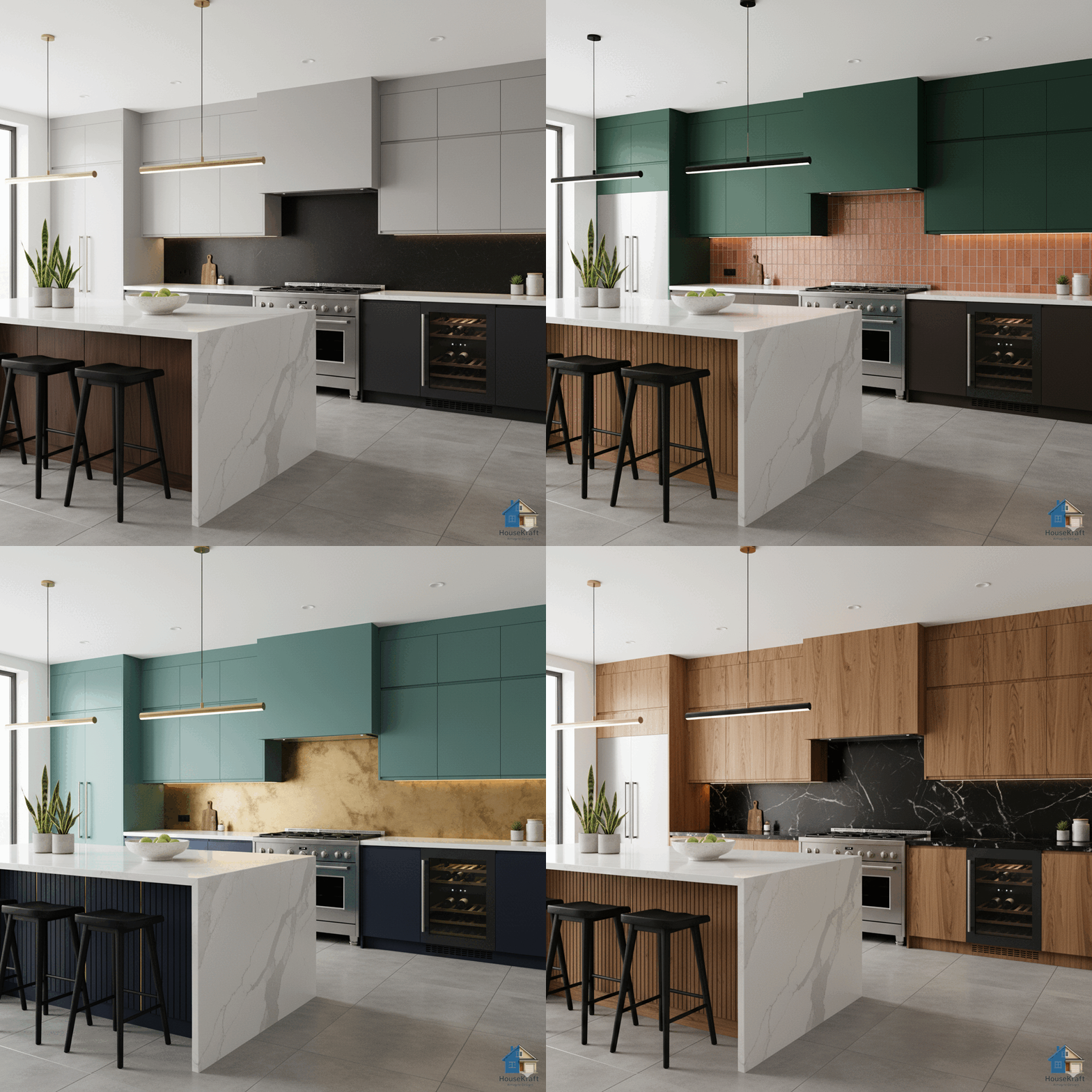
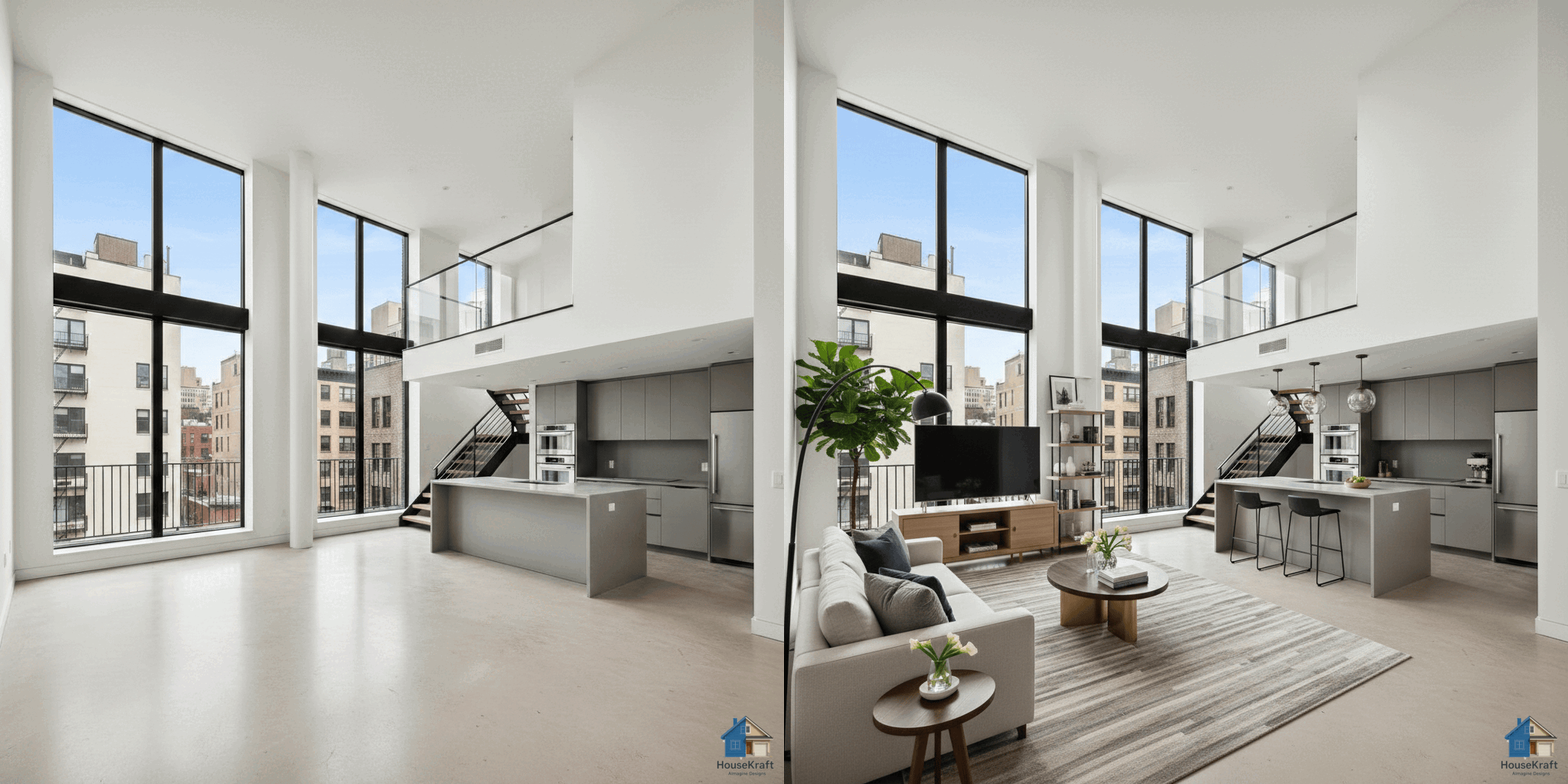
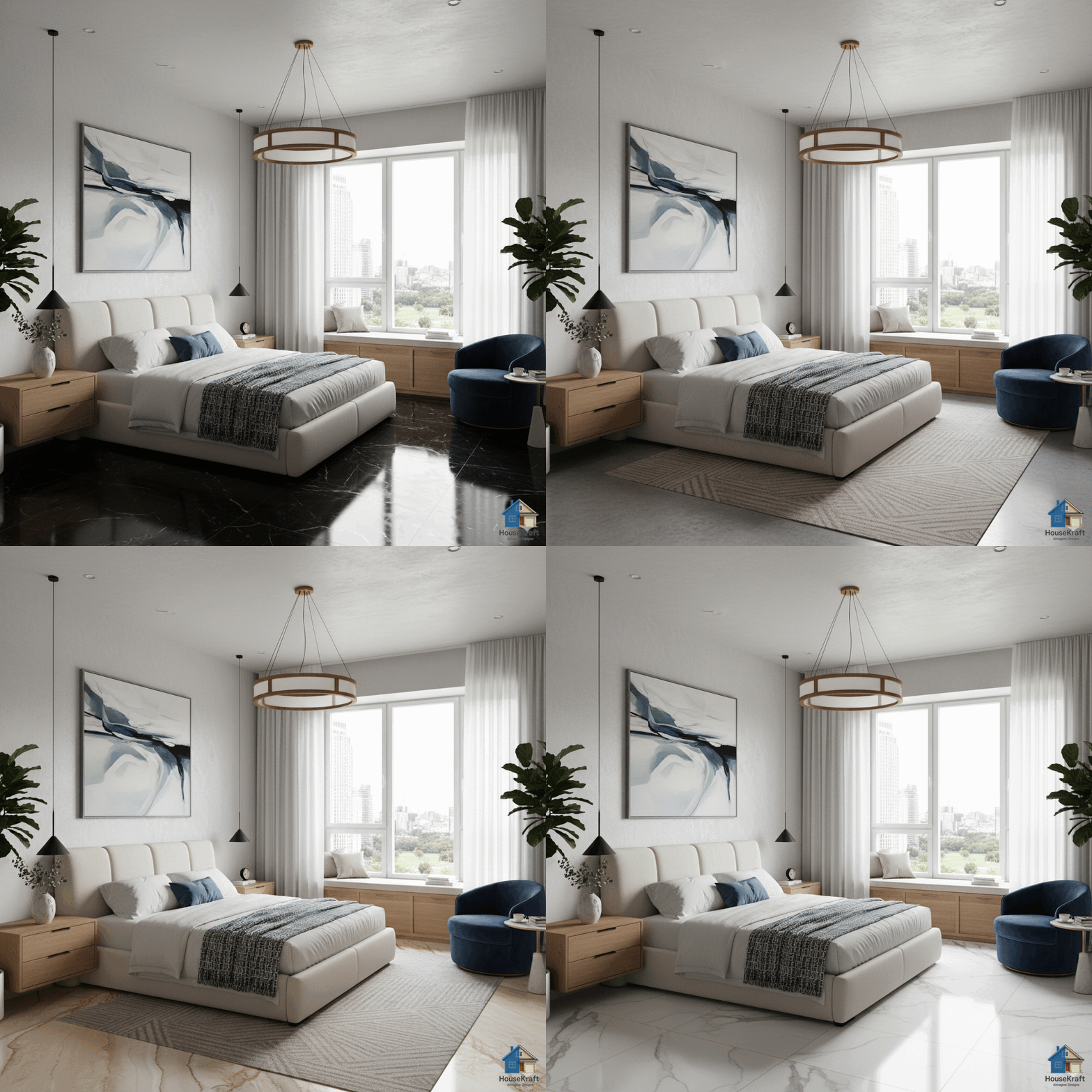
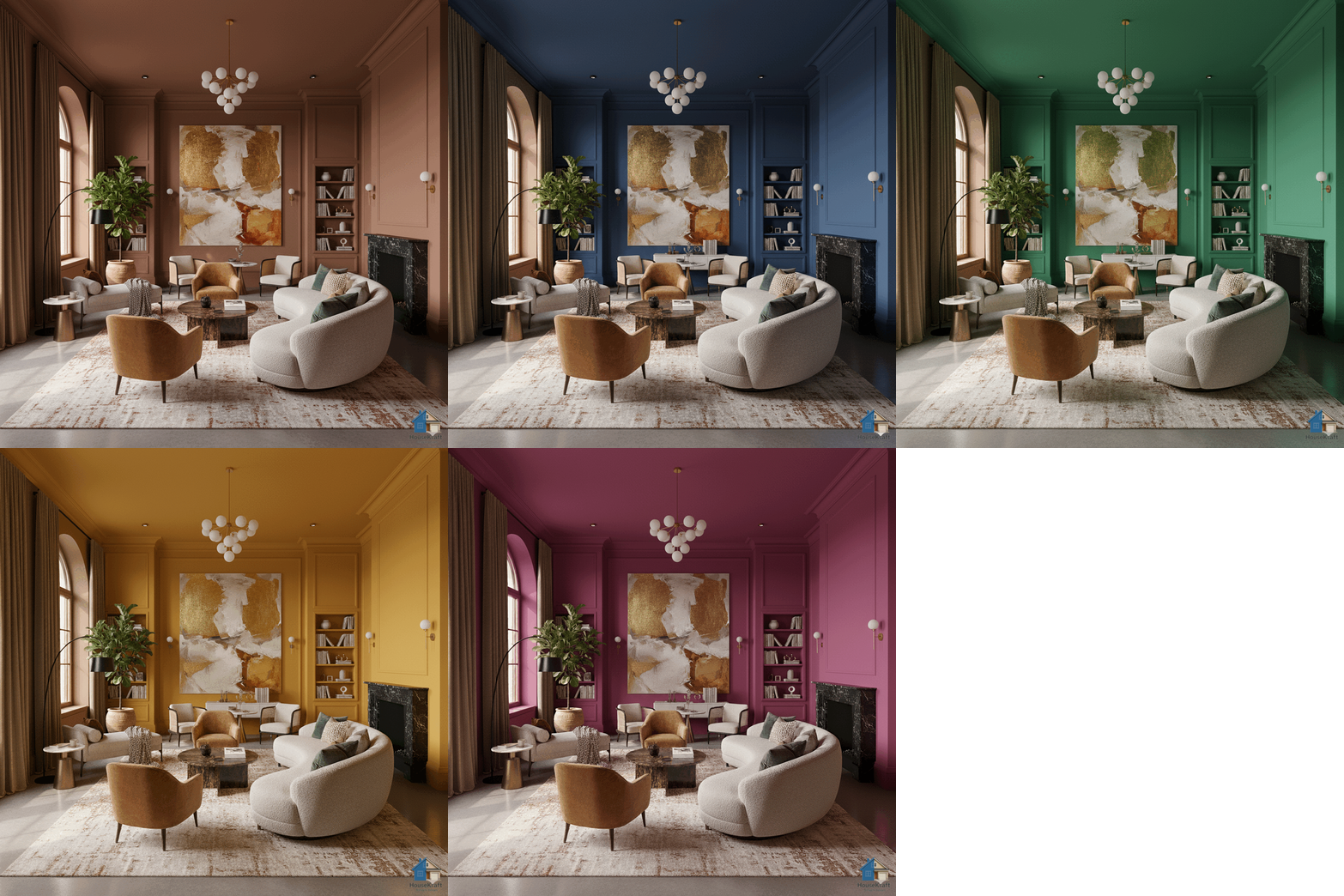
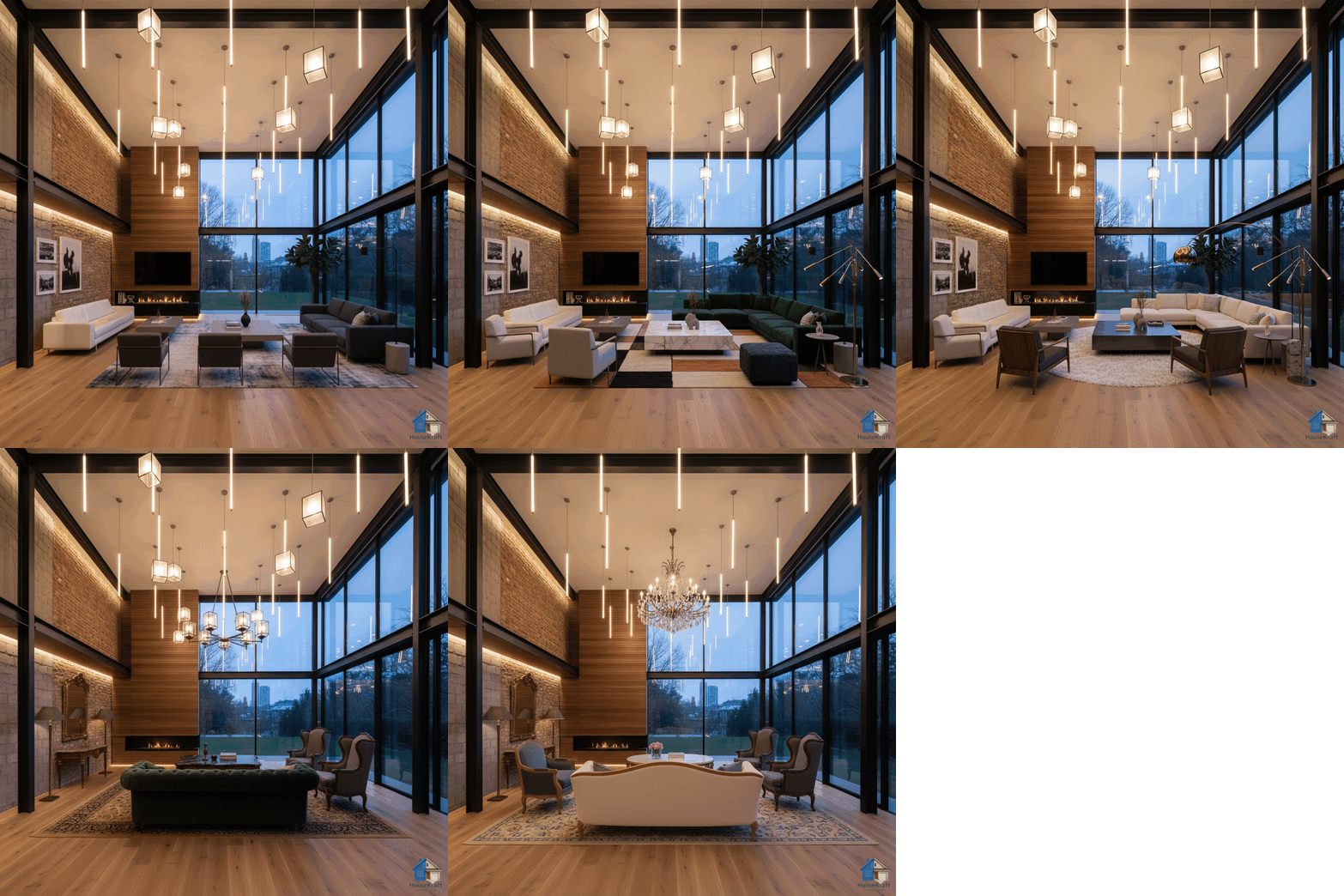
Standard AI tools change the whole image. HouseKraft's AI Precise Custom Editing gives you surgical control — target a single cushion, a specific door handle, one section of wall, or a particular light fixture and modify only that element while the rest of the image remains perfectly untouched. Describe the change you want in plain language: 'make the throw pillows navy blue,' 'replace the door with a glass panel,' 'add crown molding to the ceiling,' or 'change the cabinet hardware to brass.' The AI understands spatial context, material properties, and lighting continuity so the edit blends seamlessly with the surrounding scene. This is the tool professional interior designers and architects reach for when they need to iterate on specific details without regenerating entire renders — saving time, credits, and creative momentum.

Why use this feature

Key advantages

Nano-Level Targeting

Select any object, surface, or detail — down to individual hardware, trim, or fabric patterns — for isolated editing.

Natural Language Control

Describe changes in plain words. No masking tools, no layers, no technical skills required.

Seamless Blending

Edits match surrounding lighting, shadows, and perspective automatically. No visible seams or artifacts.

Iterate Without Regenerating

Make 10 small changes to one render instead of regenerating the entire image each time. Save credits and time.

How to use

AI Precise Custom Editing on any device

Available on desktop and mobile — use HouseKraft anywhere, anytime.

Desktop Screenshot

Desktop Experience

Full-featured interface with side-by-side comparison and detailed controls.

Mobile Screenshot

Mobile Experience

Optimized for on-the-go use — snap, upload, and AImagine from your phone.

01

Detail Edit

Change a Single Element

Target one specific object in the scene — like swapping cushion colors — without affecting anything else in the room.

Room with original cushion colors Room with edited cushion colors
Before After
02

Architecture

Modify Architectural Details

Add or change architectural elements — crown molding, wainscoting, door styles — with precise, isolated edits.

Room with standard architectural details Room with upgraded architectural details
Before After
✦ Pro Feature

Try AI Precise Custom Editing now

Upload your first photo and get an AI-generated result in under 30 seconds. Sign up for a Pro plan to access this feature.