Features How It Works Pricing Use Cases Blog Contact Get Started Free →
🔍 Pro · Upscaling ✦ PRO

Upscale any render to
print-ready resolution

Transform low-resolution AI renders into crisp, high-resolution images suitable for portfolios, print presentations, and client deliverables — without losing detail or introducing artifacts.

Pro plan · Sign up to get started · Works in any browser
Scroll to explore
Pro · Upscaling

From screen to print — every pixel sharp

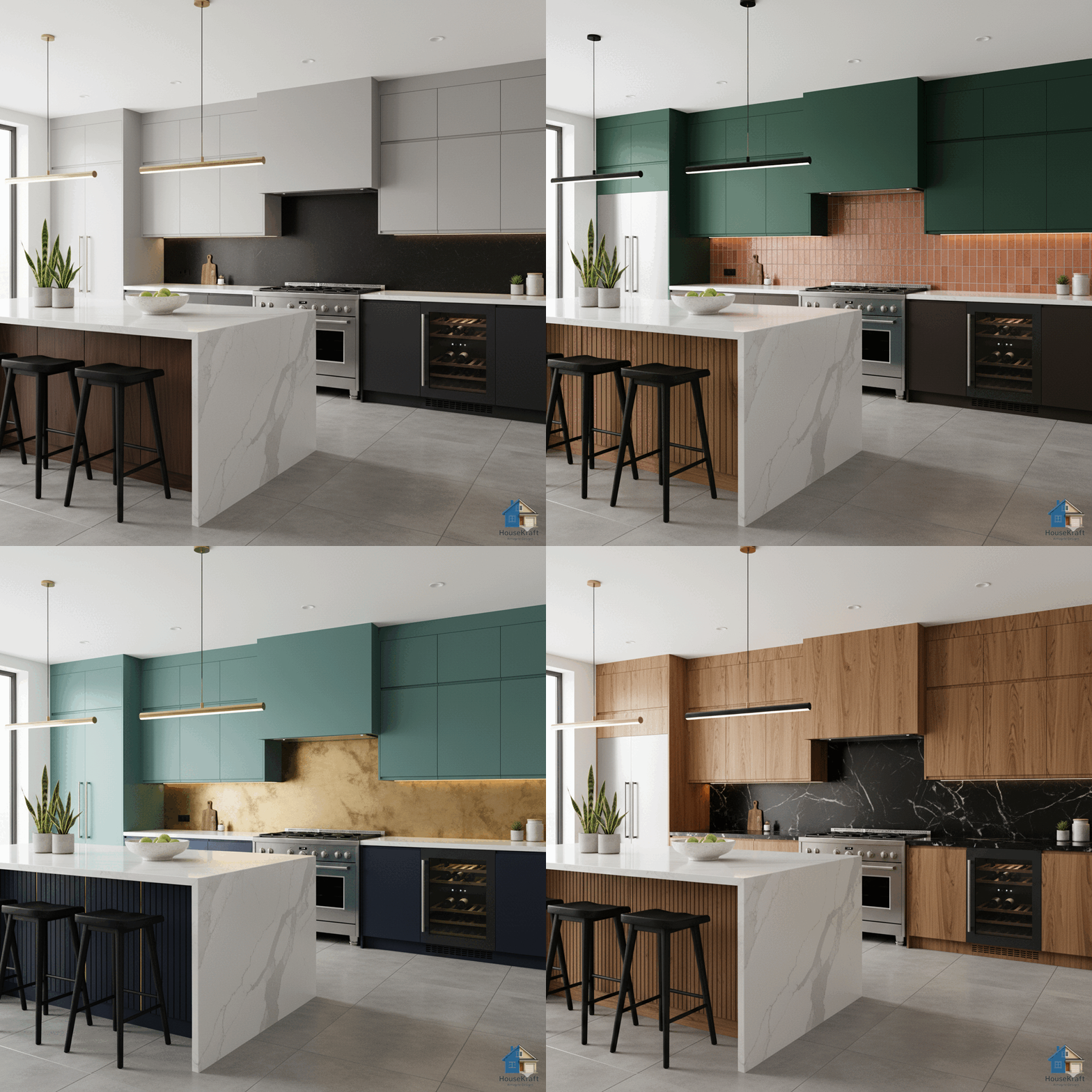
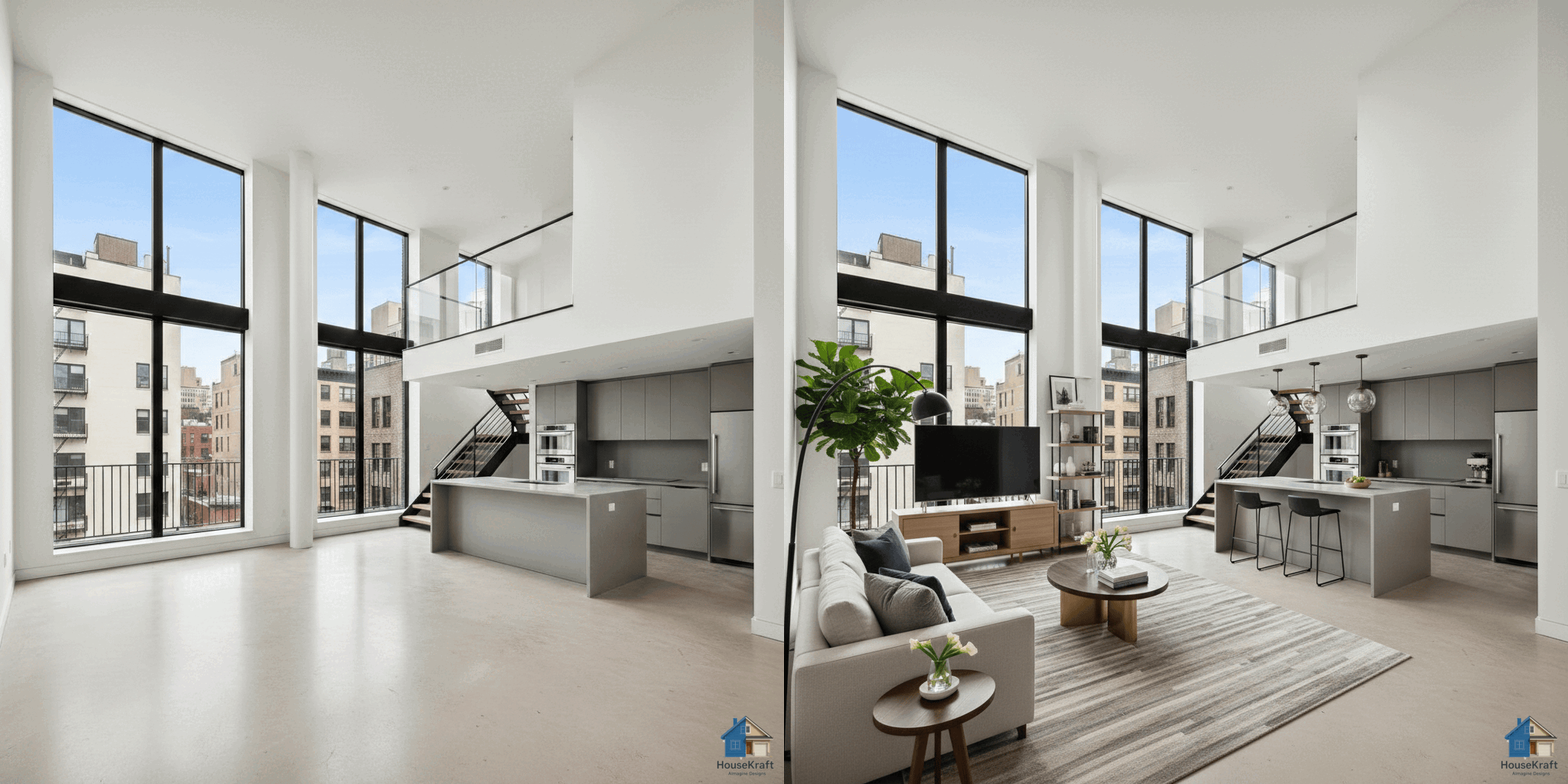
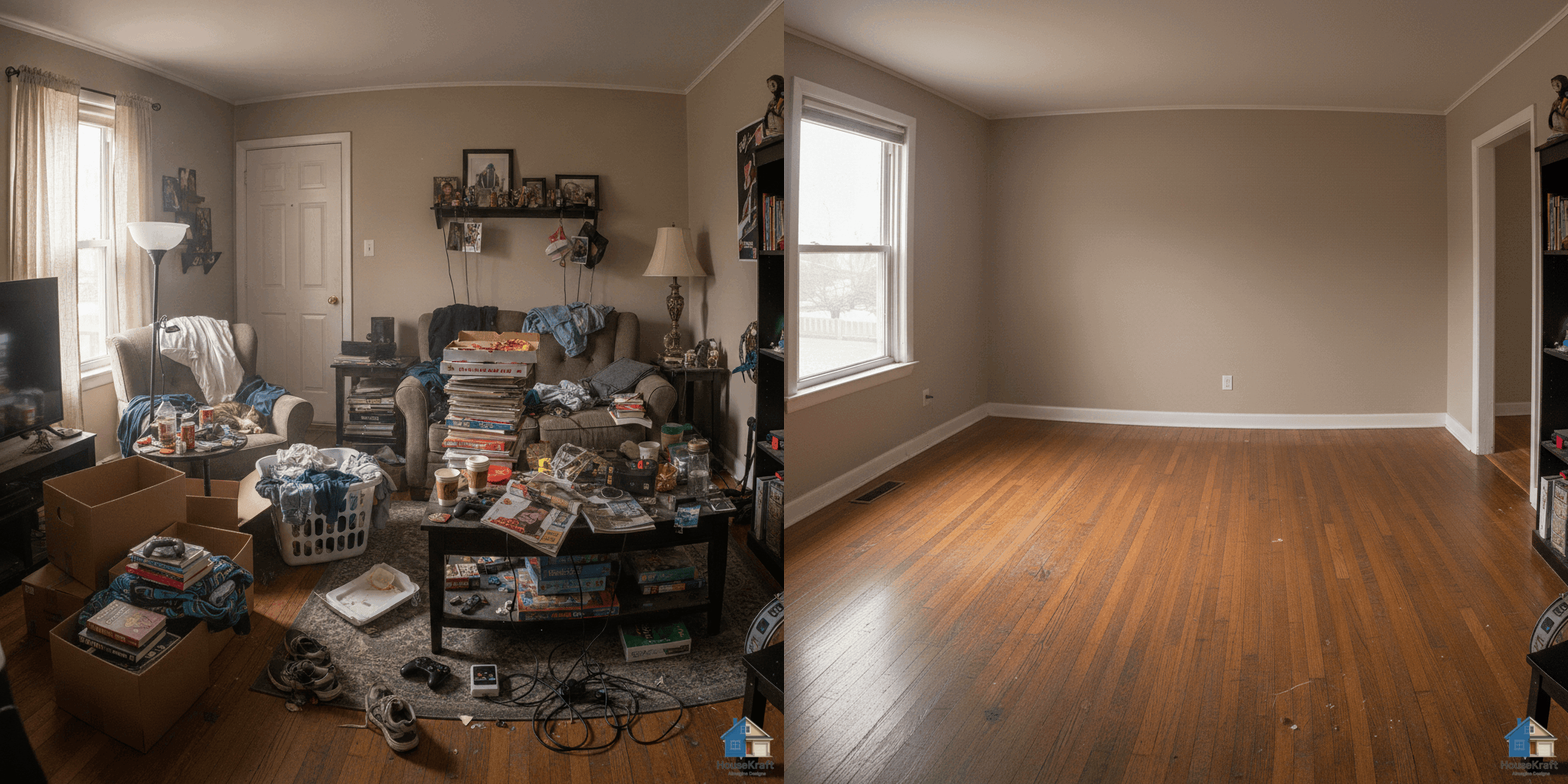
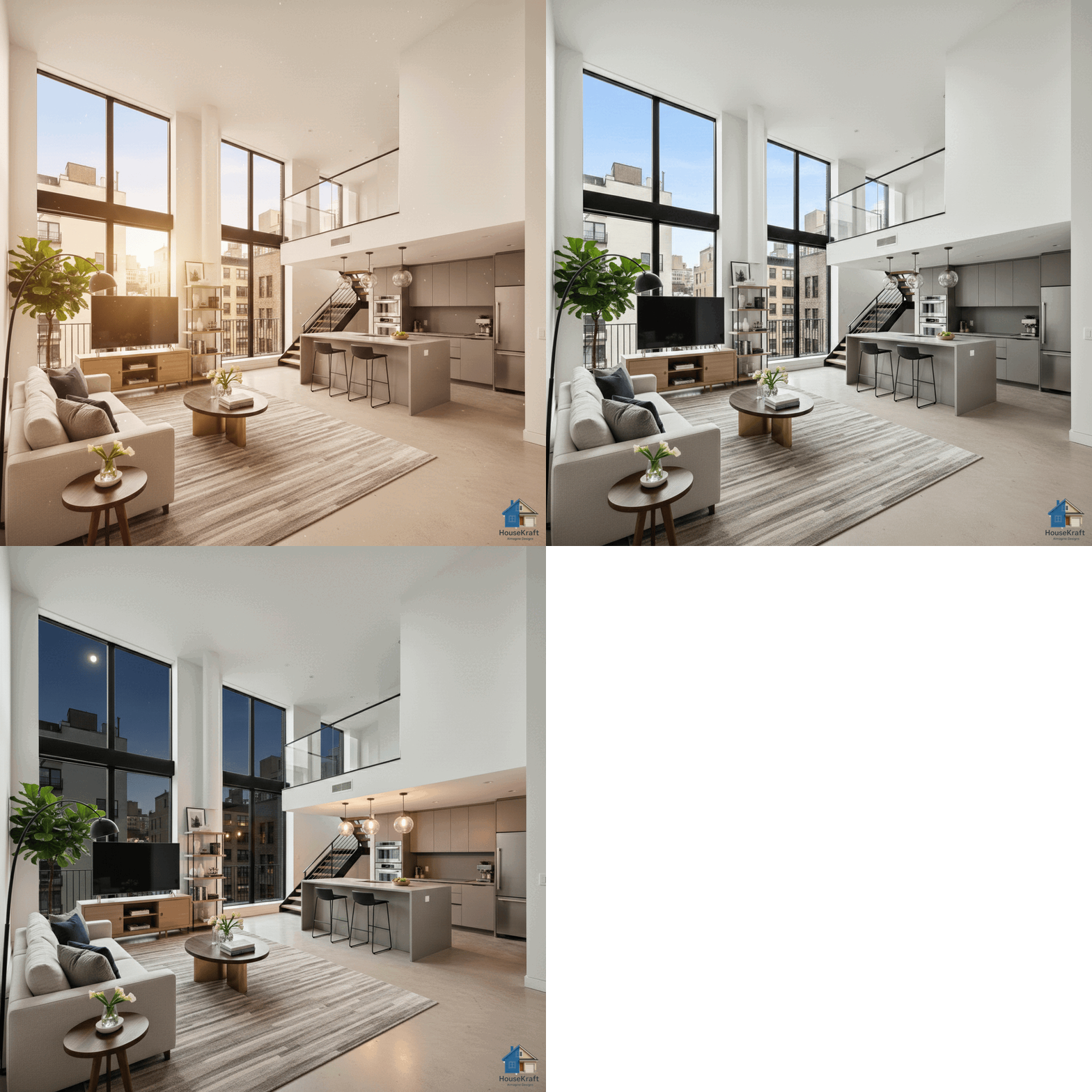
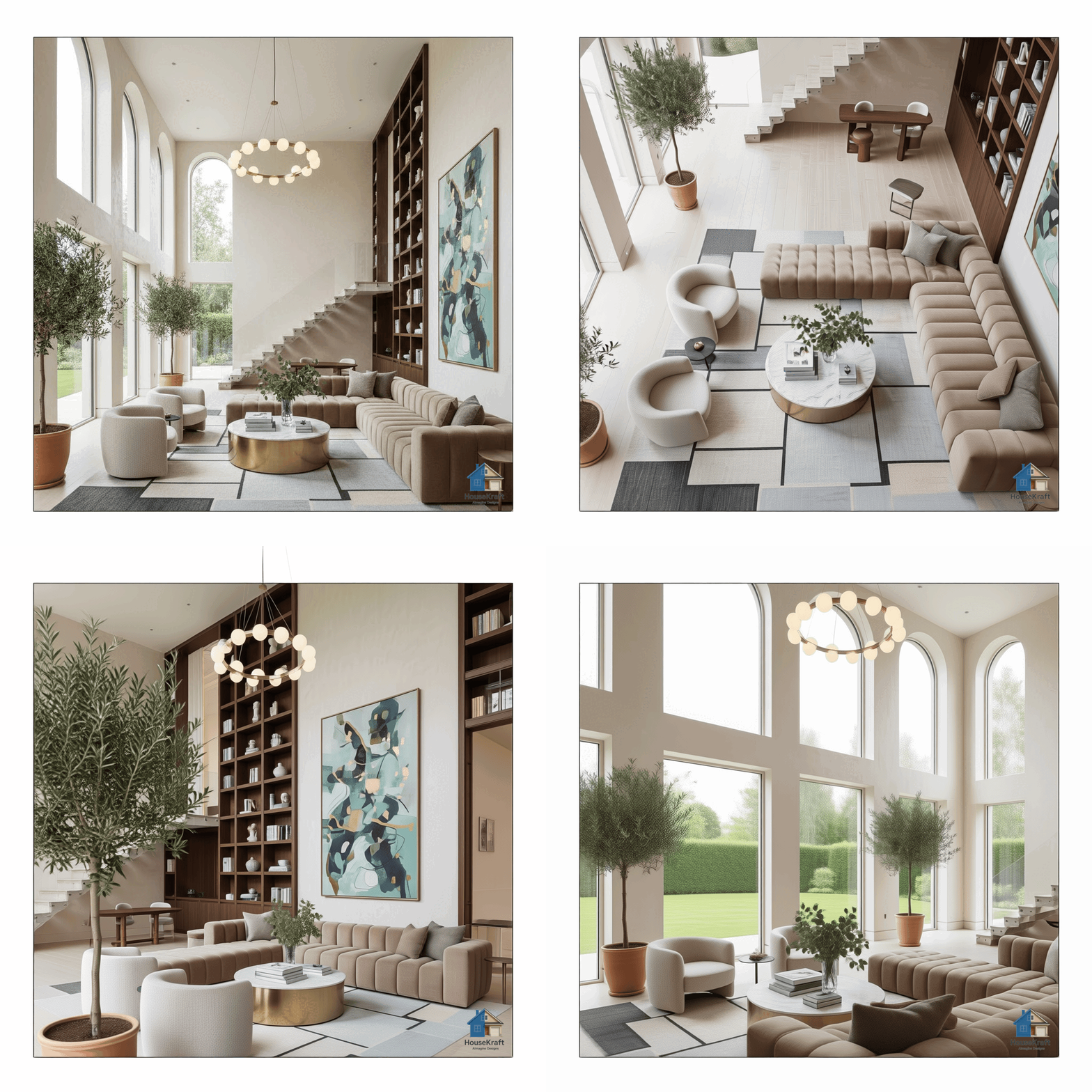
AI-generated renders are powerful for visualization, but they often lack the resolution needed for professional presentations, printed portfolios, or large-format displays. HouseKraft's AI Image Upscaling takes any AImagined render — or any interior/architecture photo — and intelligently upscales it to high resolution while preserving fine details like wood grain, fabric texture, stone veining, and architectural edge lines. Unlike generic upscalers that simply interpolate pixels and produce blurry results, our AI is trained specifically on interior design and architectural imagery. It understands what a sharpened marble countertop should look like, how window mullions should resolve at high resolution, and how fabric weave patterns should scale. The result is a crisp, publication-quality image that looks like it was shot with a professional camera.

Why use this feature

Key advantages

Architecture-Trained AI

Our upscaler is specifically optimized for interiors and architecture — preserving edge lines, material textures, and spatial detail.

Print-Ready Output

Generate images large enough for printed portfolios, presentation boards, or trade show displays without quality loss.

Works on Any Input

Upscale HouseKraft renders, smartphone photos, old reference images, or low-quality screenshots into sharp, clean results.

No Artifact Introduction

Smart upscaling adds genuine detail — not the smeared, haloed artifacts that generic AI upscalers produce.

How to use

AI Image Upscaling for Architecture & Interiors on any device

Available on desktop and mobile — use HouseKraft anywhere, anytime.

Desktop Screenshot

Desktop Experience

Full-featured interface with side-by-side comparison and detailed controls.

Mobile Screenshot

Mobile Experience

Optimized for on-the-go use — snap, upload, and AImagine from your phone.

01

Resolution

Low-Res Render to Print Quality

Take a standard AI render and upscale it to crisp, high-resolution output — every material texture and edge line sharp.

Low resolution interior render High resolution upscaled interior
Low Res Upscaled
02

Detail

Reveal Hidden Detail

AI upscaling doesn't just make images bigger — it reveals material textures, grain patterns, and fine details that low-res obscures.

Interior photo at standard resolution Same interior photo upscaled with enhanced detail
Standard Enhanced
✦ Pro Feature

Try AI Image Upscaling for Architecture & Interiors now

Upload your first photo and get an AI-generated result in under 30 seconds. Sign up for a Pro plan to access this feature.