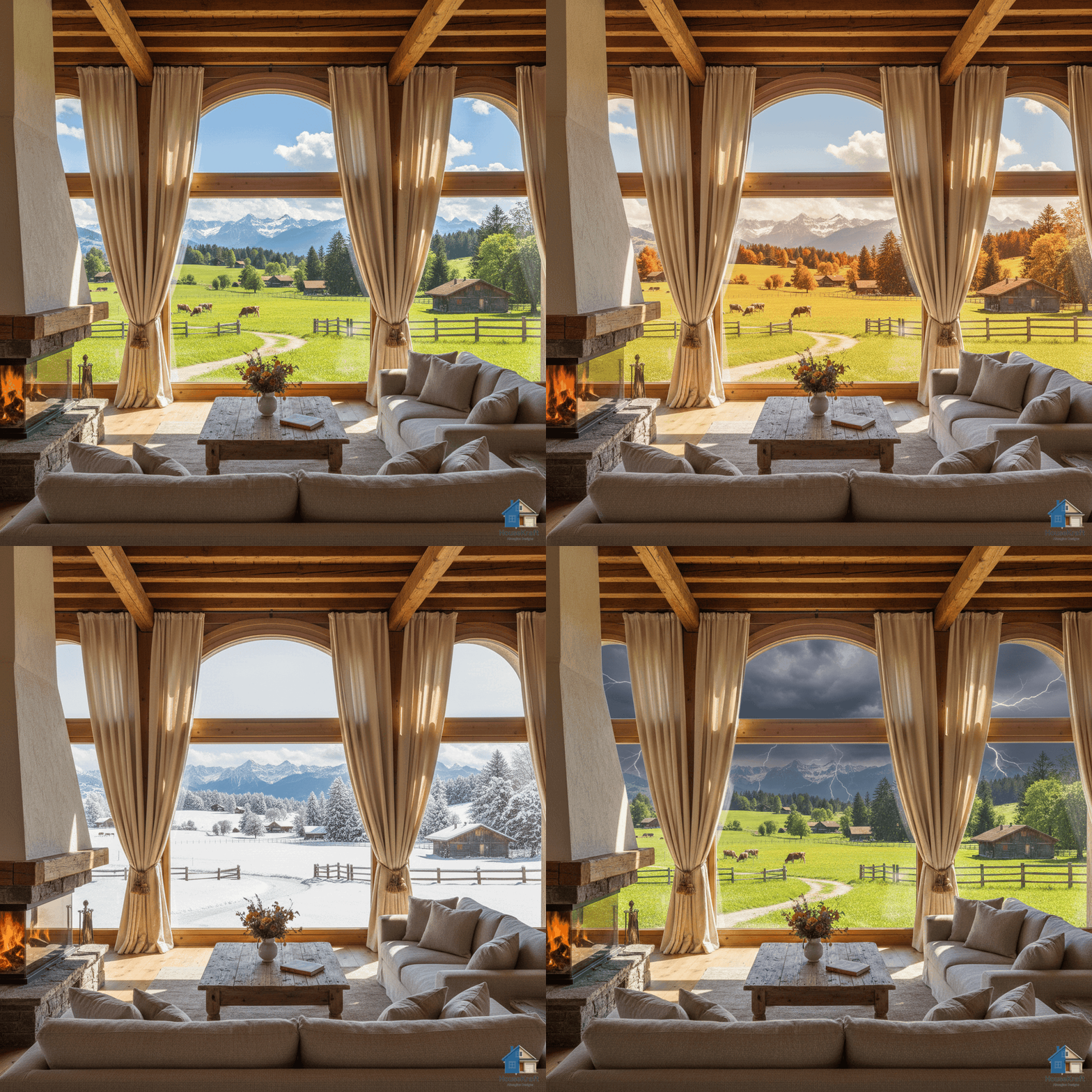
Features How It Works Pricing Use Cases Blog Contact Get Started Free →
👁️ Pro · Perspective ✦ PRO

Shift the camera,
see every angle

Change the point of view of any render or photo — see the same space from different angles, heights, and perspectives without reshooting or re-rendering in 3D software.

Pro plan · Sign up to get started · Works in any browser
Scroll to explore
Pro · Perspective

Every angle, every vantage point — from one photo

You've got one photo of a room, but your client wants to see it from the opposite corner. The listing needs a shot from the doorway, but you only have the window angle. The architect wants a birds-eye perspective, but the photographer shot at eye level. HouseKraft's AI Change Perspective takes a single image and re-renders it from a different viewpoint — rotating the camera, shifting the vantage point, raising or lowering the height, or widening the field of view. The AI understands three-dimensional spatial relationships from a single 2D image: it knows where walls continue beyond the frame, what the floor looks like from a different angle, and how furniture arrangement reads from an alternate perspective. This eliminates the need for multiple photo shoots, saves 3D re-rendering time, and gives designers and agents the flexibility to present any space from its most flattering angle.

Why use this feature

Key advantages

Single Image, Multiple Angles

Generate 3-4 different perspective views from a single photograph. No additional photo shoots or 3D modeling needed.

Camera Height Control

Shift from eye-level to elevated or low-angle views. Find the most flattering perspective for any room.

Field of View Adjustment

Widen or narrow the perspective to show more of a room or focus on a specific area.

Presentation Flexibility

Give clients multiple viewpoints of the same design without the cost and time of additional renders or photography sessions.

How to use

AI Change Perspective in Render on any device

Available on desktop and mobile — use HouseKraft anywhere, anytime.

Desktop Screenshot

Desktop Experience

Full-featured interface with side-by-side comparison and detailed controls.

Mobile Screenshot

Mobile Experience

Optimized for on-the-go use — snap, upload, and AImagine from your phone.

01

Angle Shift

Corner View to Entrance View

See the same room from a completely different angle — as if you moved the camera from one corner to the doorway.

Room seen from corner angle Same room from entrance angle
Corner View Entry View
02

Elevation

Eye Level to Elevated Perspective

Raise the camera height to show the room's full layout — revealing spatial relationships and flow patterns from above.

Room from standard eye level Room from elevated perspective
Eye Level Elevated
✦ Pro Feature

Try AI Change Perspective in Render now

Upload your first photo and get an AI-generated result in under 30 seconds. Sign up for a Pro plan to access this feature.