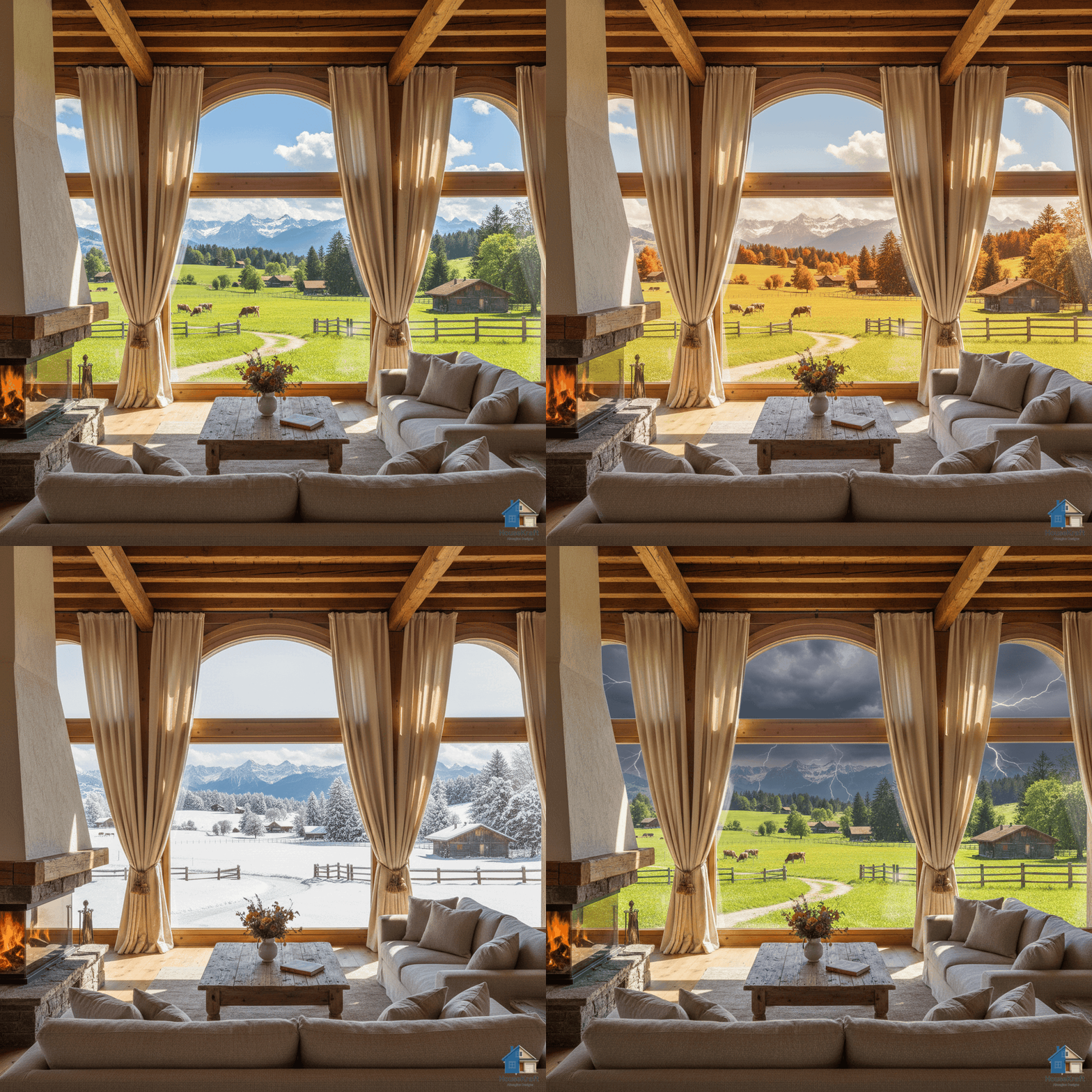
Features How It Works Pricing Use Cases Blog Contact Get Started Free →
🧱 Pro · Materials ✦ PRO

Swap any material,
on any surface

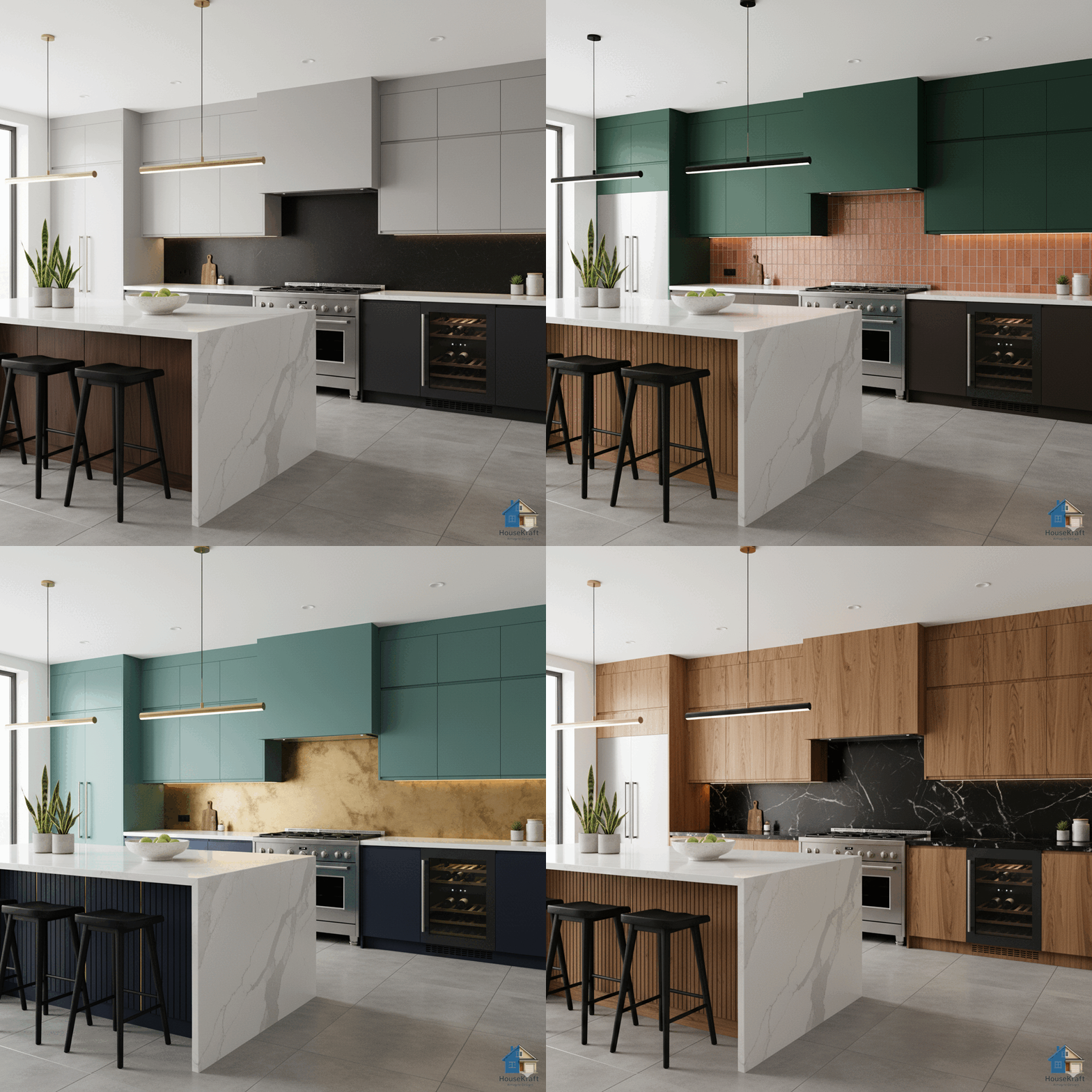
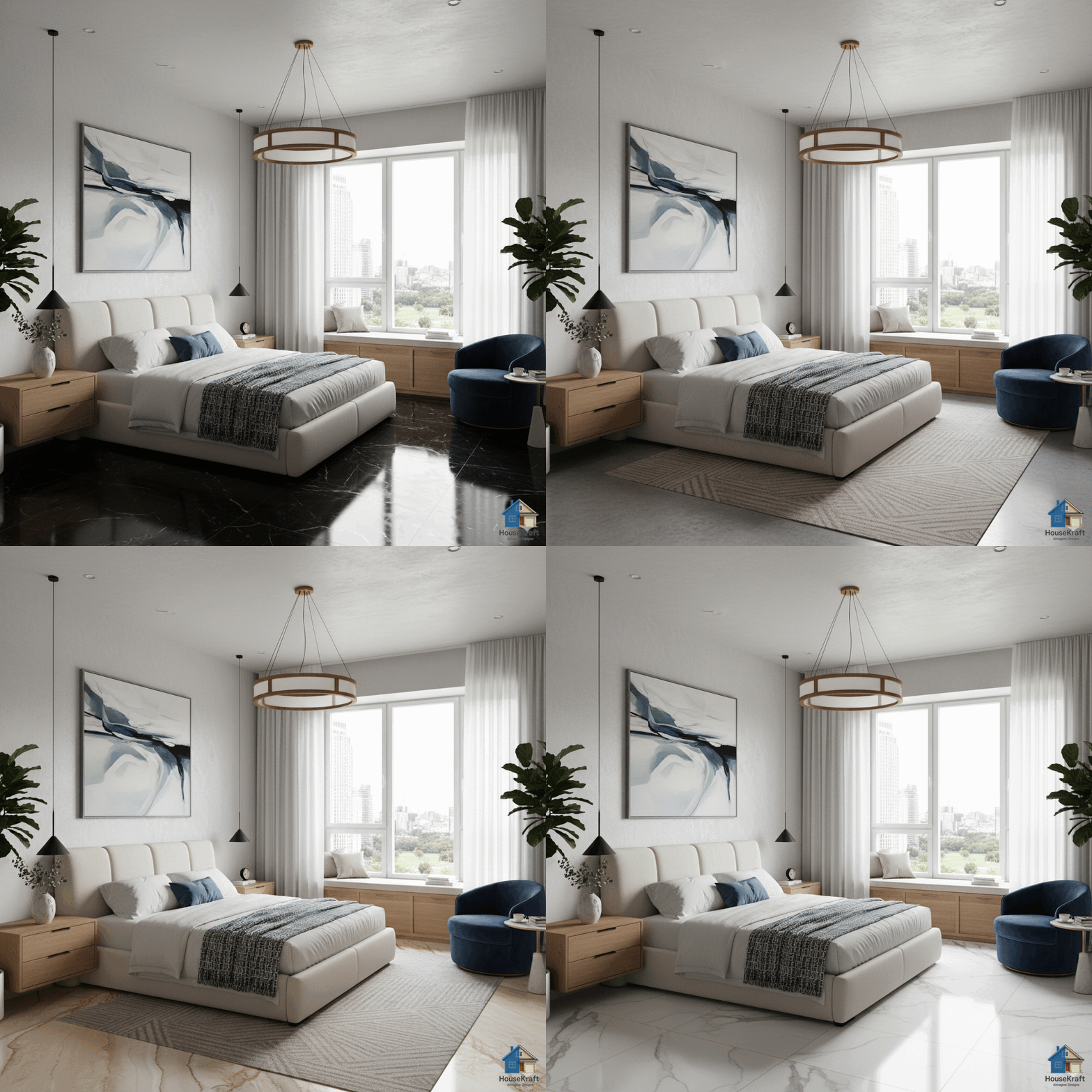
Change materials on rendered surfaces — wood to marble, brick to glass, fabric to leather — without re-rendering the entire scene. Fine-tune finishes and textures with surgical precision.

Pro plan · Sign up to get started · Works in any browser
Scroll to explore
Pro · Materials

Every surface, every material — interchangeable

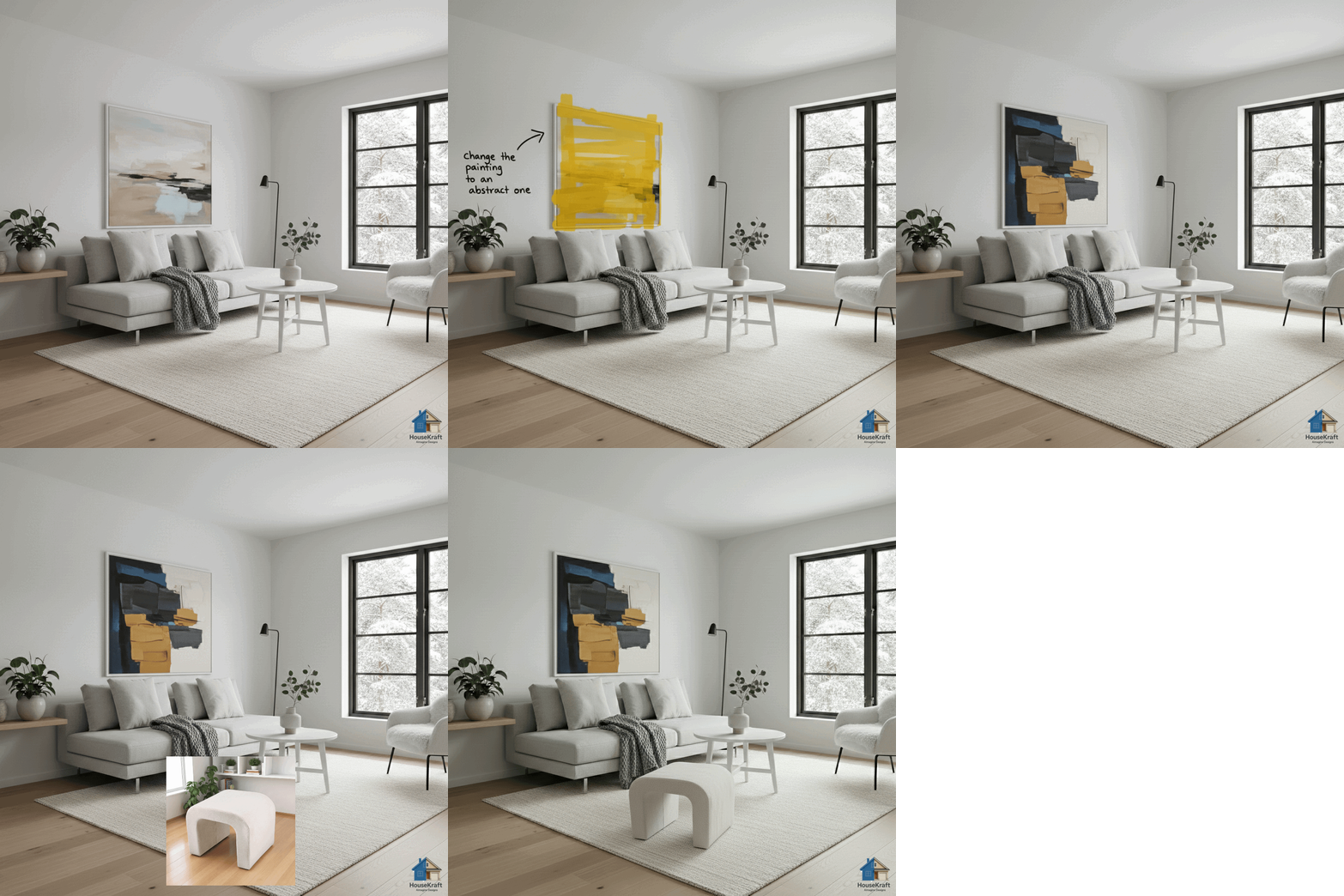
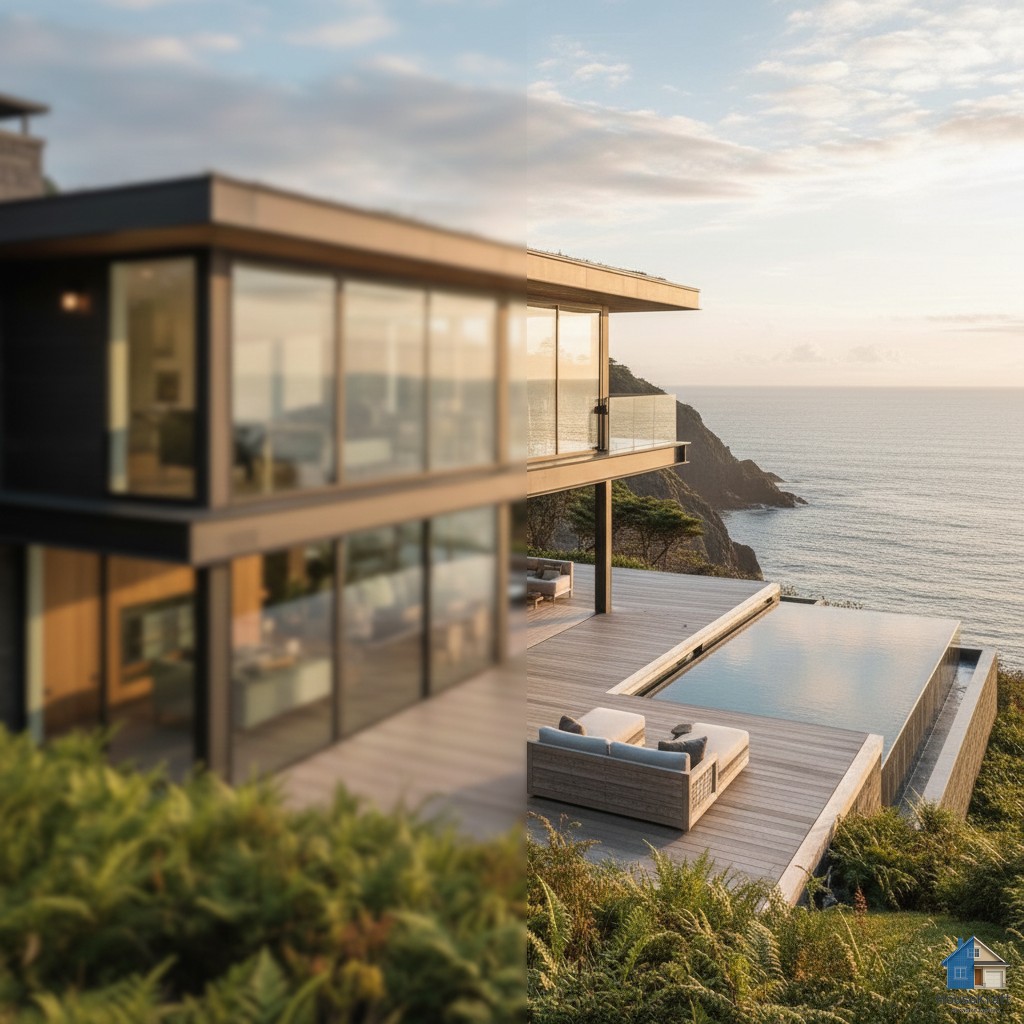
In traditional architectural visualization, changing a countertop from granite to quartz means going back to the 3D model, swapping the material, adjusting lighting, and re-rendering — a process that can take hours. HouseKraft's AI Change Material on Render does it in seconds, directly on the finished image. Point to any surface in your render — a countertop, a wall, a floor, a cabinet face, a backsplash, or a piece of furniture — and swap its material. Change wood species, switch stone types, go from matte to glossy, swap fabric for leather, or turn painted surfaces into exposed brick. The AI maintains correct reflections, shadows, and material-appropriate texture at the surface's angle and lighting conditions. This is indispensable for client presentations where multiple material options need to be shown quickly, or for designers who want to explore finishes without the overhead of 3D re-rendering.

Why use this feature

Key advantages

Any Surface, Any Material

Countertops, walls, floors, cabinets, backsplashes, furniture upholstery — swap the material on any surface in the image.

Correct Reflections & Shadows

The AI adjusts reflections, light absorption, and shadow behavior to match the new material's physical properties.

No Re-Rendering Required

Change 10 materials on a single render without going back to 3D software. Save hours of render time and workflow complexity.

Client Presentation Ready

Show granite vs. quartz vs. marble countertops in the same render during a single client meeting. Close decisions faster.

How to use

AI Change Material on Render on any device

Available on desktop and mobile — use HouseKraft anywhere, anytime.

Desktop Screenshot

Desktop Experience

Full-featured interface with side-by-side comparison and detailed controls.

Mobile Screenshot

Mobile Experience

Optimized for on-the-go use — snap, upload, and AImagine from your phone.

01

Countertop

Granite to White Marble

See how swapping a dark granite countertop for white marble completely changes the kitchen's brightness and elegance.

Kitchen with dark granite countertop Kitchen with white marble countertop
Granite Marble
02

Facade

Brick to Glass Facade

Transform an exterior facade from traditional brick to modern glass — see how material choice defines architectural character.

Building with brick facade Building with glass facade
Brick Glass
03

Upholstery

Fabric to Leather Upholstery

Swap furniture upholstery from casual fabric to premium leather — see how the texture change elevates the room.

Sofa with fabric upholstery Sofa with leather upholstery
Fabric Leather
✦ Pro Feature

Try AI Change Material on Render now

Upload your first photo and get an AI-generated result in under 30 seconds. Sign up for a Pro plan to access this feature.