Express · Walkthrough Video

Turn photos into a
cinematic walkthrough video.

One photo, a cinematic walkthrough. Turn one or more room photos into a smooth, cinematic walkthrough video — perfect for listings, social, and client pitches.

✦ IMPROVED · Several photos in, one continuous video out — room to room, in order

Express · Works in any browser
See It In Action

Photos in.
Walkthrough out.

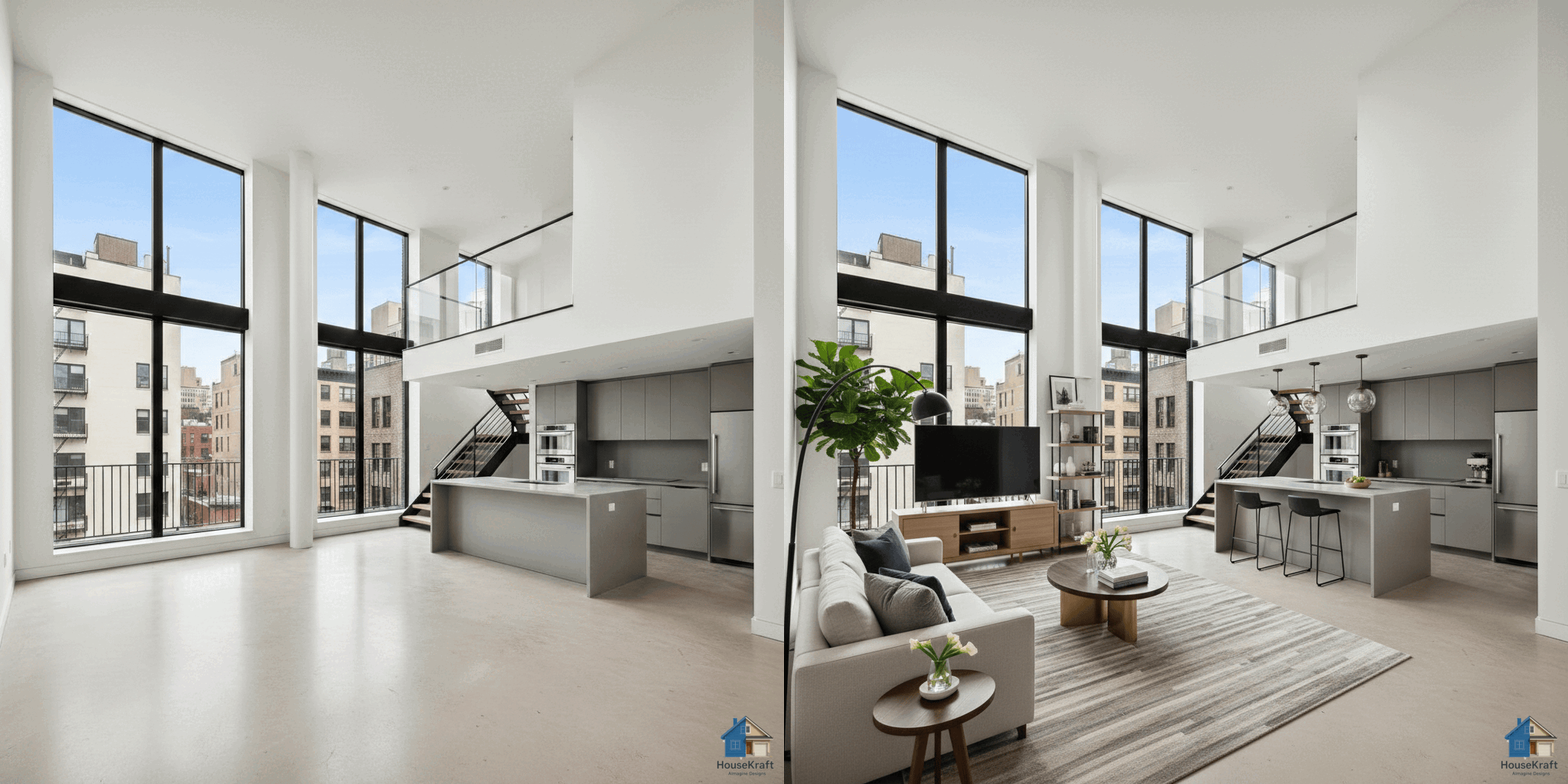
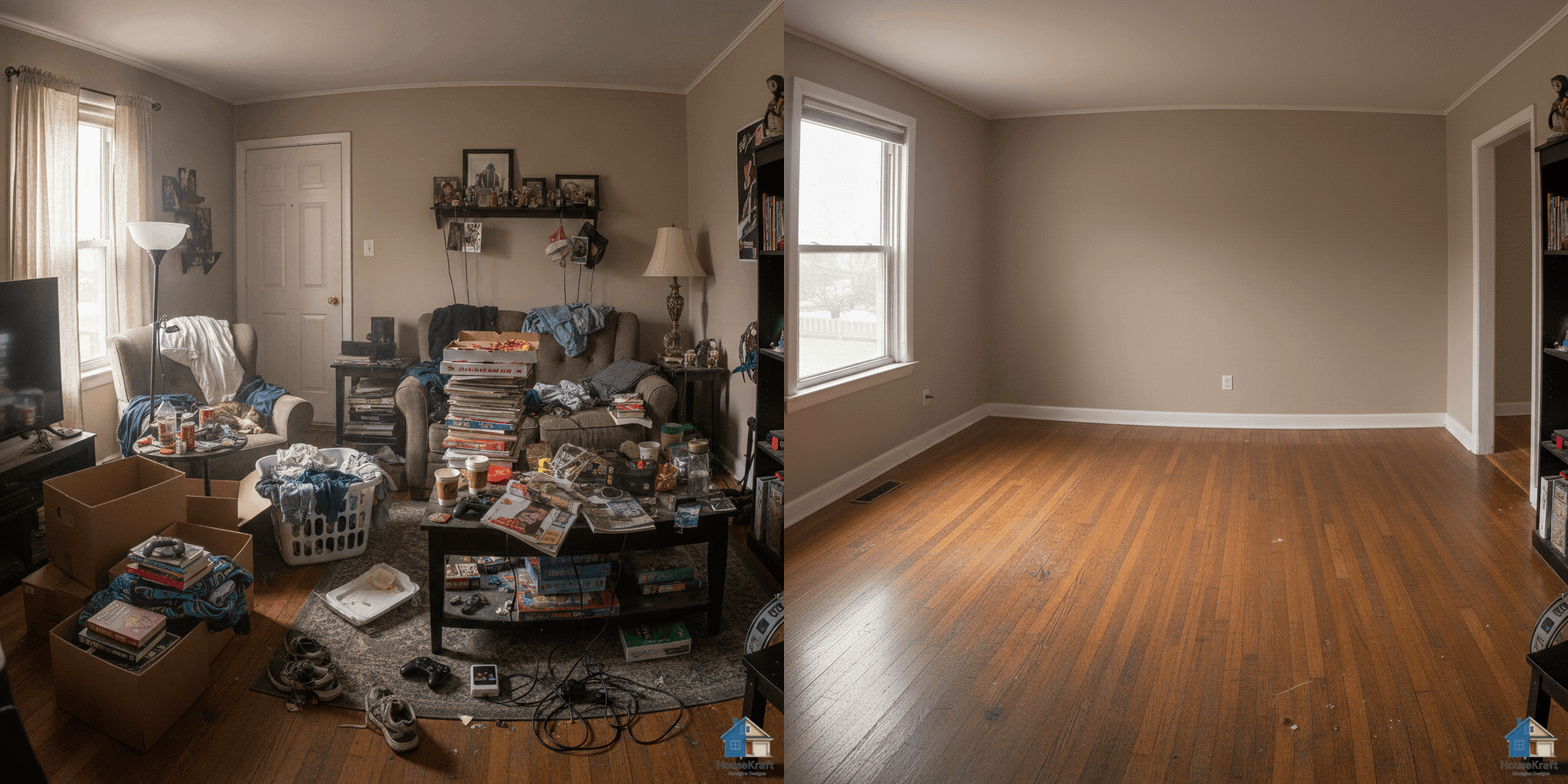
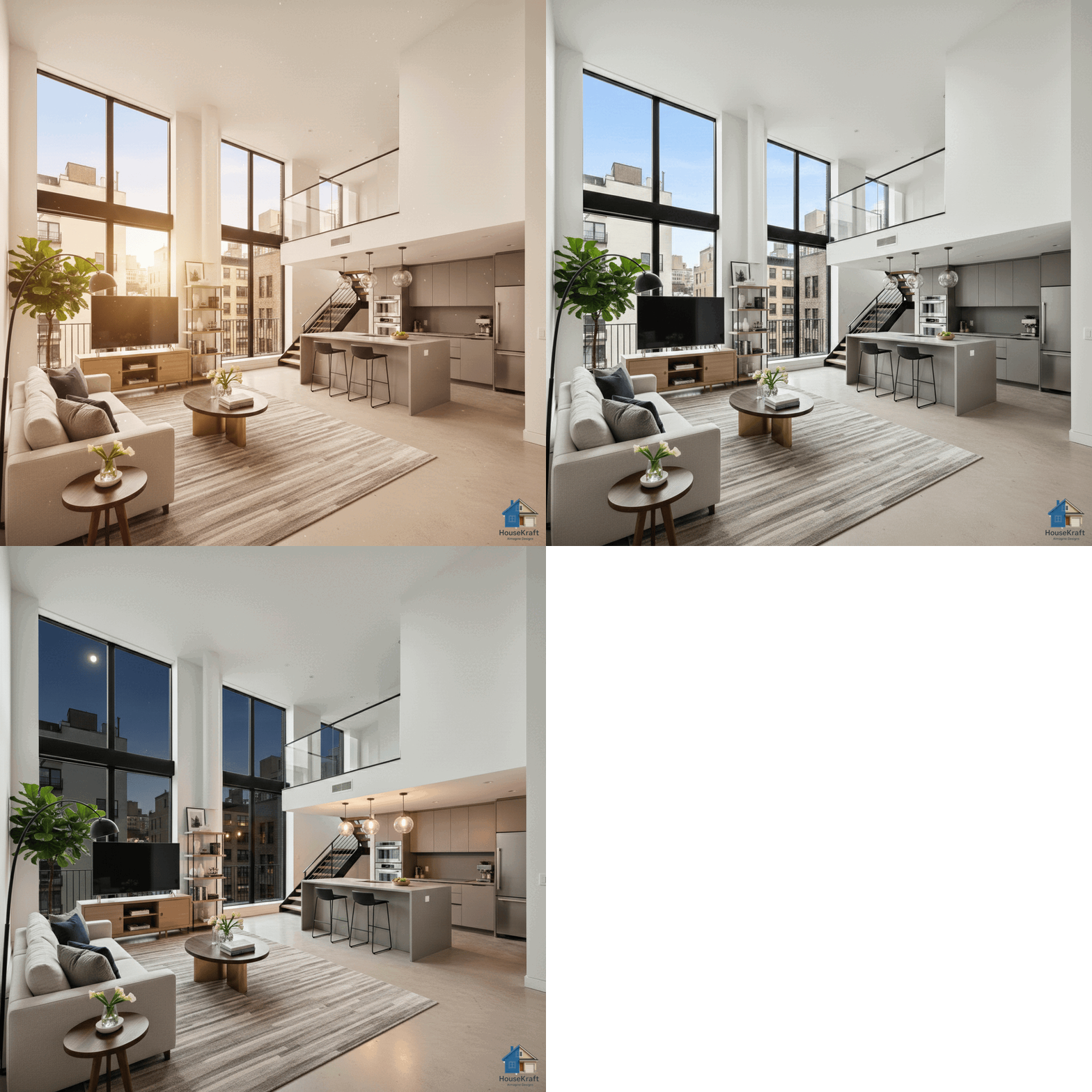
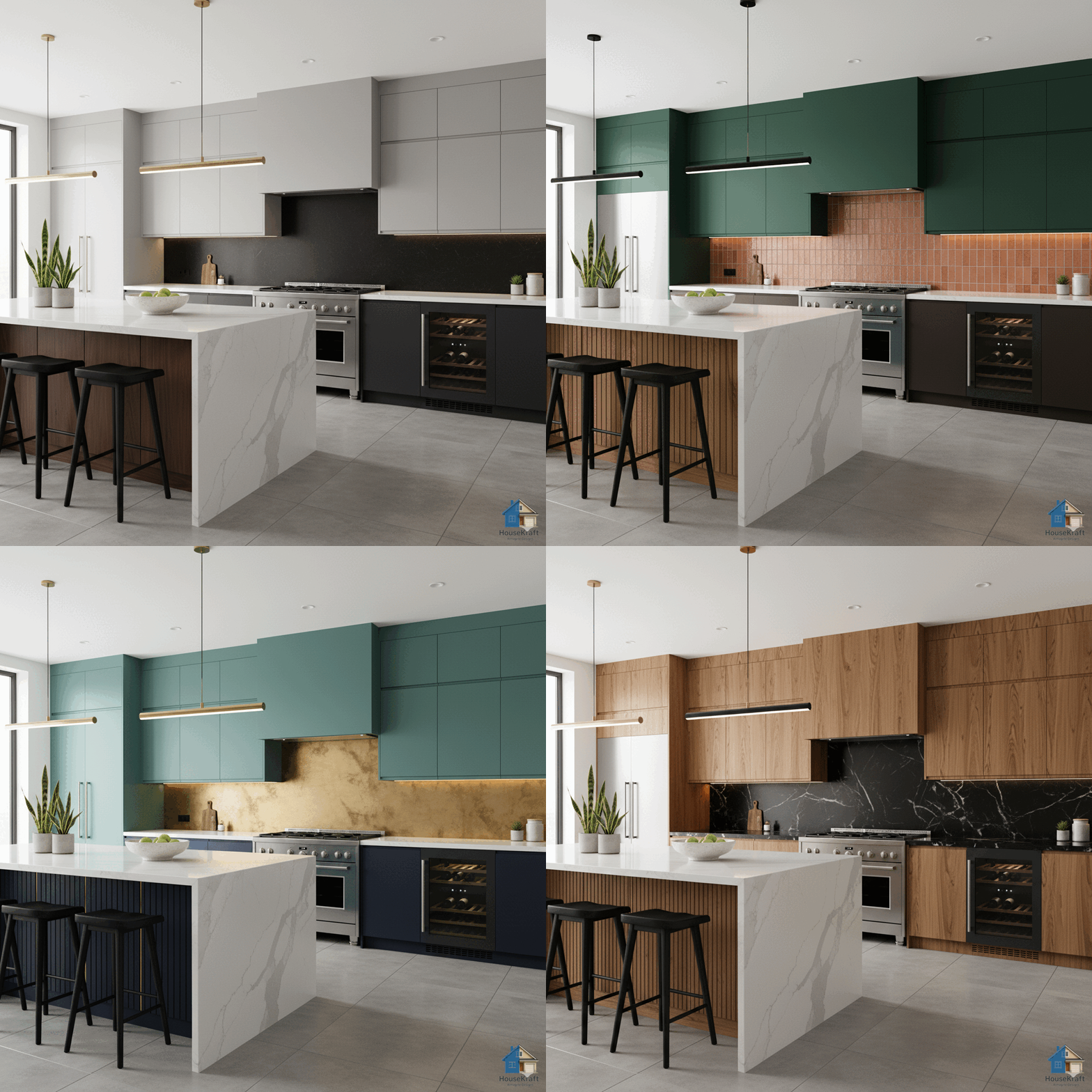
Your photos on the left; the video they made on the right.

Input photo 1 Input photo 2 Input photo 3 Input photo 4
Your photos, in order
Walkthrough video
One continuous video through several rooms
Input photo 1 Input photo 2 Input photo 3 Input photo 4
Your photos, in order
Walkthrough video
A single room brought to life
What it does

AI walkthrough videos from photos

Motion sells a space. Walkthrough Video takes a single photo and generates a smooth, cinematic clip that glides through the room, revealing depth and flow that a flat image can't. No camera crew, no editing suite — just a scroll-stopping reel.

Why use it

Key advantages.

Photo to motion

Generate a walkthrough from one still image.

Built for social & listings

Short, cinematic clips that stop the scroll.

No crew required

Skip the videographer and the edit.

Quick Try

Try Walkthrough Video right here.

Upload a photo below and see it in action. No sign-up required for your first try.

FAQ

Questions,
answered.

Can AI make a video from real estate photos?

Yes. HouseKraft turns your photos into a smooth walkthrough video.

Can I use several photos?

Yes. Add several photos of a property in order and get one continuous video that moves through them.

Do I need video editing skills?

No. Upload the photos and download the video.

Keep Exploring

More AImagine tools.

Ready to tryWalkthrough Video?

Upload a photo and see it in seconds. No credit card, no commitment.