Features How It Works Pricing Use Cases Blog Contact Get Started Free →
🎬 Express · Video

Cinematic walkthroughs,
from a single image

Turn one photo of any space into a smooth, cinematic walkthrough video — room by room, angle by angle. Perfect for listings, social media, client pitches, and portfolios. No camera crew, no editing suite.

Express · Sign up to get started · Works in any browser
Scroll to explore
Express · Video

From one still photo to a moving walkthrough

A single photograph tells part of the story, but motion sells the space. HouseKraft's Walkthrough Video takes one image of any room and generates a short, cinematic video that glides through the space — panning across the room, moving toward focal points, and revealing depth and flow that a flat photo can't convey. The AI infers the three-dimensional structure of the scene, maintaining consistent lighting, materials, and perspective as the virtual camera moves. There's no need for a videographer, a gimbal, or hours in an editing suite. For real estate agents, it turns ordinary listing photos into scroll-stopping reels. For designers and architects, it brings concept renders to life for client presentations. For anyone building a portfolio or a social feed, it produces professional-grade motion content in seconds.

Why use this feature

Key advantages

One Photo, Full Motion

Generate a smooth walkthrough video from a single still image — no video footage required.

Built for Social & Listings

Short, cinematic clips sized for reels, stories, and property listings that stop the scroll.

Consistent Lighting & Detail

The AI holds materials, lighting, and perspective steady as the camera moves through the space.

No Crew, No Editing

Skip the videographer and the editing suite — produce share-ready motion content in seconds.

How to use

AImagine Walkthrough Video on any device

Available on desktop and mobile — use HouseKraft anywhere, anytime.

Desktop Experience

Full-featured interface with side-by-side comparison and detailed controls.

Desktop Screenshot

Mobile Experience

Optimized for on-the-go use — snap, upload, and AImagine from your phone.

Mobile Screenshot
01

Motion

Still Photo to Cinematic Clip

Watch a flat room photo become a moving walkthrough that reveals depth, flow, and focal points.

Static room photo Frame from AI walkthrough video
Still Photo Walkthrough
02

Showcase

Room Photo to Listing Reel

Turn a single listing image into a polished, social-ready video clip in seconds.

Single listing photo Listing reel frame
Photo Reel
Quick Try

Try Walkthrough Video right here

Upload a room photo below and generate a cinematic walkthrough instantly. No sign-up required for your first try.

Open Dashboard → View Pricing
Want the full toolkit, saved projects, and higher resolution? Open the HouseKraft dashboard.
Express Feature

Try Walkthrough Video now

Upload a single photo and get a cinematic walkthrough in seconds. Available on all paid plans — start with a free basic trial.

Keep Exploring

More AImagine tools

Discover everything HouseKraft can do — from one-tap Express transforms to Pro-grade power tools.

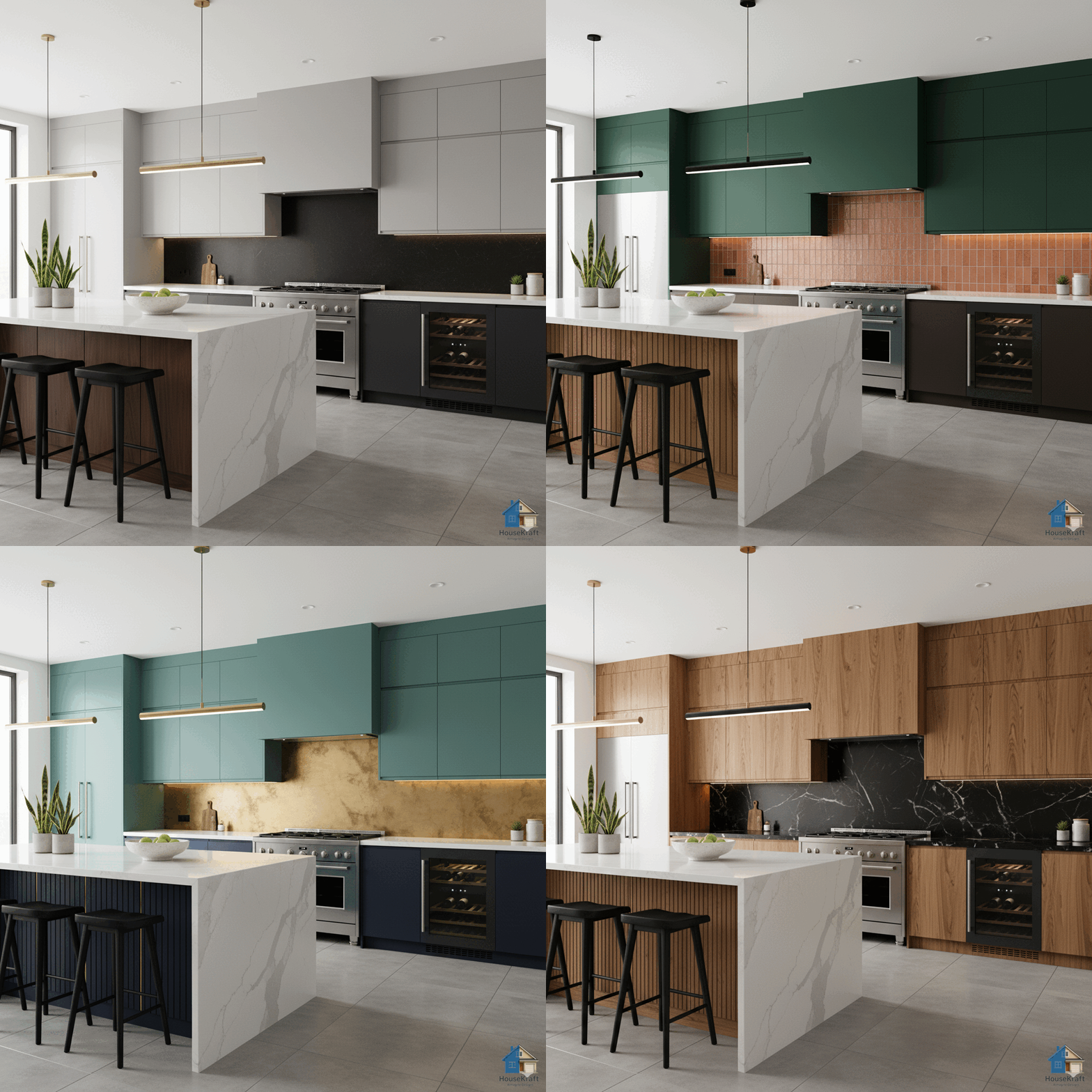
AImagine Themer
Express

AImagine Themer

Apply a complete design theme or moodboard to any room.

Explore →
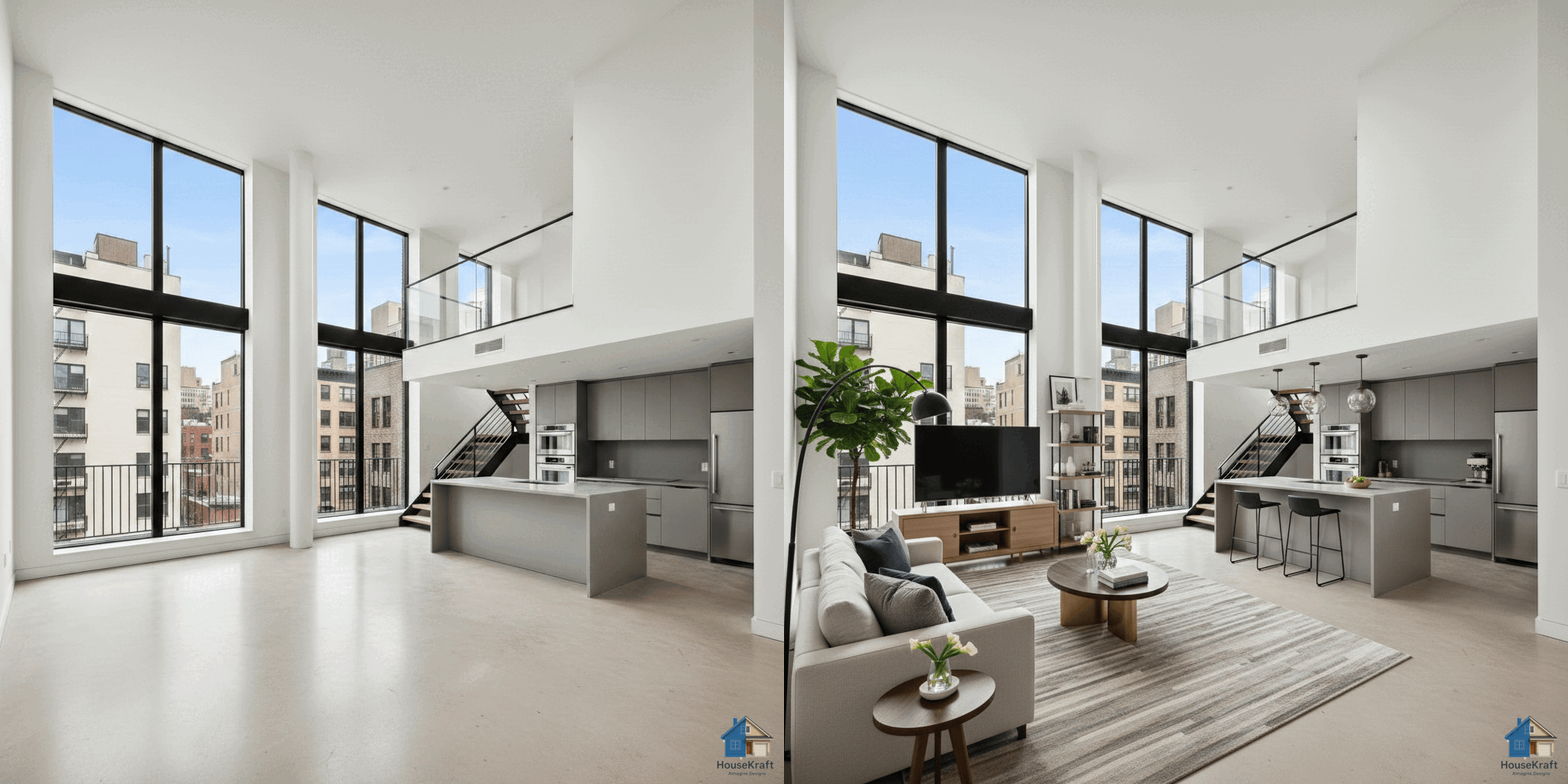
AImagine Room Staging
Express

AImagine Room Staging

Furnish empty rooms with AI-generated furniture and decor.

Explore →
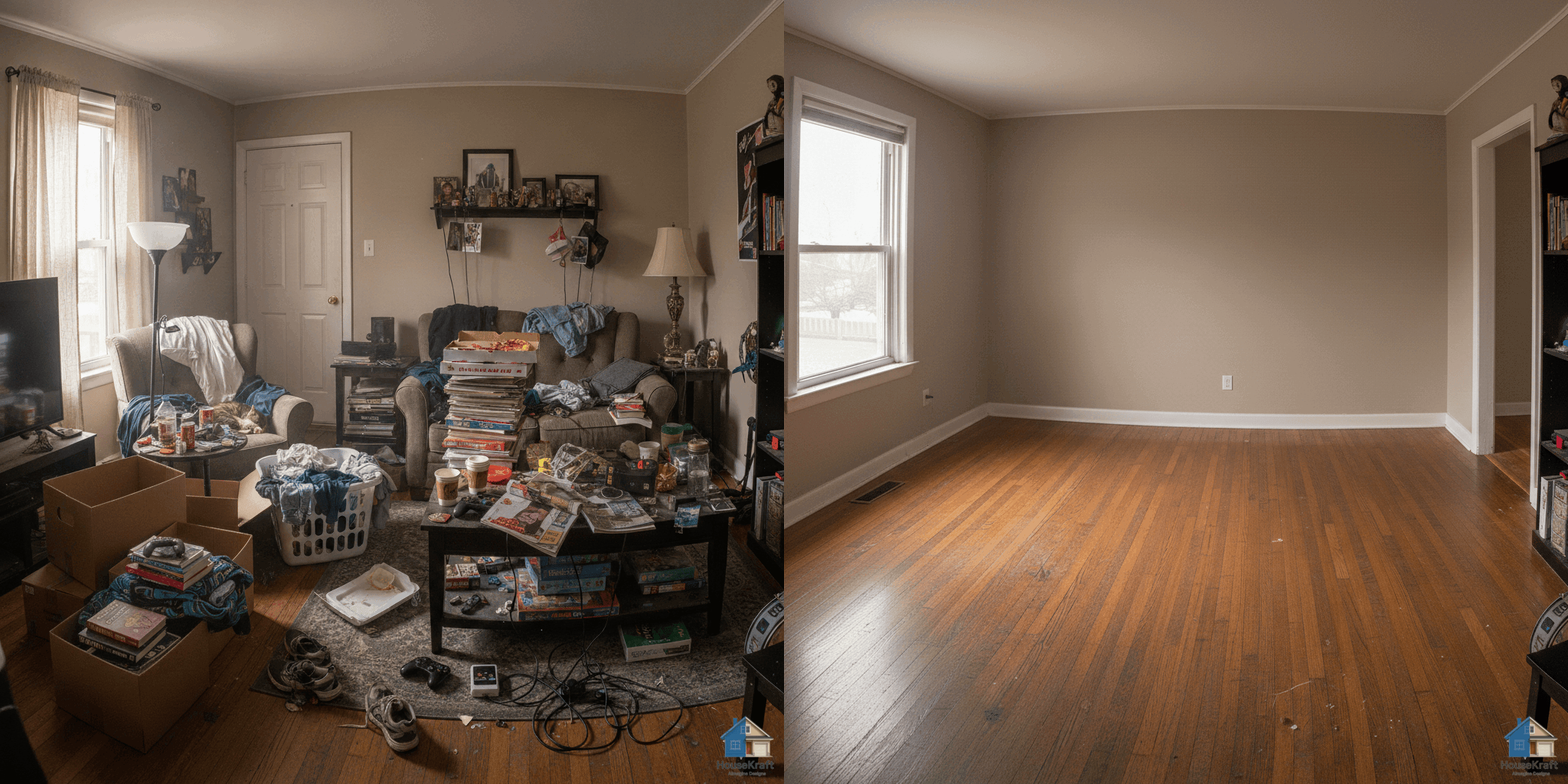
AImagine Room Unstaging
Express

AImagine Room Unstaging

Remove furniture to reveal a room's true potential.

Explore →
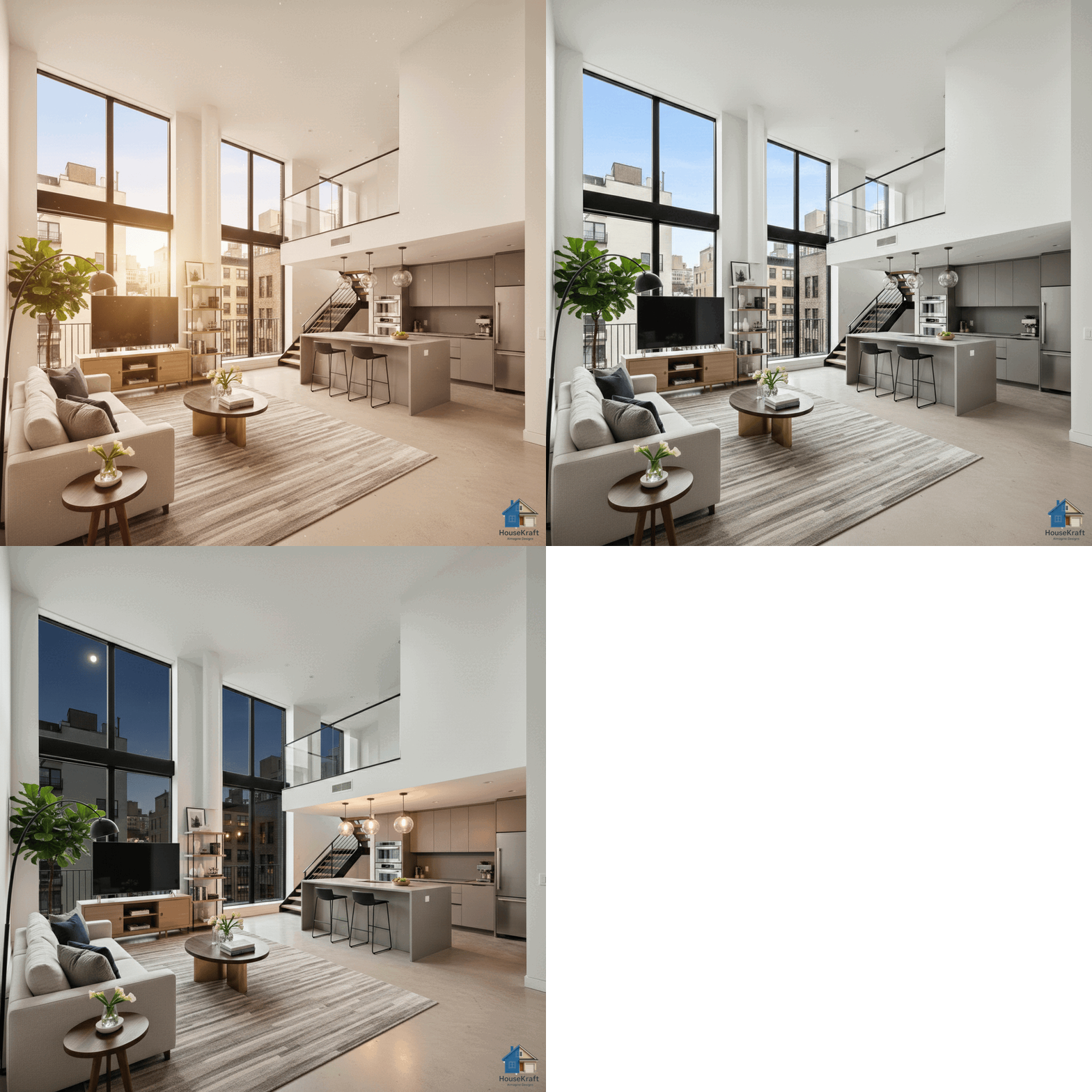
AImagine Time Change
Express

AImagine Time Change

See any room at sunrise, golden hour, or night.

Explore →
AImagine Weather & Location
Express

AImagine Weather & Location

Change the weather and the view outside the window.

Explore →
360° Panorama
Express

360° Panorama

Transform a room photo into an immersive 360° view.

Explore →
Chat with Tools
★ Basic

Chat with Tools

Just describe what you want — the AI runs the right tool.

Explore →
AI Chat
★ Basic

AI Chat

Edit any render through a simple text conversation.

Explore →
AImagine Floor Change
Basic

AImagine Floor Change

Visualize hardwood, tile, marble, or carpet in your room.

Explore →
AImagine Wall Paint
Basic

AImagine Wall Paint

Test any paint color on your actual walls.

Explore →
AImagine Object Placement
Basic

AImagine Object Placement

Swap, add, or replace furniture, lighting, and decor.

Explore →
AI Precise Custom Editing
Pro

AI Precise Custom Editing

Target specific objects for surgical, nano-level edits.

Explore →
Image Upscaling
Pro

Image Upscaling

Upscale renders to crisp, print-ready resolution.

Explore →
Sketch to Photorealistic
Pro

Sketch to Photorealistic

Turn sketches into photorealistic architectural renders.

Explore →
Change Material on Render
Pro

Change Material on Render

Swap materials on any surface without re-rendering.

Explore →
Change Point of View
Pro

Change Point of View

Shift the camera angle or perspective of any render.

Explore →
En Masse — Bulk Ideation
Pro

En Masse — Bulk Ideation

Explore many design variations at once, at lower cost.

Explore →
Dollhouse View from Floor Plan
Pro

Dollhouse View from Floor Plan

Get a 3D dollhouse render from a 2D floor plan.

Explore →
Try Now →