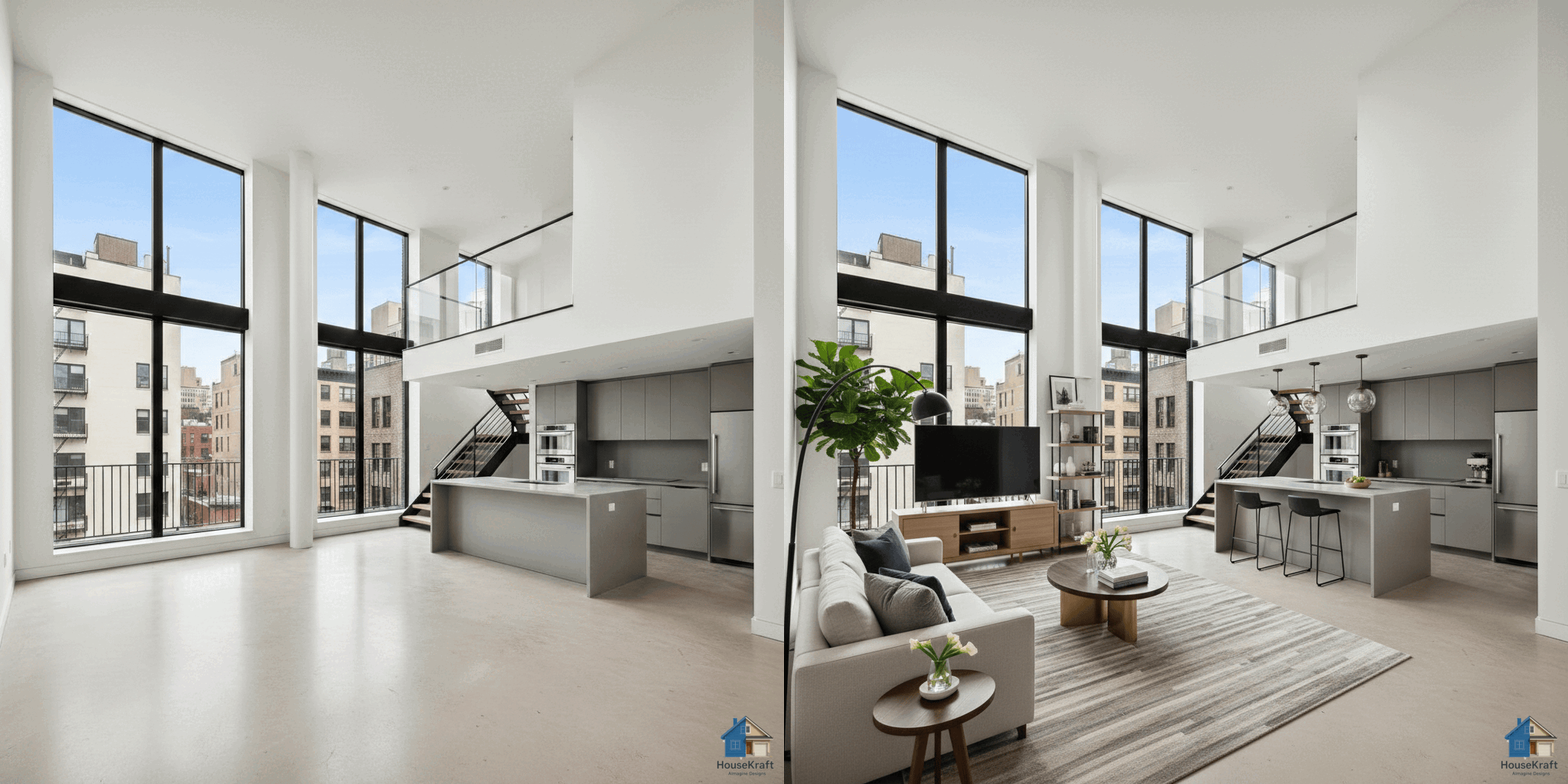
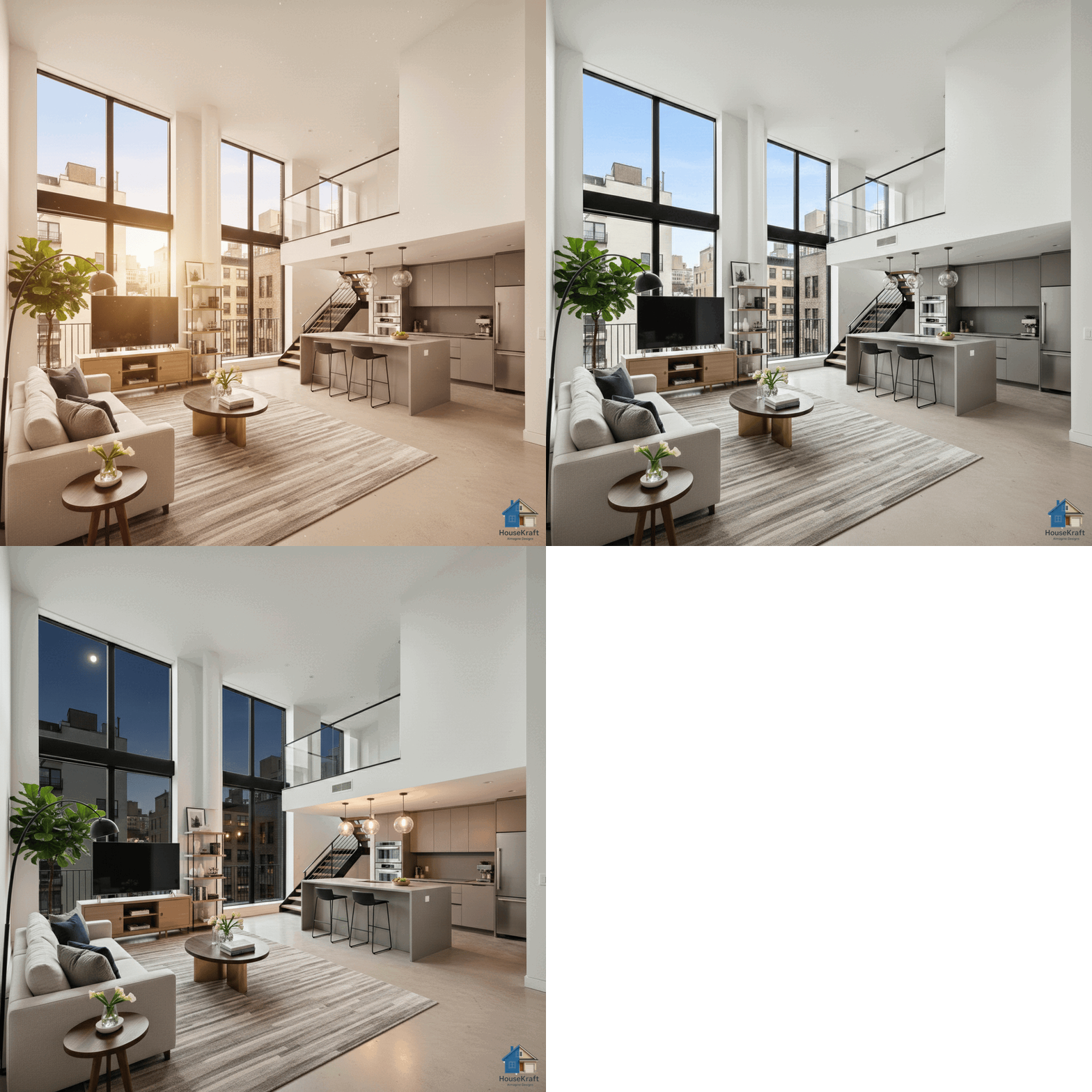
Express · Bulk Unstaging · Live

Bulk furniture removal.
Empty a whole listing at once.

Clear a whole listing, in one shot. Declutter and empty a whole batch of listing photos in one run — every image returned clean and ready, auto-branded and watermarked, with the same options as bulk staging.

Express · Auto logo · Auto watermark · Listing meta tagging
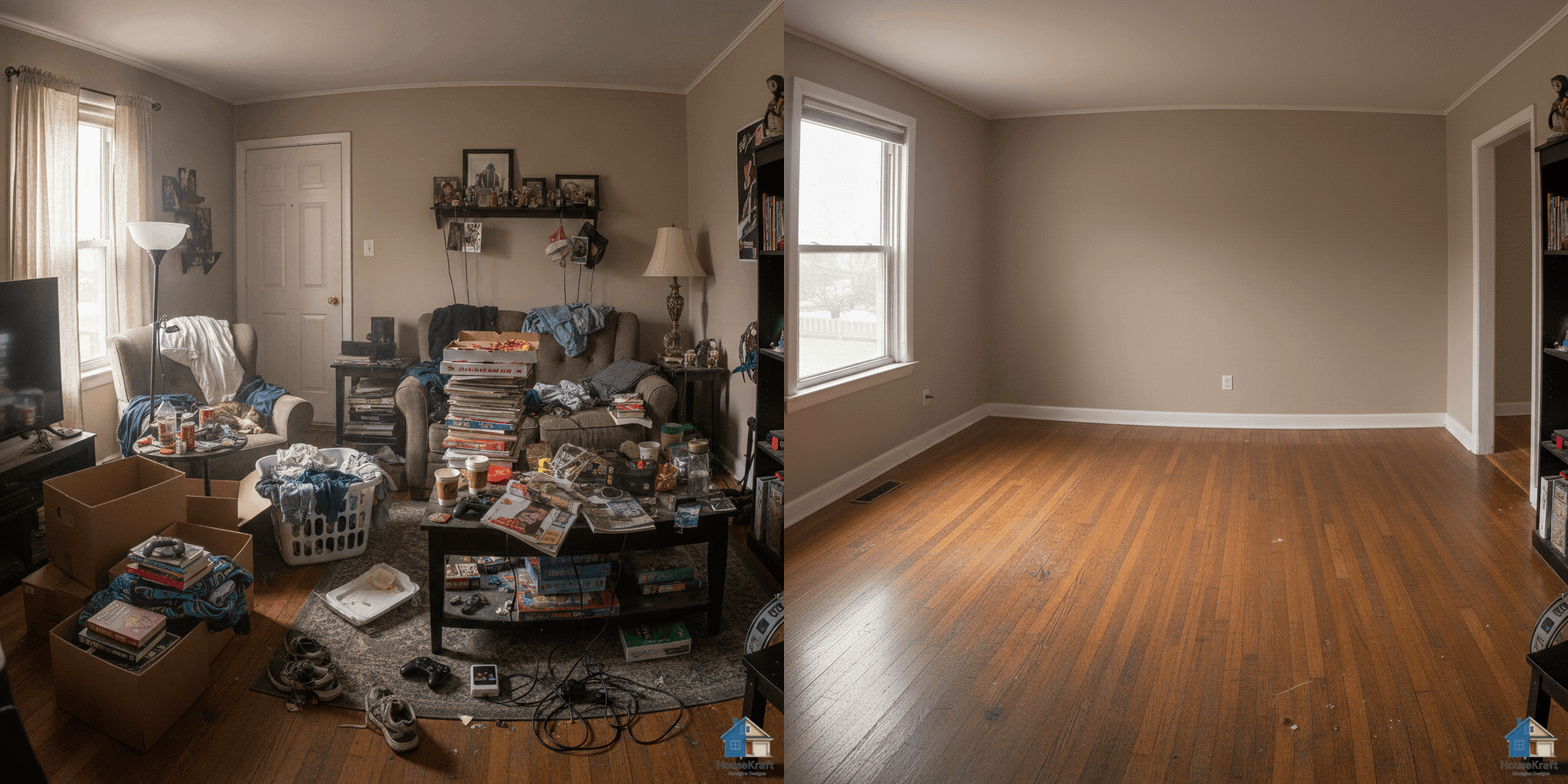
Bulk furniture removal across a listing's photos
See It In Action

A whole listing,
emptied in one job.

Upload the listing as one batch and get every room back clear, branded and watermarked.

listing.zipUp to 50 photos in one upload
BeforeBefore
EmptiedEmptied
Photo 1 / 6 · every photo, one job
What it does

Bulk furniture removal for whole listings

Bulk Unstaging strips furniture and clutter from an entire set of photos at once, so buyers see the true space. It carries the same auto logo, watermarking, and listing-specific meta tagging as bulk staging — and pairs perfectly with it: empty a whole listing, then restage it in any style, end to end.

Why use it

Built for volume.

Batch the whole listing

Upload once and declutter or empty every selected photo in a single run.

Auto logo & watermark

Every output is automatically branded with your logo and watermarked — no extra step.

Listing-specific meta tagging

Portal-ready metadata is written into each image for cleaner uploads and SEO.

Pairs with bulk staging

Empty a whole set, then restage it in any style — end to end, in bulk.

FAQ

Questions,
answered.

How many photos can I empty at once?

Up to 50 photos in one job.

Are the photos branded?

Yes. Outputs get the same automatic watermark, logo and listing meta tagging as bulk staging.

Can I restage them afterwards?

Yes. Use Bulk Staging to furnish the emptied photos in one style.

Keep Exploring

More AImagine tools.

Ready to tryBulk Unstaging?

Upload a whole listing and get every image back in one shot. No credit card, no commitment.