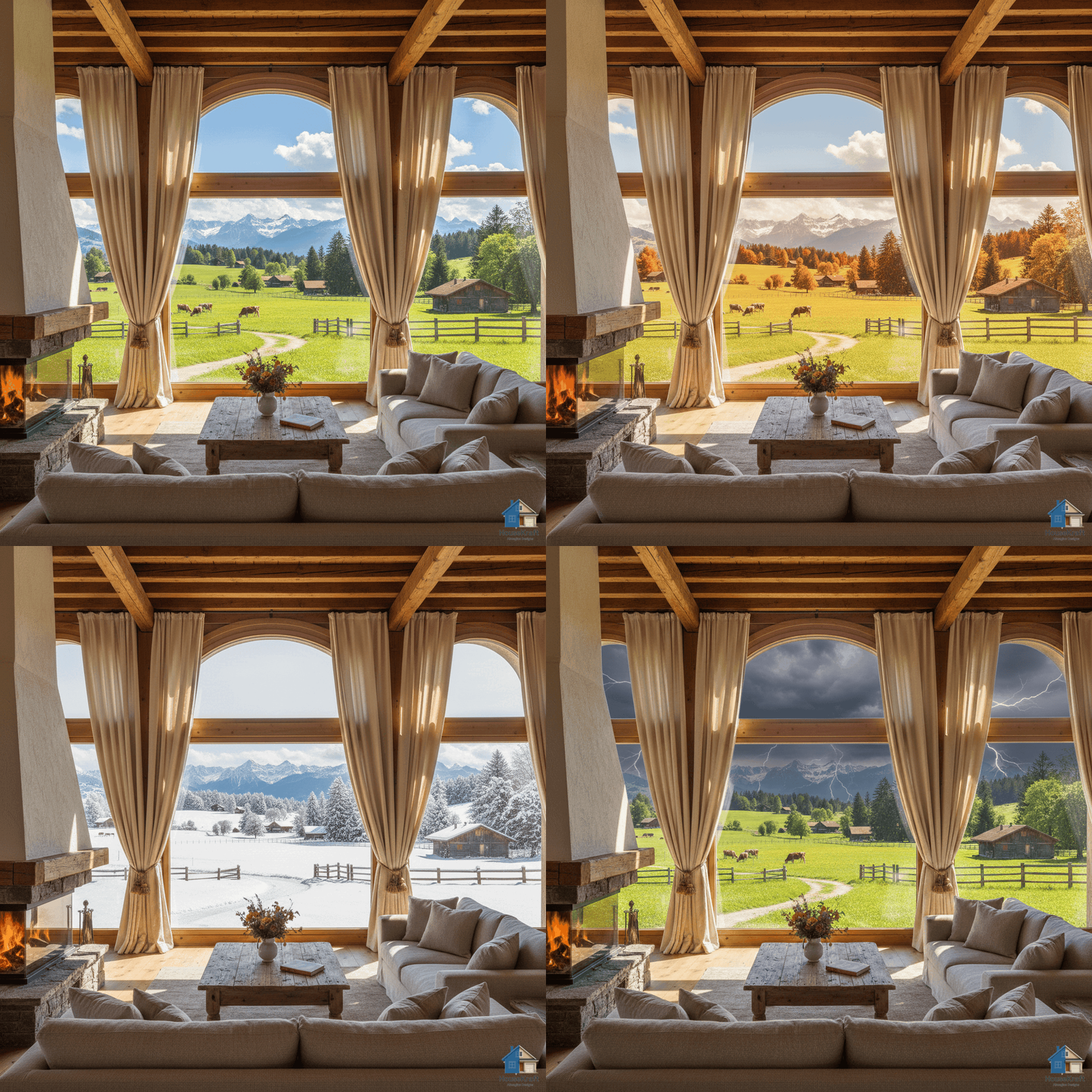
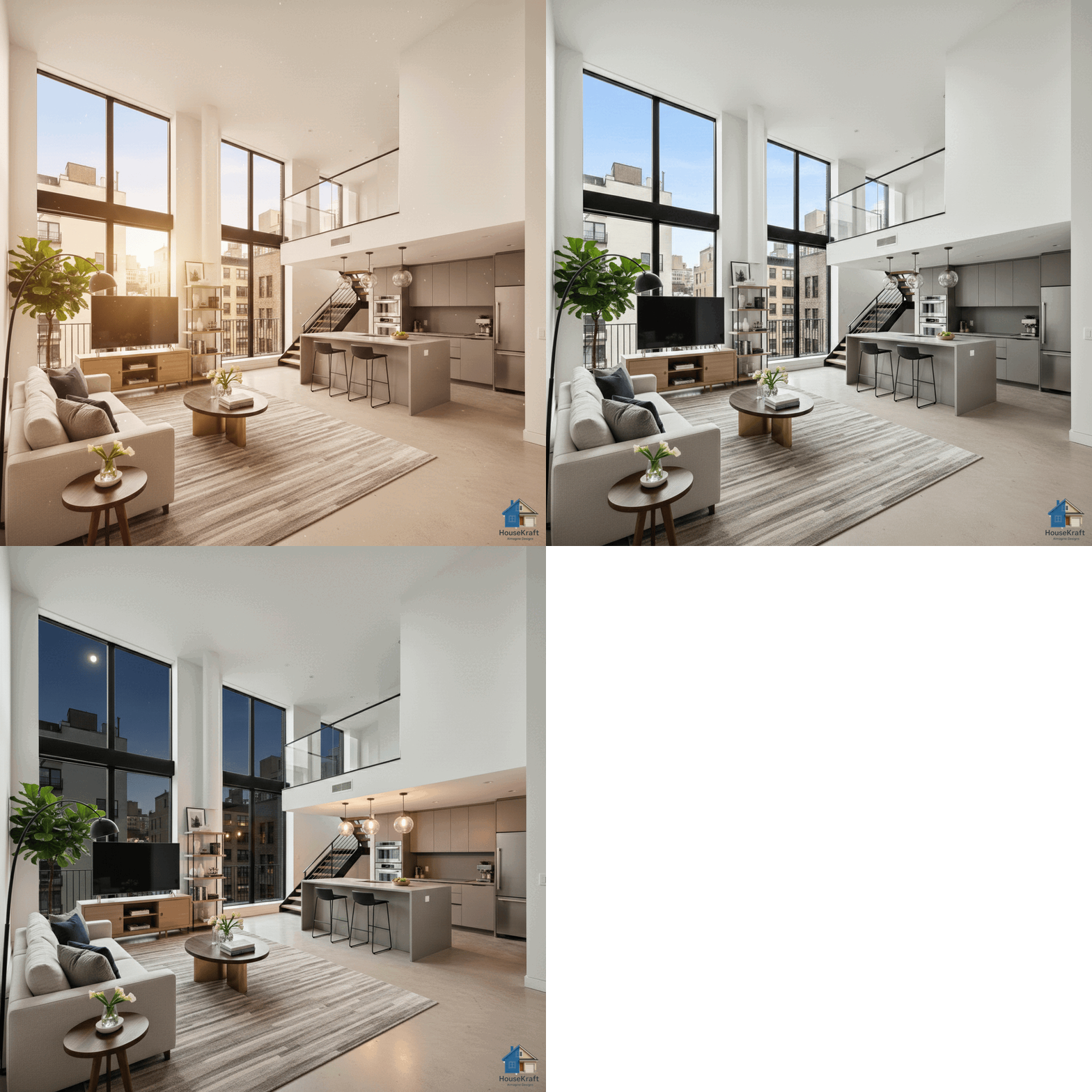
Visualize how any space looks in rain, snow, sunshine, or tropical settings. Change the exterior environment to see how weather and location affect the feel of an interior or architecture.
Free basic trial · No credit card required · Works in any browserArchitecture and interiors don't exist in isolation — the world outside the window profoundly shapes how a space feels. A living room that feels bright and airy on a sunny day takes on a completely different character when rain streaks down the glass. A mountain cabin in summer greenery becomes a winter wonderland with snow on the sills. HouseKraft's AImagine Weather & Location Change lets you reimagine any photo in different weather conditions and environmental settings. Turn a clear day into a moody rainstorm. Add snow to an exterior render. Place a building in a tropical beach setting, an urban downtown, or a quiet countryside. This is invaluable for architects presenting designs in different seasonal contexts, real estate agents showing year-round appeal, or anyone who wants to understand how weather affects the ambiance of their space.
Rain, snow, fog, overcast, bright sunshine, stormy skies — see how each condition transforms the mood and atmosphere of a space.
Show the same property in spring bloom, summer green, autumn foliage, or winter snow. Perfect for year-round marketing.
Place any building in a different setting — beachfront, mountain, urban skyline, countryside — to explore design context.
Architects and developers: show clients how a building design performs visually across weather and seasonal conditions.
Available on desktop and mobile — use HouseKraft anywhere, anytime.
Full-featured interface with side-by-side comparison and detailed controls.
Optimized for on-the-go use — snap, upload, and AImagine from your phone.
Snow
See how a property transforms when covered in fresh snow — from the roofline to the landscaping, everything changes.
Tropical
Reimagine an urban property in a tropical setting — palm trees, ocean views, and warm sunlight completely change the context.
Upload a room photo below and see the result instantly. No sign-up required for your first try.
Upload your first photo and get an AI-generated result in under 30 seconds. Start with a free basic trial — no credit card, no commitment.
Discover everything HouseKraft can do — from one-tap Express transforms to Pro-grade power tools.

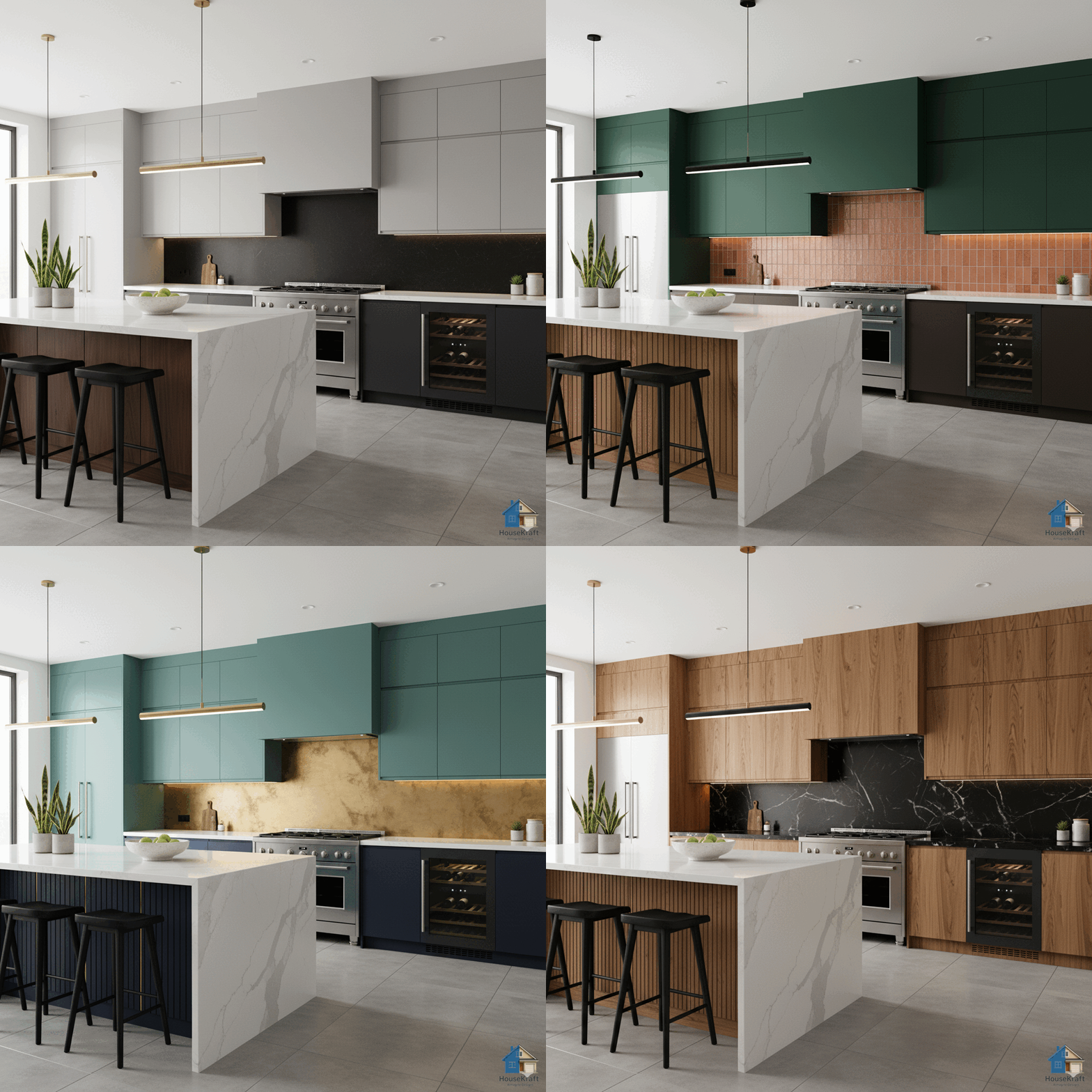
Apply a complete design theme or moodboard to any room.
Explore →
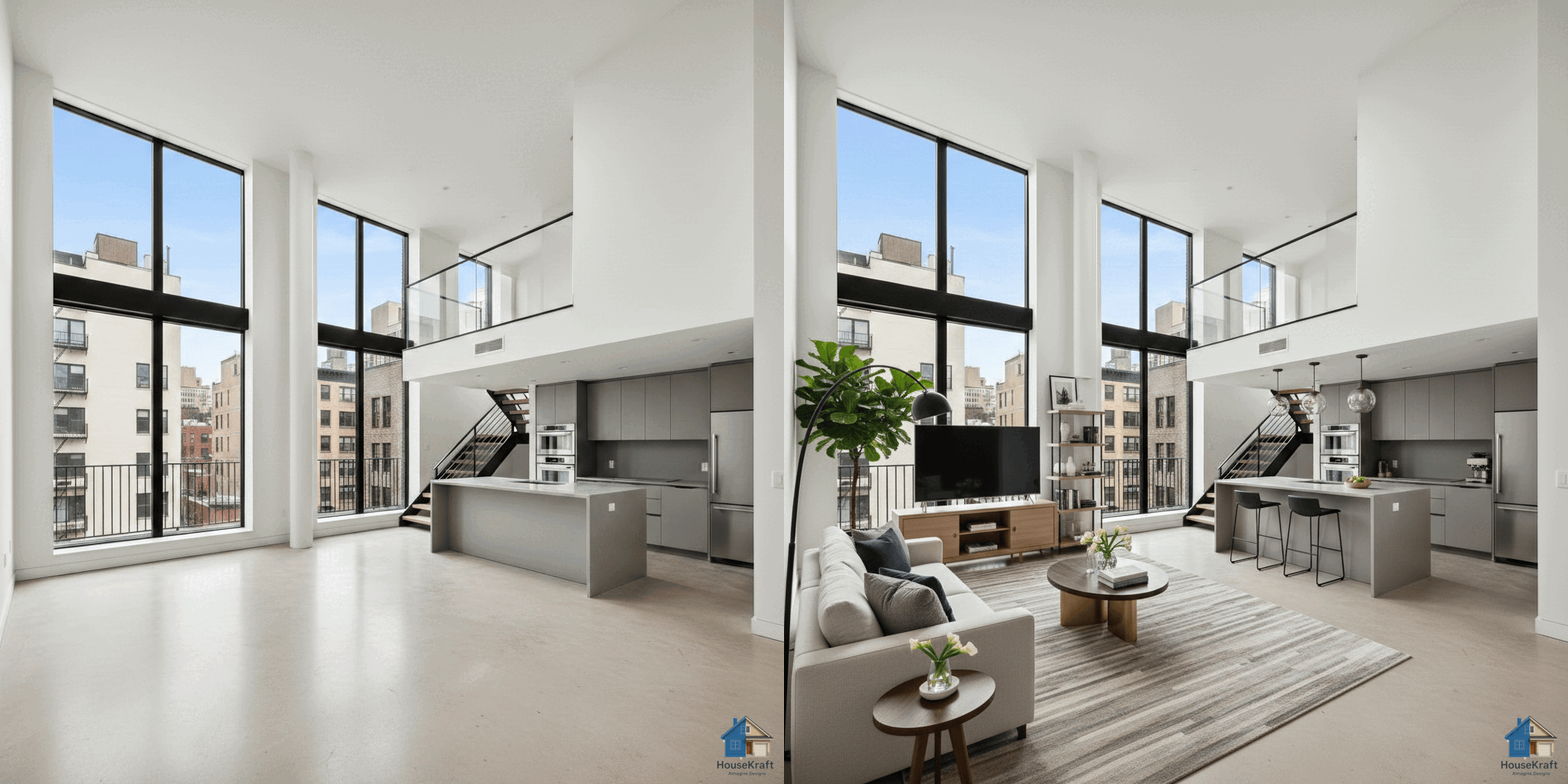
Furnish empty rooms with AI-generated furniture and decor.
Explore →
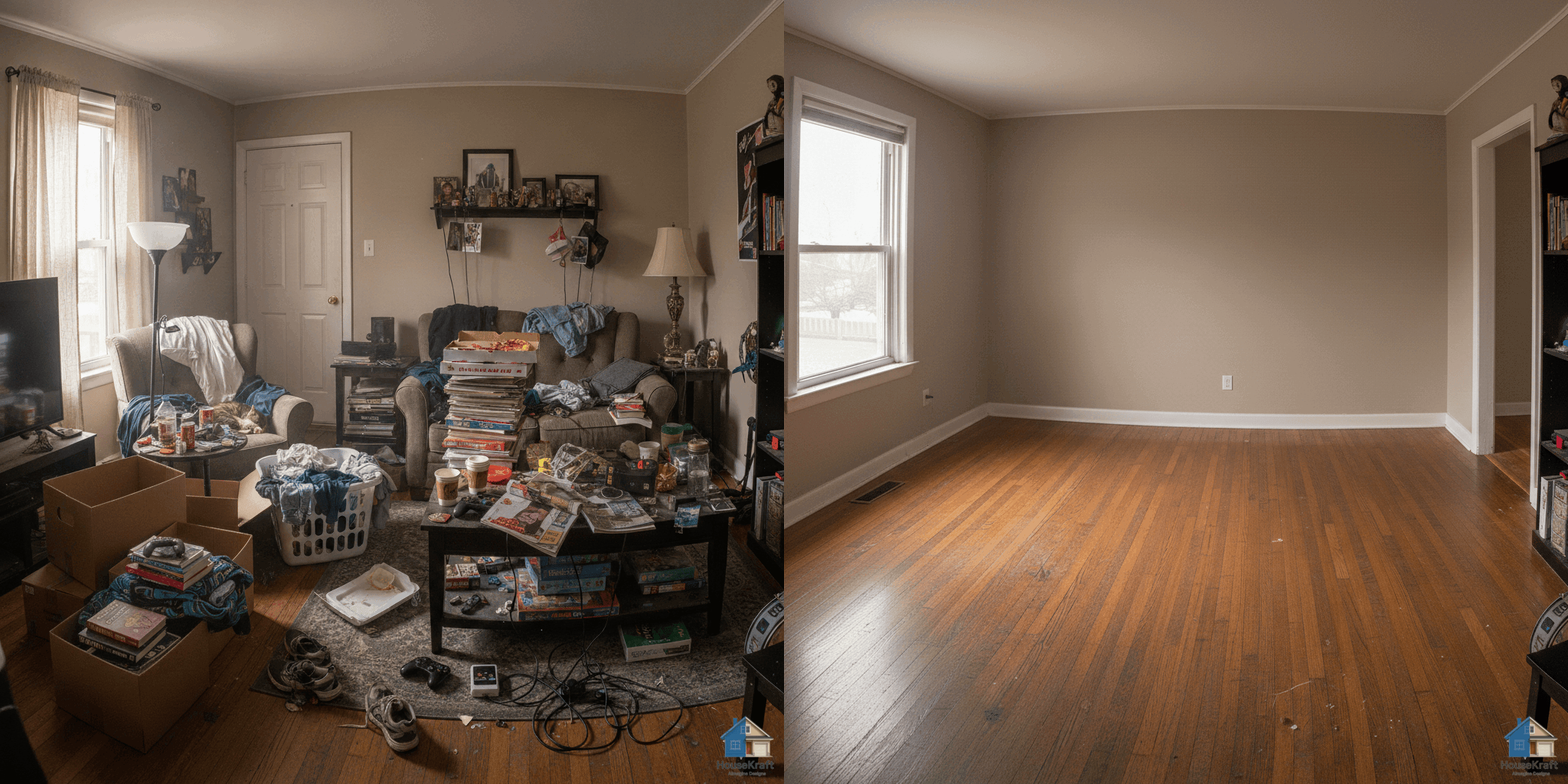
Remove furniture to reveal a room's true potential.
Explore →
See any room at sunrise, golden hour, or night.
Explore →Turn one photo into a cinematic walkthrough video.
Explore →Transform a room photo into an immersive 360° view.
Explore →Just describe what you want — the AI runs the right tool.
Explore →Edit any render through a simple text conversation.
Explore →
Visualize hardwood, tile, marble, or carpet in your room.
Explore →
Test any paint color on your actual walls.
Explore →
Swap, add, or replace furniture, lighting, and decor.
Explore →
Target specific objects for surgical, nano-level edits.
Explore →
Upscale renders to crisp, print-ready resolution.
Explore →
Turn sketches into photorealistic architectural renders.
Explore →
Swap materials on any surface without re-rendering.
Explore →
Shift the camera angle or perspective of any render.
Explore →Explore many design variations at once, at lower cost.
Explore →Get a 3D dollhouse render from a 2D floor plan.
Explore →