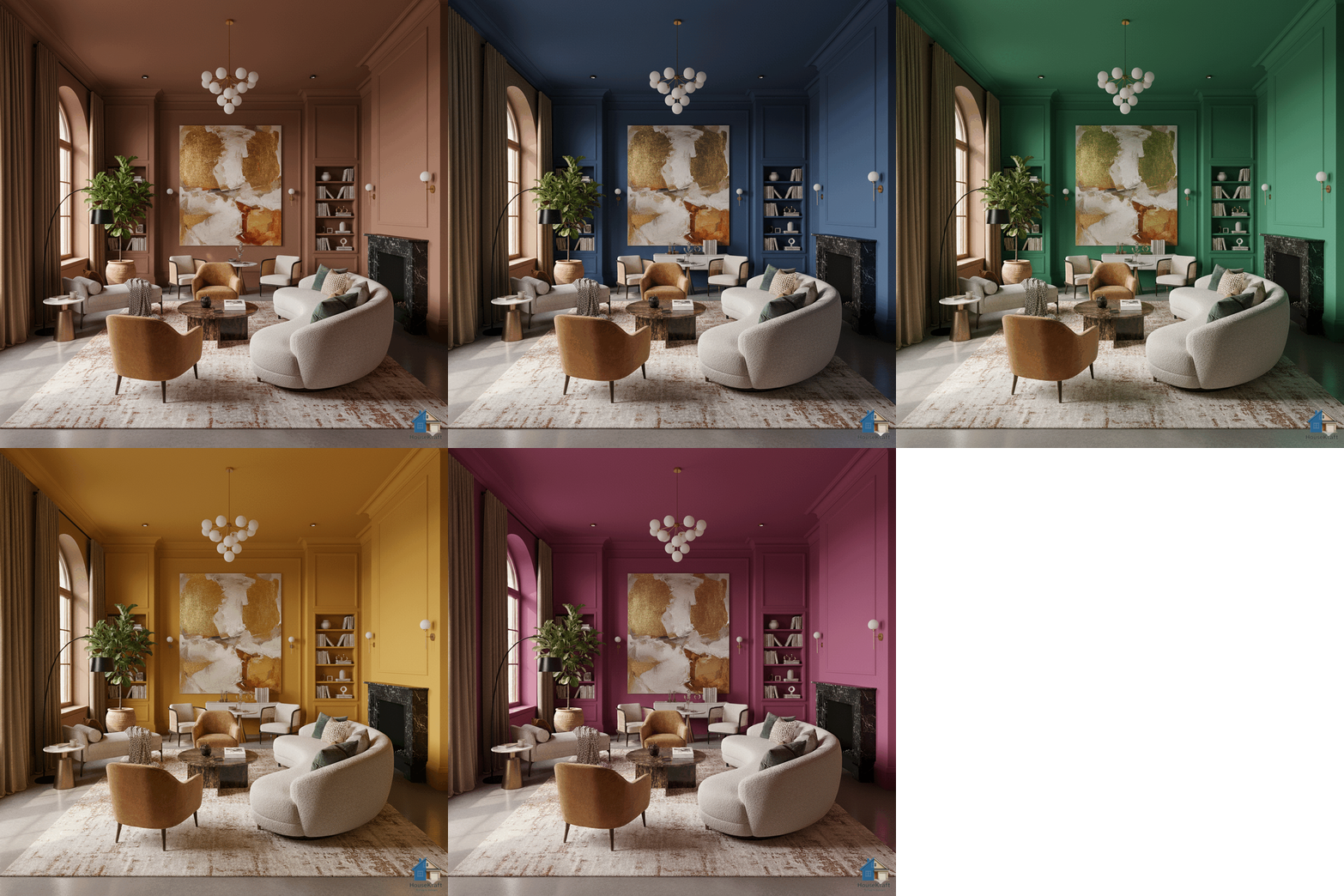
Upload a photo of your room and see how any paint color looks on your walls — with AI that understands light, shadow, and surface texture for photorealistic results.
Free basic trial · No credit card required · Works in any browserPainting a room is deceptively complex. That perfect sage green on a tiny swatch can look completely different on a full wall under your room's specific lighting. HouseKraft's AImagine Wall Paint eliminates the guesswork entirely. Upload a photo, describe or pick any color, and our AI renders a photorealistic visualization of your walls in that exact shade — accounting for natural light direction, shadow areas, window reflections, and even the way paint interacts with different wall textures. Try bold accent walls, soft neutrals, or dramatic dark tones. Compare morning light vs. evening ambiance. Share the renders with your family before anyone touches a roller.
Our AI accounts for room lighting, shadow cast, and surface texture so the color you see on screen is what you'll see on your wall.
Test a bold color on just one wall while keeping the rest neutral — see exactly how it anchors the room before committing.
Matte, satin, eggshell, or glossy — specify the finish and see how it reflects light differently throughout the day.
The average homeowner wastes $200–$500 repainting rooms they got wrong. Preview first, paint once.
Available on desktop and mobile — use HouseKraft anywhere, anytime.
Full-featured interface with side-by-side comparison and detailed controls.
Optimized for on-the-go use — snap, upload, and AImagine from your phone.
Bold Color
See how a deep sage green transforms a neutral room into a sophisticated, grounded living space.
Warm Tones
Swap clinical cool grays for warm terracotta tones — feel the difference that warm color makes to a space.
Upload your first photo and get an AI-generated result in under 30 seconds. Start with a free basic trial — no credit card, no commitment.
Discover everything HouseKraft can do — from one-tap Express transforms to Pro-grade power tools.

Apply a complete design theme or moodboard to any room.
Explore →
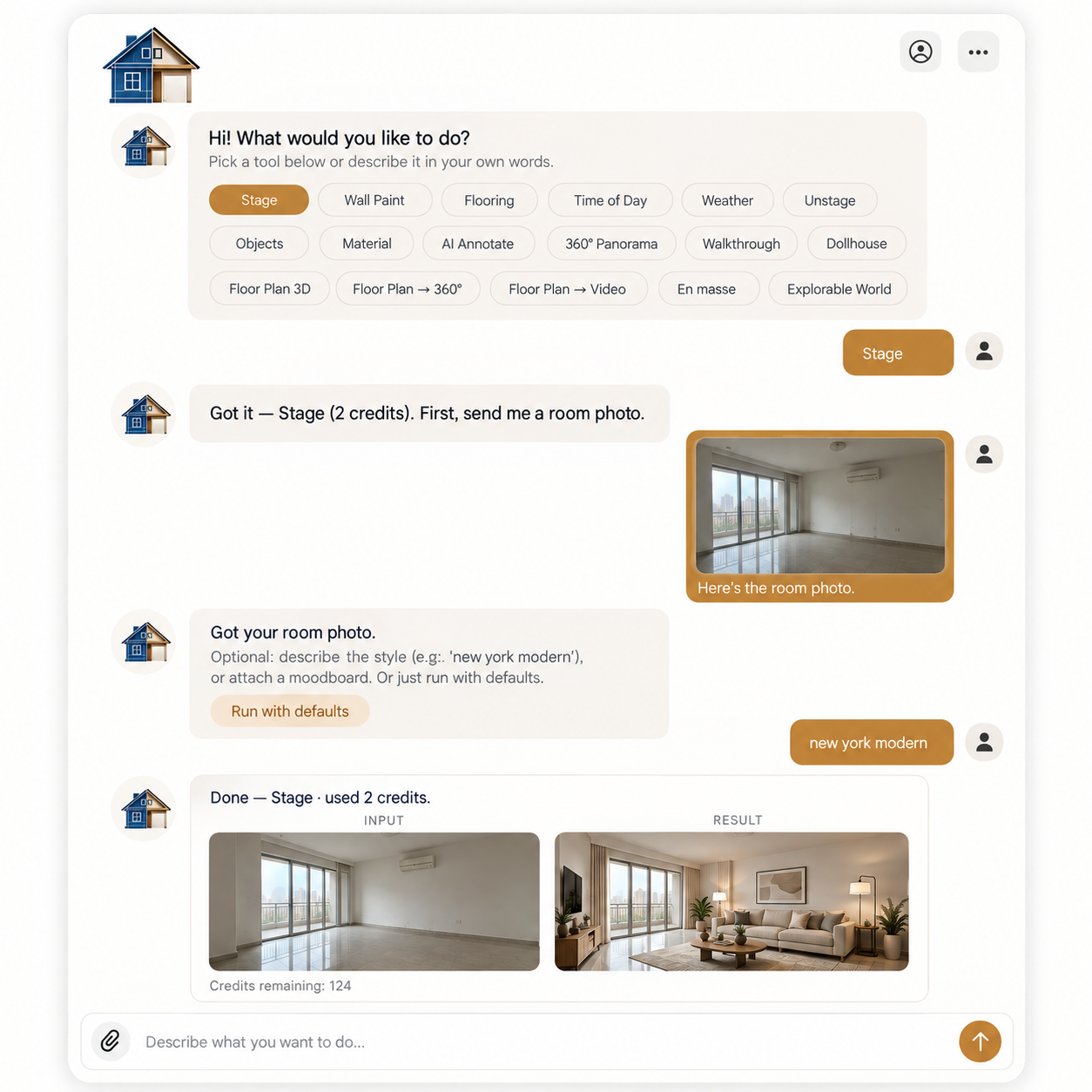
Furnish empty rooms with AI-generated furniture and decor.
Explore →
Remove furniture to reveal a room's true potential.
Explore →
See any room at sunrise, golden hour, or night.
Explore →
Change the weather and the view outside the window.
Explore →Turn one photo into a cinematic walkthrough video.
Explore →Transform a room photo into an immersive 360° view.
Explore →Just describe what you want — the AI runs the right tool.
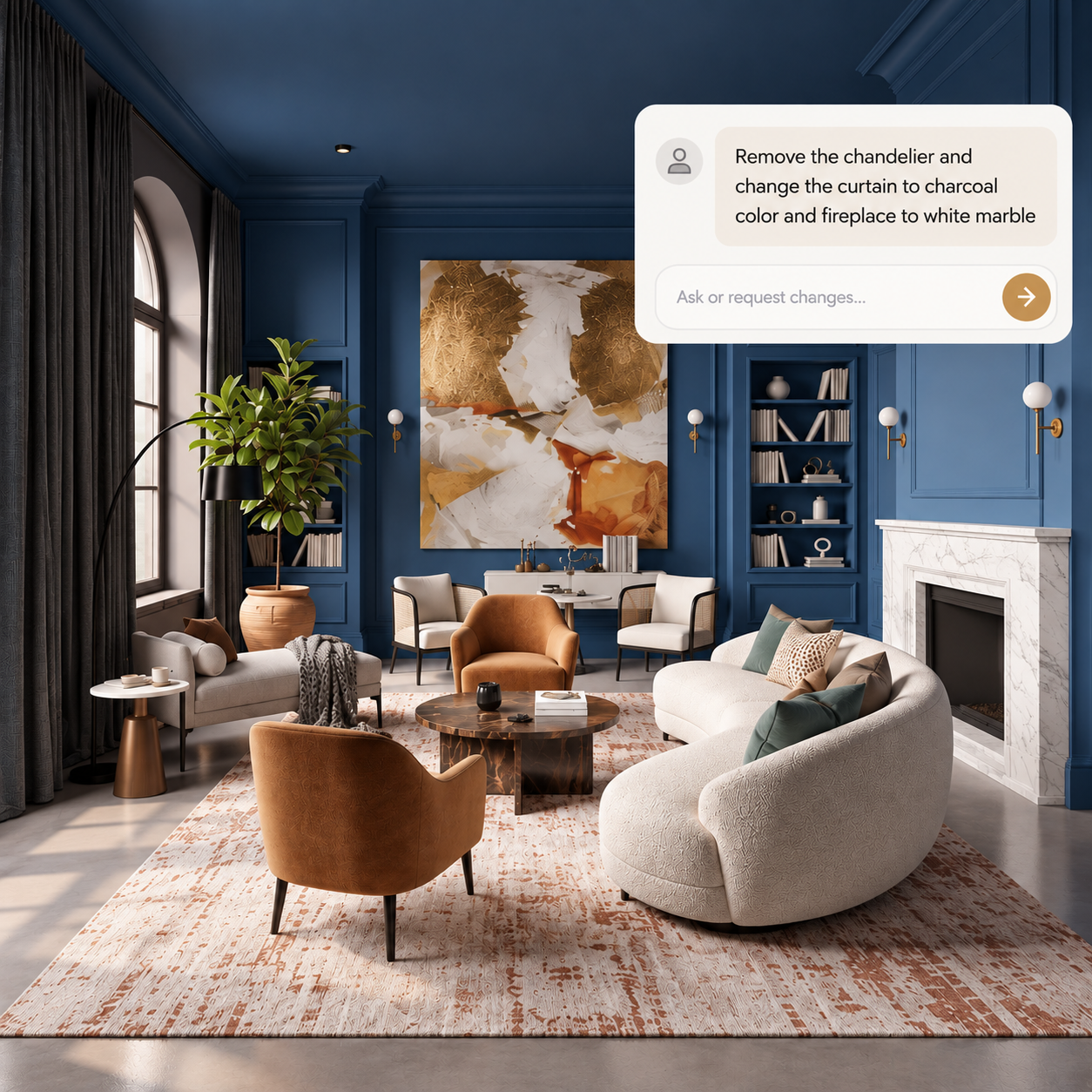
Explore →Edit any render through a simple text conversation.
Explore →
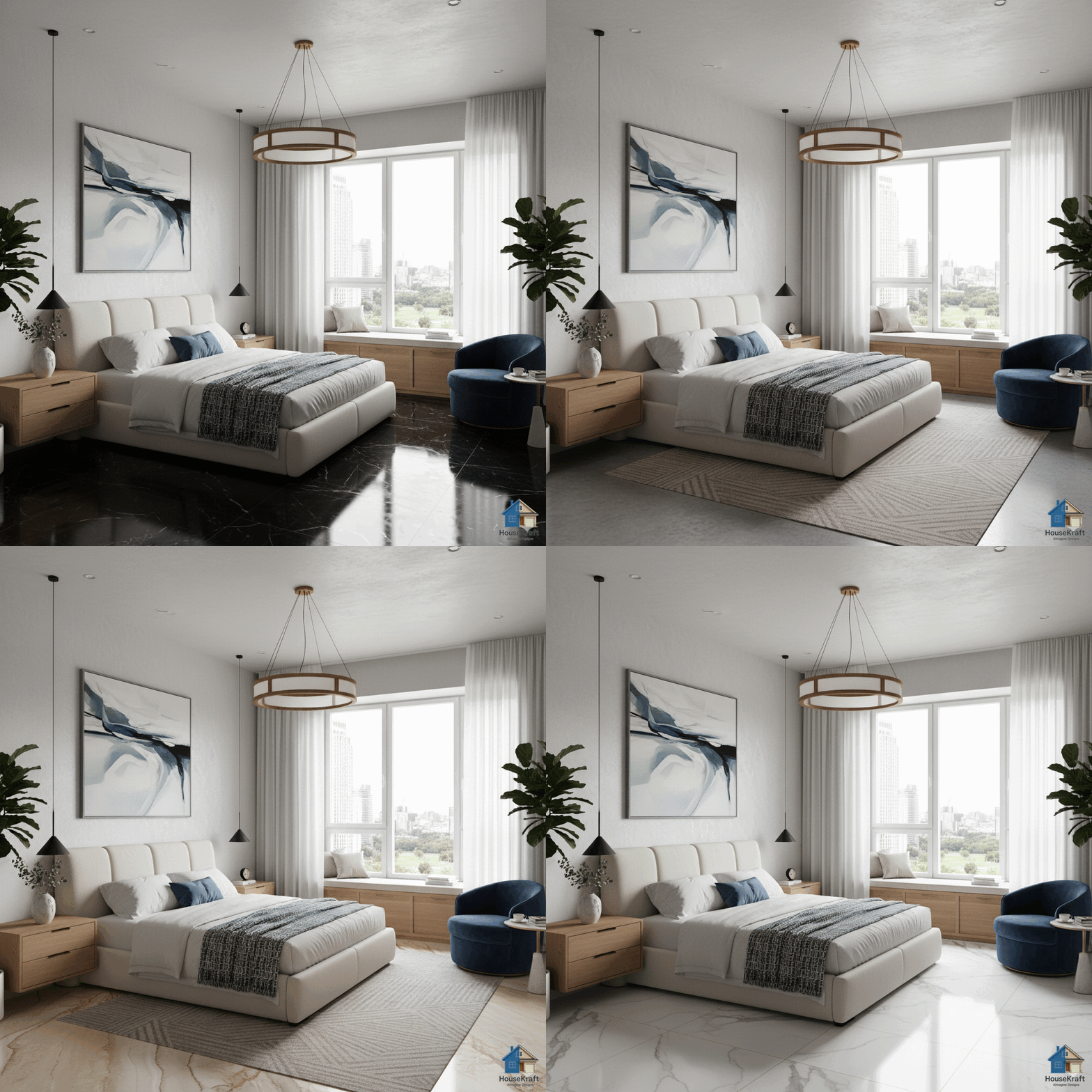
Visualize hardwood, tile, marble, or carpet in your room.
Explore →
Swap, add, or replace furniture, lighting, and decor.
Explore →
Target specific objects for surgical, nano-level edits.
Explore →
Upscale renders to crisp, print-ready resolution.
Explore →
Turn sketches into photorealistic architectural renders.
Explore →
Swap materials on any surface without re-rendering.
Explore →
Shift the camera angle or perspective of any render.
Explore →Explore many design variations at once, at lower cost.
Explore →Get a 3D dollhouse render from a 2D floor plan.
Explore →