Basic · Object Placement

Add furniture to any room photo.
See it before you buy it.

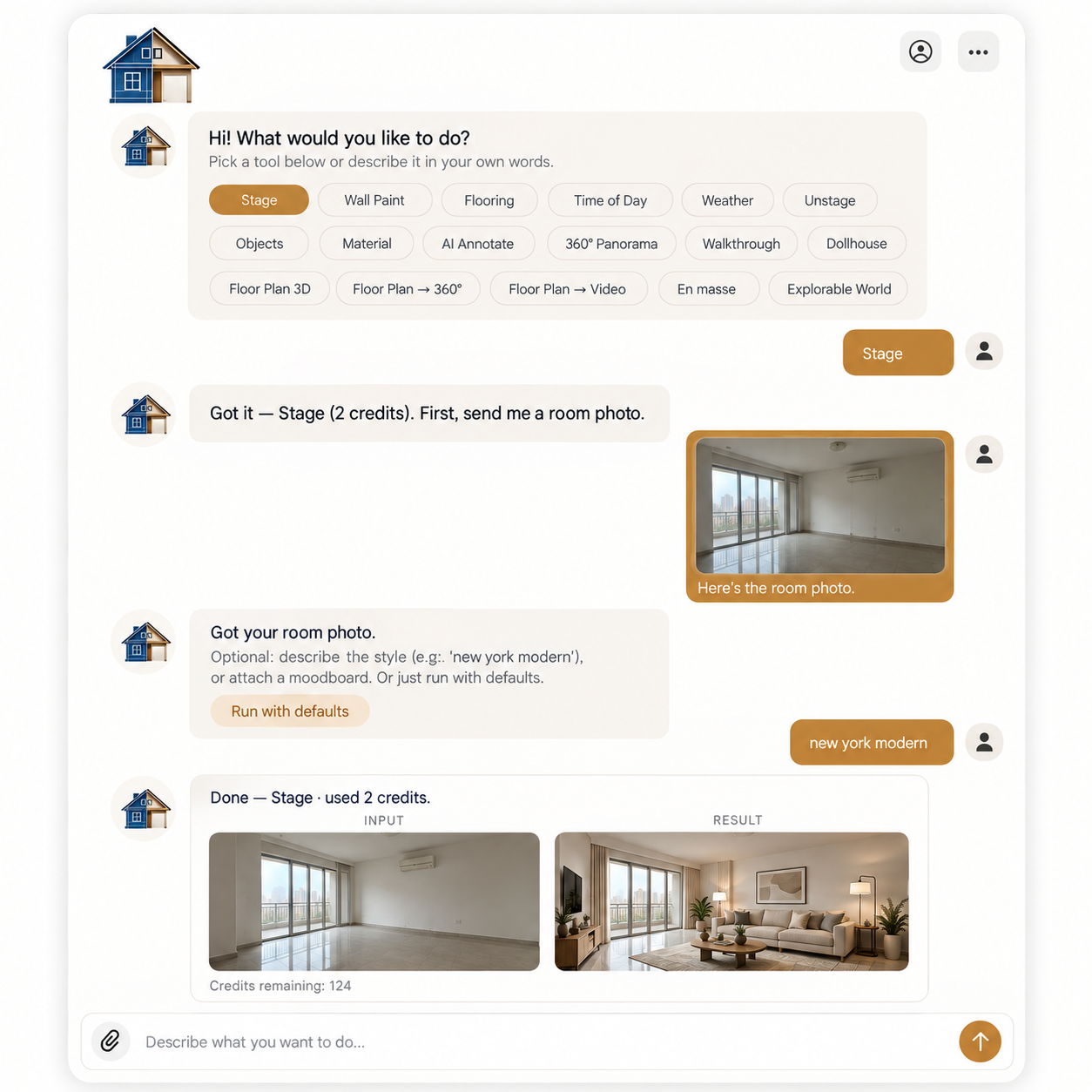
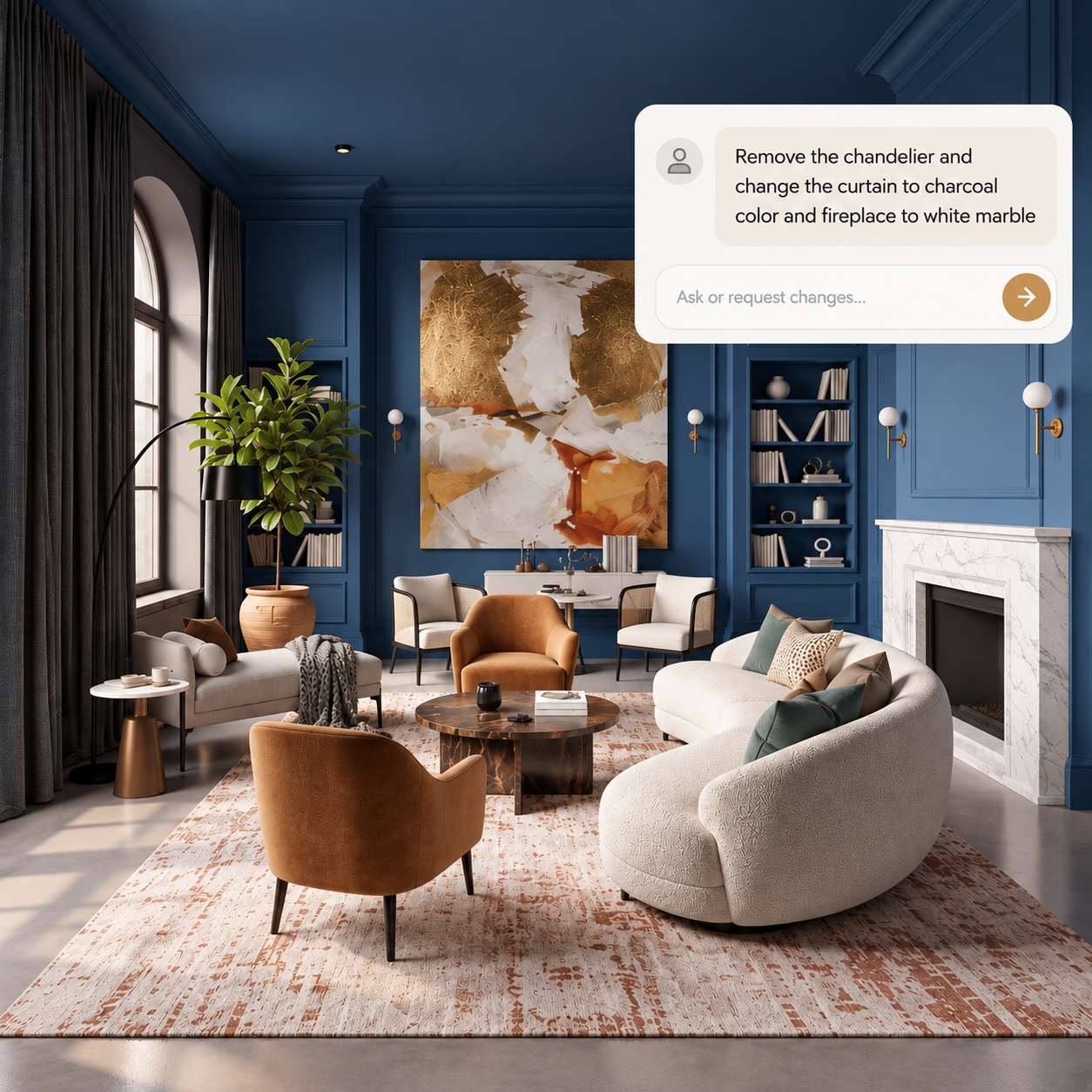
Swap furniture, move anything. Place or replace any object in a scene — swap a sofa, add a bookshelf, change a lamp — and explore layouts without lifting a thing.

Basic · Works in any browser
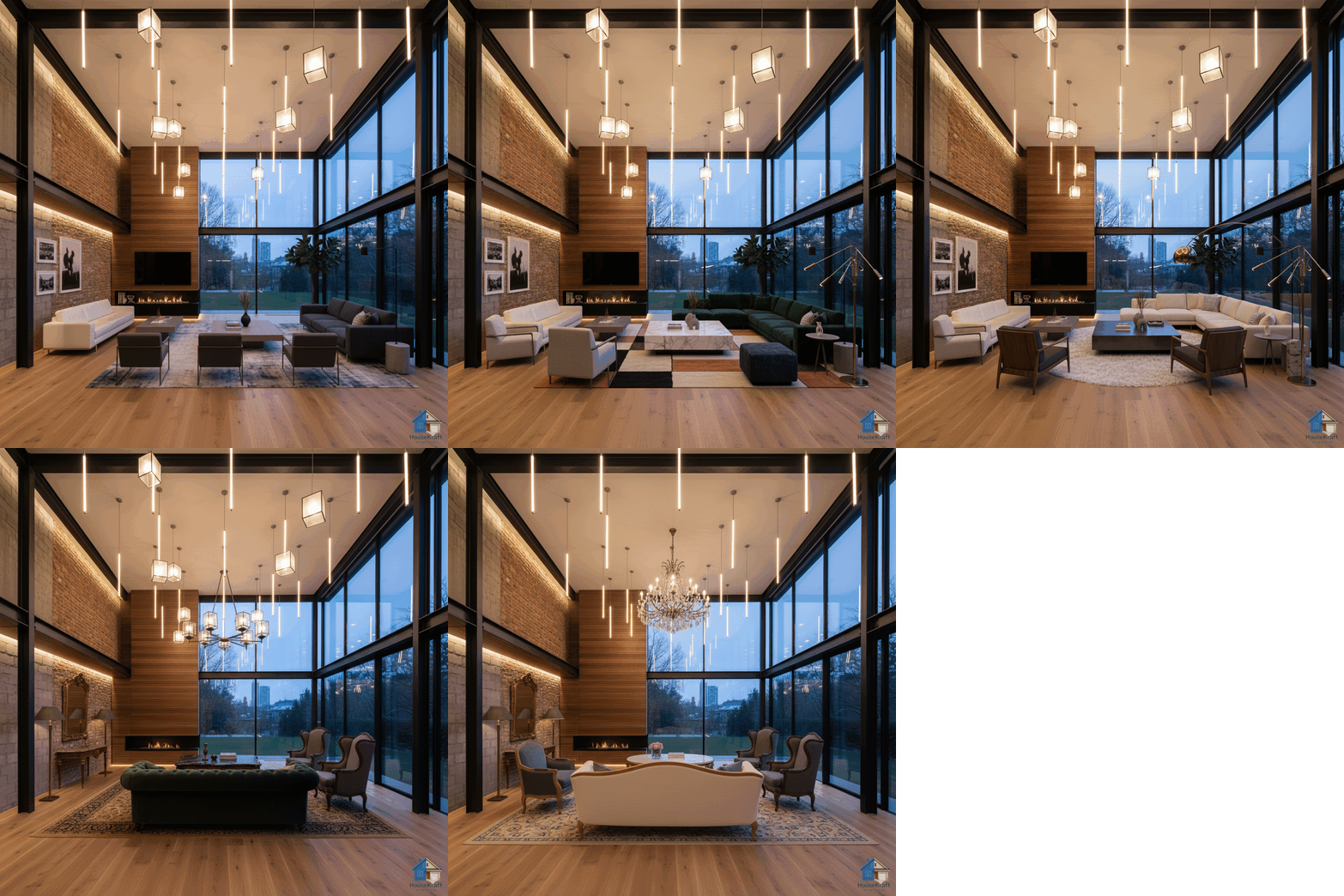
AI furniture placement adding furniture to a room photo
See It In Action

Before and after,
side by side.

Drag the handle to compare. Real HouseKraft results.

After: Furniture added — add furniture to photo Before: Furniture added — add furniture to photo
BeforeAfter
Furniture addedDrag to compare
After: Furniture swapped — add furniture to photo Before: Furniture swapped — add furniture to photo
BeforeAfter
Furniture swappedDrag to compare
What it does

Visualize furniture in your own room

Rearranging a room is a chore. Object Placement lets you swap, add, or replace furniture, lighting, and decor in a scene — try a new sofa, add a bookshelf, change the lamp — and explore layouts without moving a single piece.

Why use it

Key advantages.

Swap or add objects

Furniture, lighting, decor — your call.

Explore layouts

Try arrangements risk-free.

See it before buying

Know it fits before you shop.

FAQ

Questions,
answered.

Can I see furniture in my room before buying it?

Yes. Add a piece to a photo of your room and see how it fits and looks in the space.

Can I replace or remove a piece of furniture?

Yes. You can add, swap or remove a single item without changing the rest of the room.

Does it work with real products?

You can use the product library of real brands inside HouseKraft, with more brands added regularly.

Keep Exploring

More AImagine tools.

Ready to tryObject Placement?

Upload a photo and see it in seconds. No credit card, no commitment.