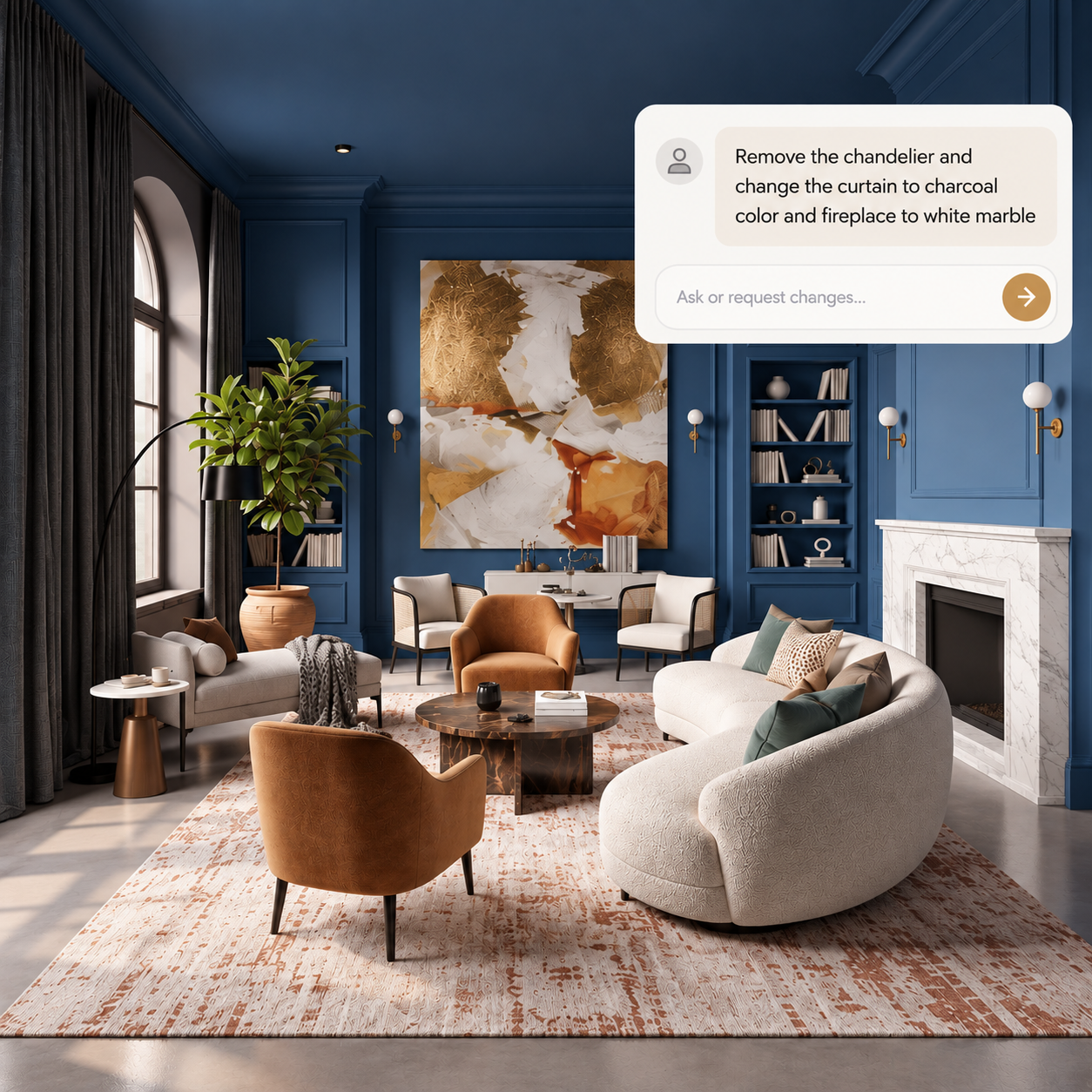
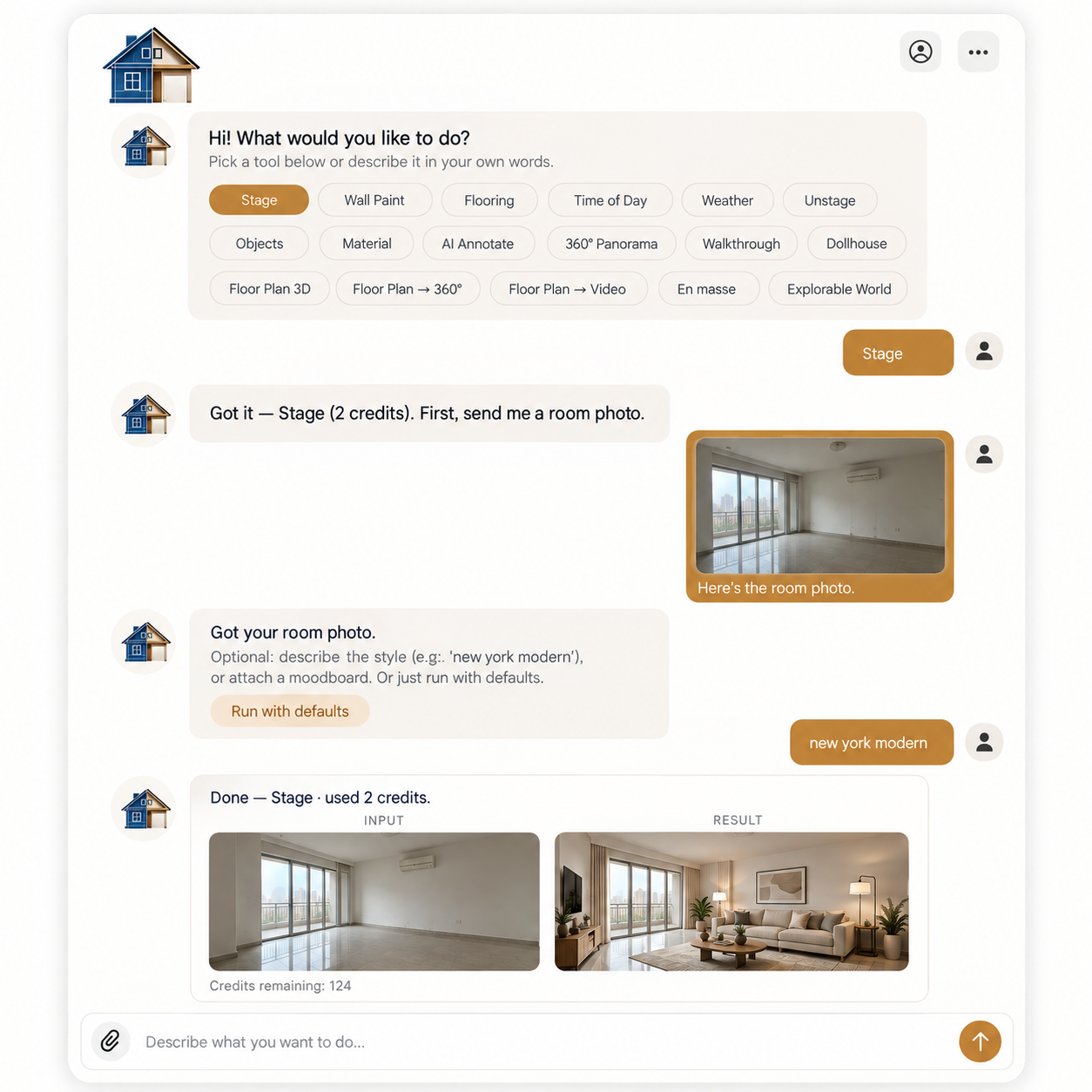
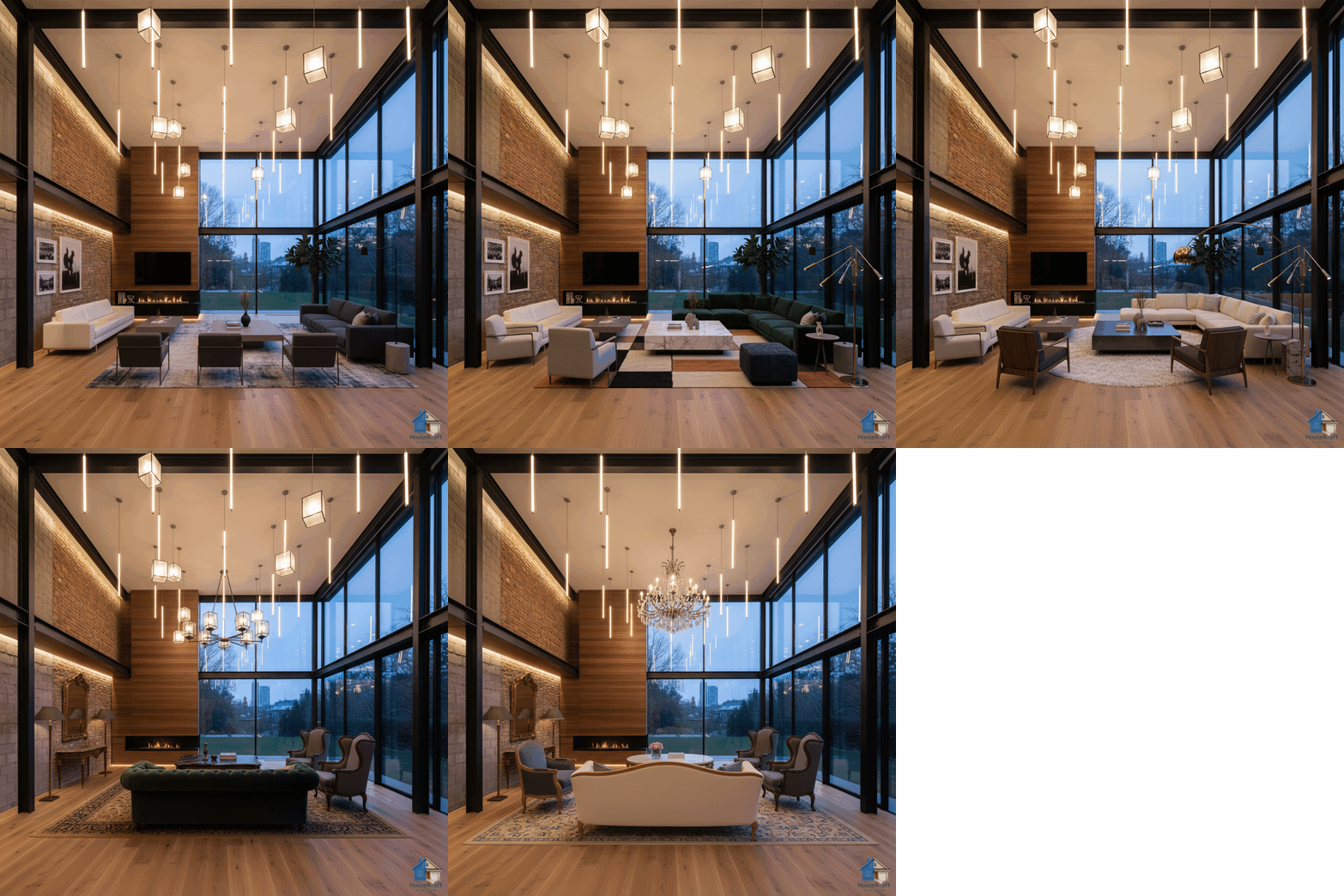
Make changes to any render through a simple text conversation. A lightweight version of Precise Custom Editing, available to everyone on Basic — describe an edit in words, watch it happen, and keep refining until it's exactly right.
★ Star feature · Available on all plans · Works in any browserPrecise editing usually means careful selections, masks, and tool settings. AI Chat brings that power to everyone in the simplest possible form: a text conversation. Describe the change you want — 'make the sofa navy blue', 'remove the rug', 'warm up the lighting' — and the AI applies it directly to your render. Don't love the result? Just keep chatting. Each message refines the image further, so you converge on exactly what you pictured without ever touching a precise-selection tool. Think of it as a lightweight, conversational version of our Pro-grade Precise Custom Editing, included on Basic so every user can make targeted edits naturally. Together with Chat with Tools, it's one of two star features that dramatically expand what you can do on the platform — turning complex editing into a simple back-and-forth.
Say what to change and the AI applies it — no masks, selections, or settings to learn.
Refine across messages until the result matches exactly what you had in mind.
The targeted power of Precise Custom Editing, delivered in a friendly chat format.
Conversational editing for everyone — not reserved for Pro plans.
Available on desktop and mobile — use HouseKraft anywhere, anytime.
Full-featured interface with side-by-side comparison and detailed controls.
Optimized for on-the-go use — snap, upload, and AImagine from your phone.
Conversational
Type 'make the sofa navy blue' and the render updates to match — no tools, just words.
Refine
Fine-tune the result message by message until it's exactly what you pictured.
Make your first edit just by typing — available on all plans. Start with a free basic trial.
Discover everything HouseKraft can do — from one-tap Express transforms to Pro-grade power tools.

Apply a complete design theme or moodboard to any room.
Explore →
Furnish empty rooms with AI-generated furniture and decor.
Explore →
Remove furniture to reveal a room's true potential.
Explore →
See any room at sunrise, golden hour, or night.
Explore →
Change the weather and the view outside the window.
Explore →Turn one photo into a cinematic walkthrough video.
Explore →Transform a room photo into an immersive 360° view.
Explore →Just describe what you want — the AI runs the right tool.
Explore →
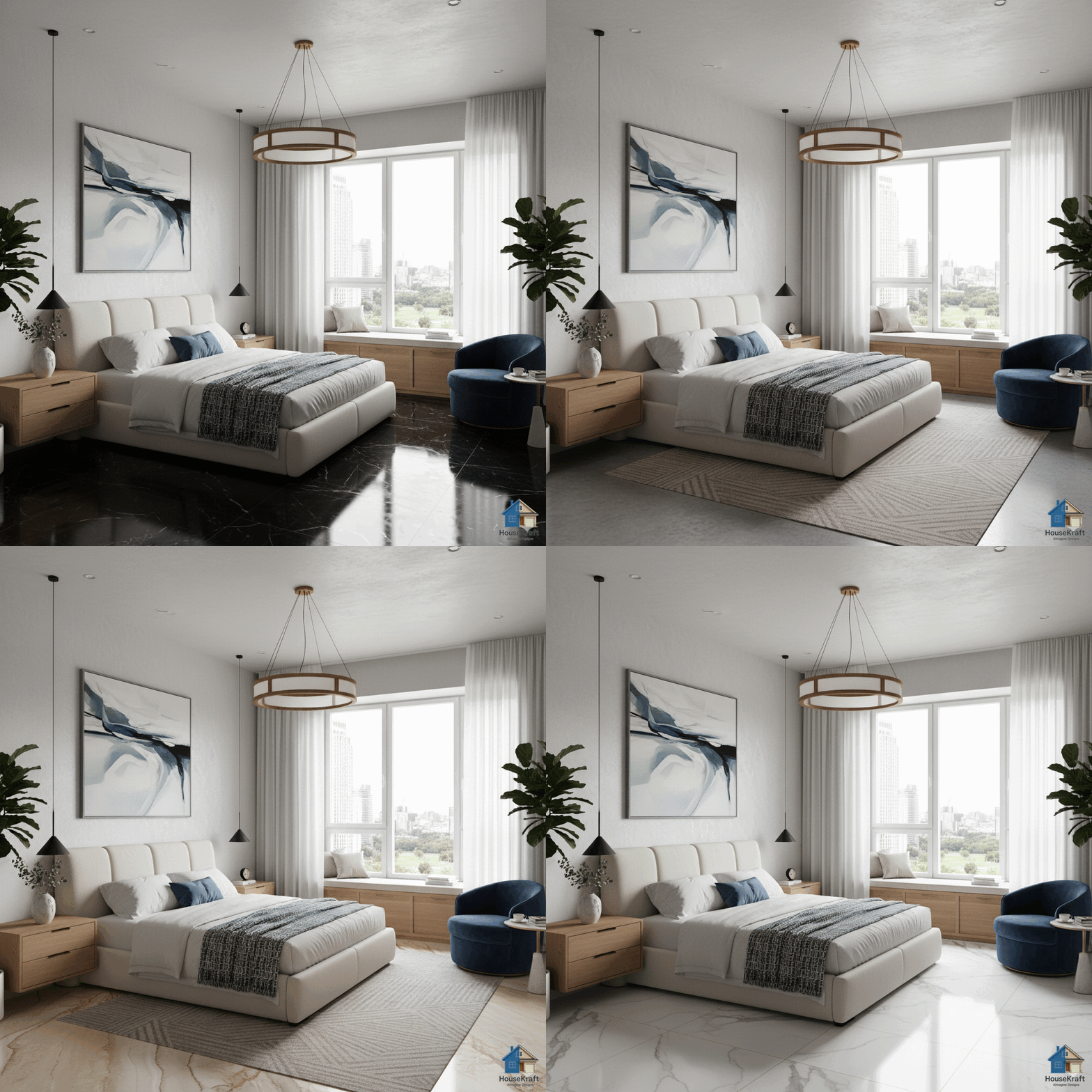
Visualize hardwood, tile, marble, or carpet in your room.
Explore →
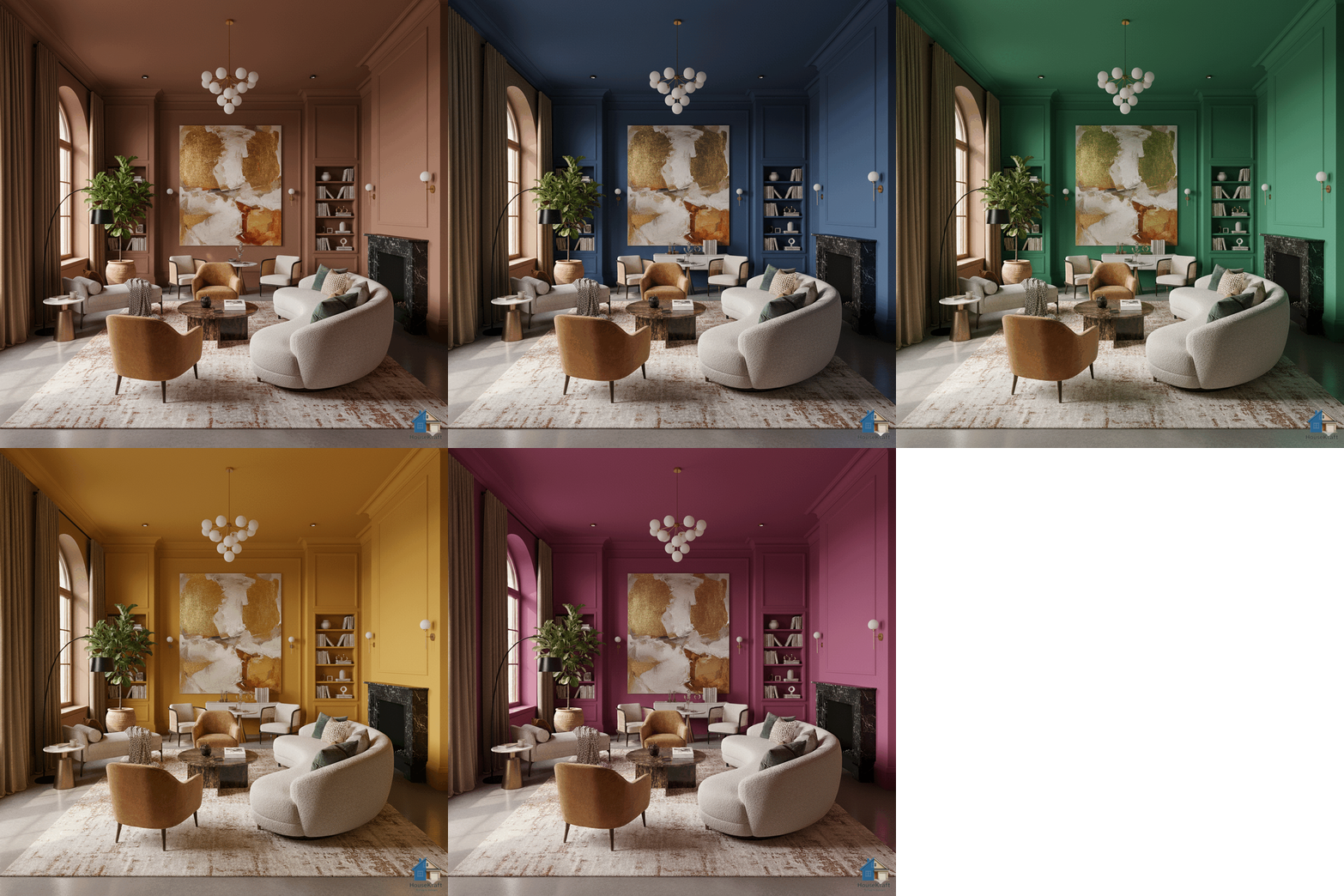
Test any paint color on your actual walls.
Explore →
Swap, add, or replace furniture, lighting, and decor.
Explore →
Target specific objects for surgical, nano-level edits.
Explore →
Upscale renders to crisp, print-ready resolution.
Explore →
Turn sketches into photorealistic architectural renders.
Explore →
Swap materials on any surface without re-rendering.
Explore →
Shift the camera angle or perspective of any render.
Explore →Explore many design variations at once, at lower cost.
Explore →Get a 3D dollhouse render from a 2D floor plan.
Explore →