Features How It Works Pricing Use Cases Blog Contact Get Started Free →
🛋️ Objects

Place any object,
in any room

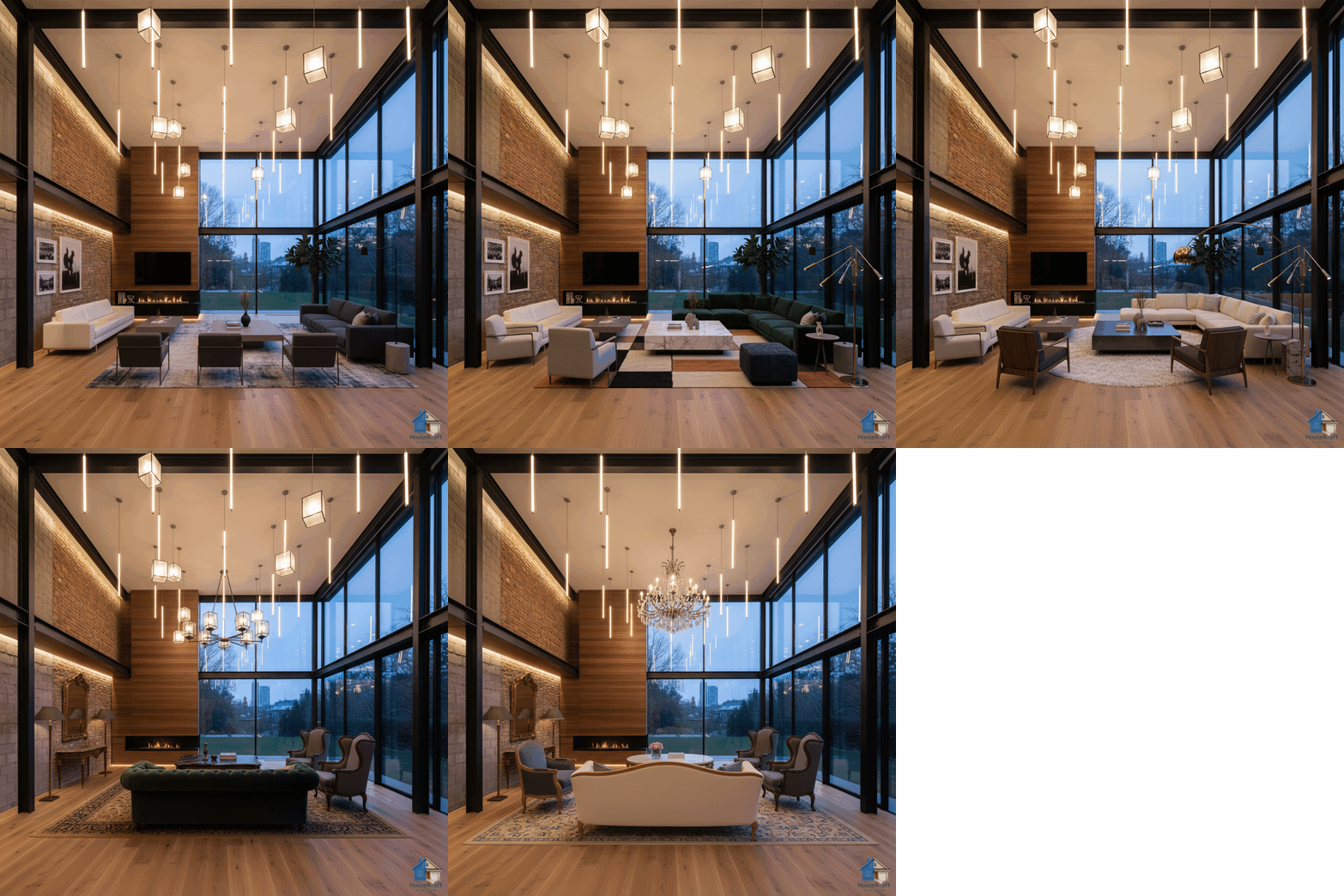
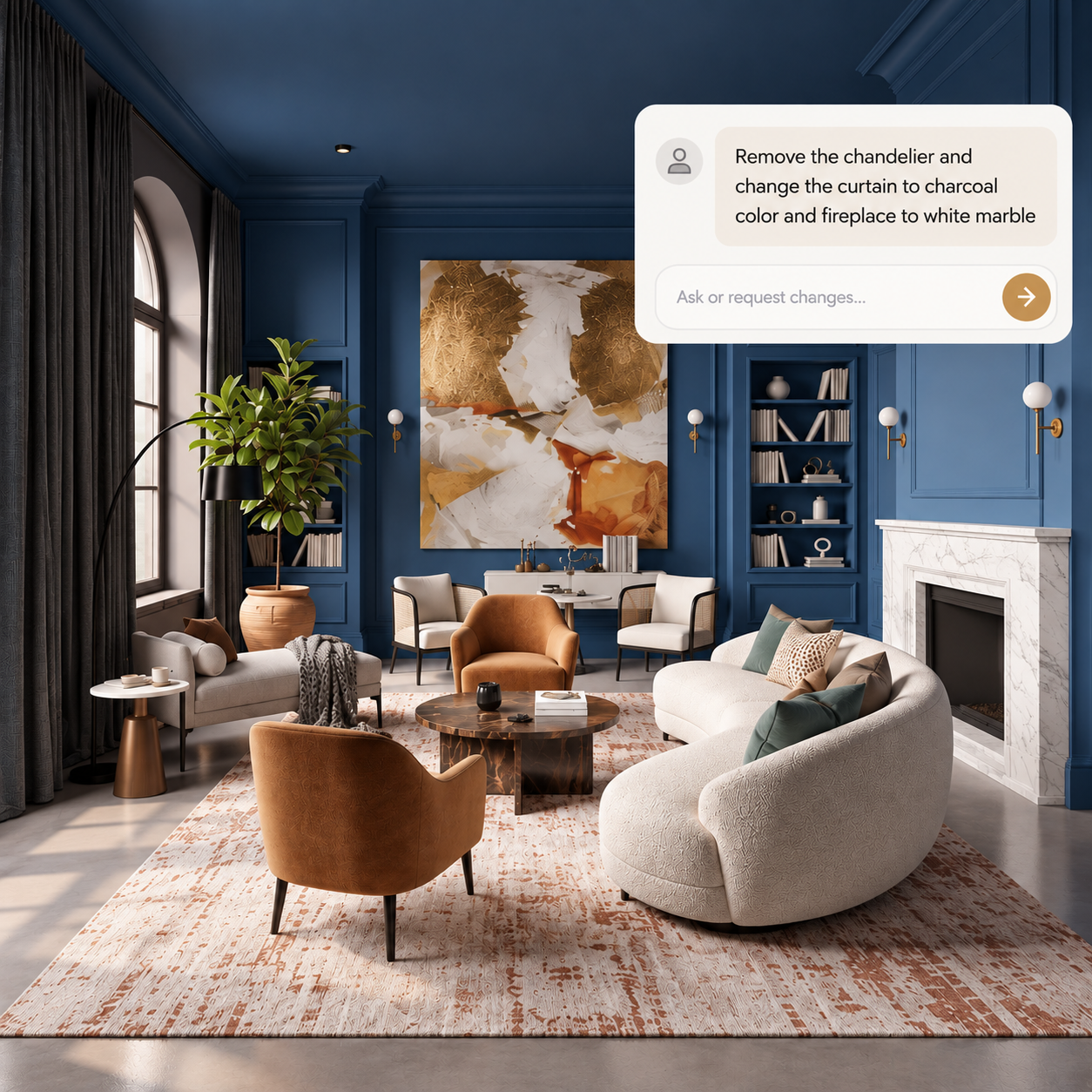
Swap furniture, add lighting, change curtains, or place decor items — all with AI that understands perspective, scale, and lighting for seamless, photorealistic results.

Free basic trial · No credit card required · Works in any browser
Scroll to explore
Objects

Furnish, swap, and rearrange — without lifting a finger

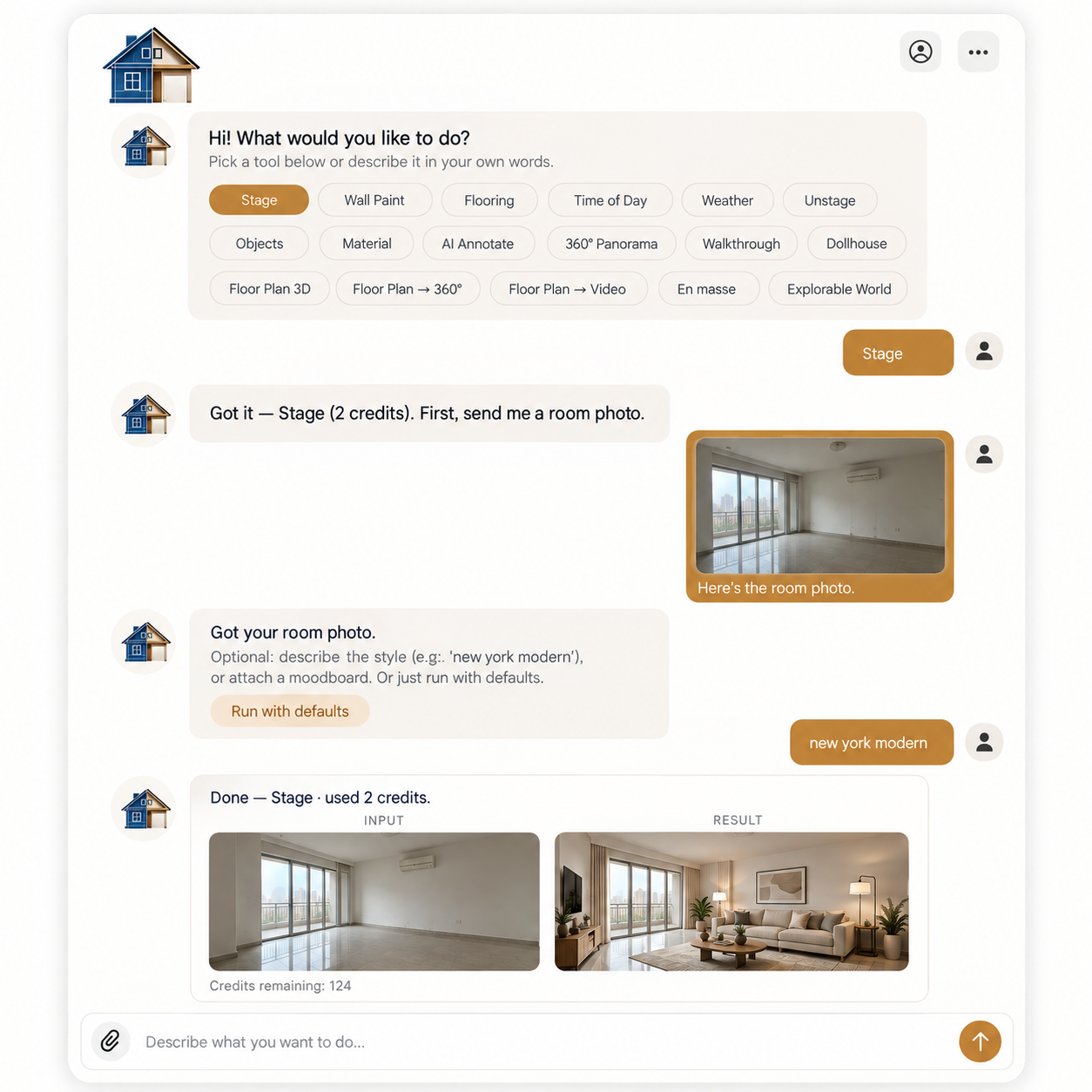
Whether you're debating between two sofas, wondering if a floor lamp would work in the corner, or trying to visualize new curtains before ordering, HouseKraft's AImagine Object Placement handles it all. Upload a photo of any room and tell the AI what you want to add, swap, or remove. A mid-century armchair by the window? A statement chandelier over the dining table? Sheer linen curtains replacing those heavy drapes? The AI renders each change photorealistically — matching perspective, scale, shadow, and lighting so the result looks like a real photograph, not a clumsy overlay. Explore dozens of layout variations in minutes instead of spending weekends rearranging heavy furniture.

Why use this feature

Key advantages

Furniture Swaps

Replace any piece — sofas, tables, chairs, beds — with a new style. See how a velvet sectional compares to a leather Chesterfield in your actual room.

Lighting & Fixtures

Test pendant lights, floor lamps, chandeliers, and sconces. See how different fixtures change the mood and functional lighting of a space.

Curtains & Textiles

Swap curtain colors, fabrics, and styles. Try sheer linen vs. blackout velvet, short vs. floor-length, patterned vs. solid.

Decor & Accessories

Add bookshelves, art, plants, rugs, or mirrors. Style a room completely without buying a single item first.

How to use

AImagine Object Placement on any device

Available on desktop and mobile — use HouseKraft anywhere, anytime.

Desktop Experience

Full-featured interface with side-by-side comparison and detailed controls.

Desktop Screenshot

Mobile Experience

Optimized for on-the-go use — snap, upload, and AImagine from your phone.

Mobile Screenshot
01

Furniture

Swap the Sofa, Transform the Room

Replacing the centerpiece of a living room changes everything — see how different sofa styles redefine the space.

Room with existing sofa Room with new modern sofa
Before After
02

Lighting

New Lighting, New Atmosphere

A single lighting fixture swap can completely redefine the mood — from functional to dramatic in seconds.

Room with basic ceiling light Room with statement pendant lighting
Before After
03

Curtains

Heavy Drapes to Sheer Linen

Let more light in — see how switching from heavy drapes to airy linen curtains opens up a room.

Room with heavy dark curtains Room with light sheer curtains
Before After
Ready to Start?

Try AImagine Object Placement now

Upload your first photo and get an AI-generated result in under 30 seconds. Start with a free basic trial — no credit card, no commitment.

Keep Exploring

More AImagine tools

Discover everything HouseKraft can do — from one-tap Express transforms to Pro-grade power tools.

AImagine Themer
Express

AImagine Themer

Apply a complete design theme or moodboard to any room.

Explore →
AImagine Room Staging
Express

AImagine Room Staging

Furnish empty rooms with AI-generated furniture and decor.

Explore →
AImagine Room Unstaging
Express

AImagine Room Unstaging

Remove furniture to reveal a room's true potential.

Explore →
AImagine Time Change
Express

AImagine Time Change

See any room at sunrise, golden hour, or night.

Explore →
AImagine Weather & Location
Express

AImagine Weather & Location

Change the weather and the view outside the window.

Explore →
Walkthrough Video
Express

Walkthrough Video

Turn one photo into a cinematic walkthrough video.

Explore →
360° Panorama
Express

360° Panorama

Transform a room photo into an immersive 360° view.

Explore →
Chat with Tools
★ Basic

Chat with Tools

Just describe what you want — the AI runs the right tool.

Explore →
AI Chat
★ Basic

AI Chat

Edit any render through a simple text conversation.

Explore →
AImagine Floor Change
Basic

AImagine Floor Change

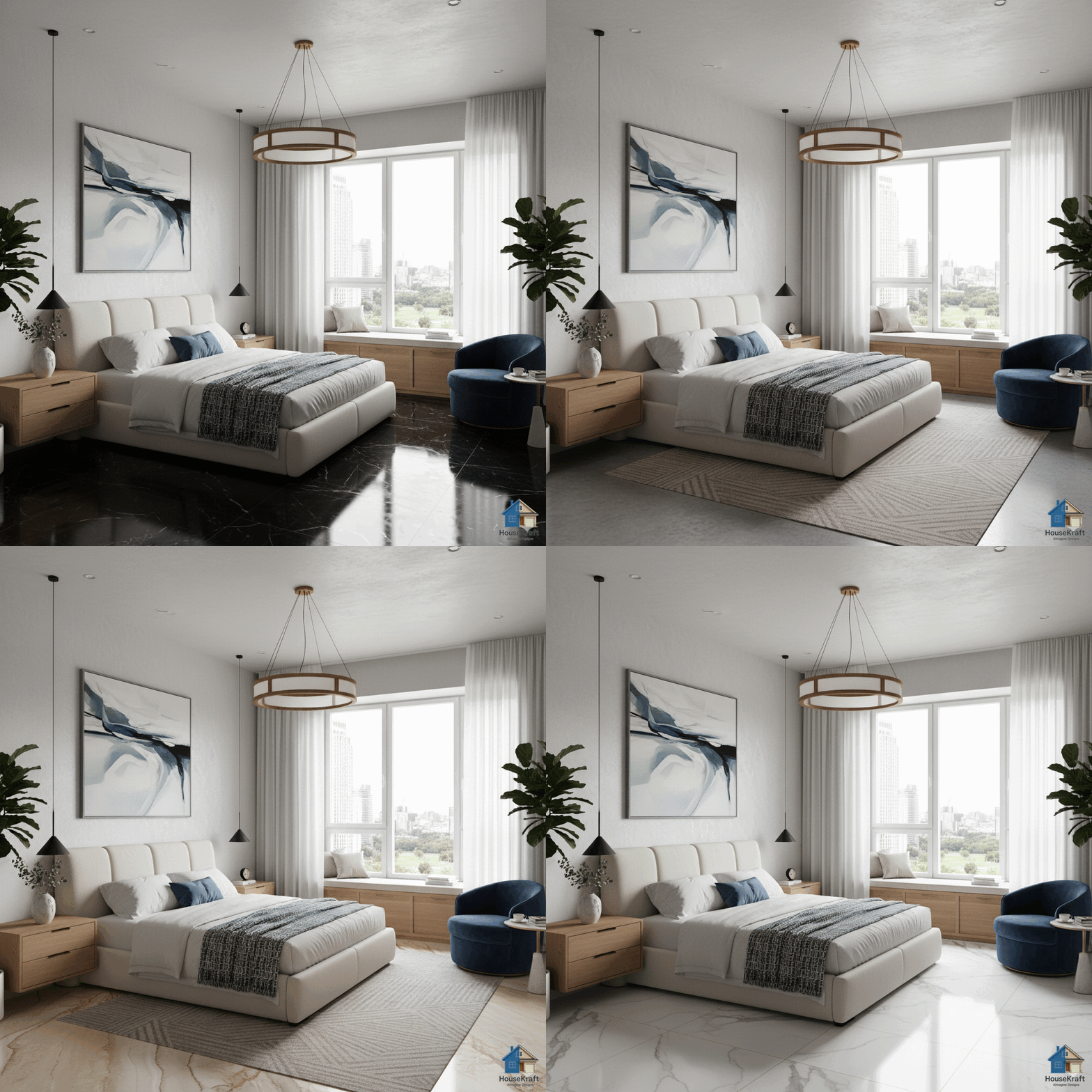
Visualize hardwood, tile, marble, or carpet in your room.

Explore →
AImagine Wall Paint
Basic

AImagine Wall Paint

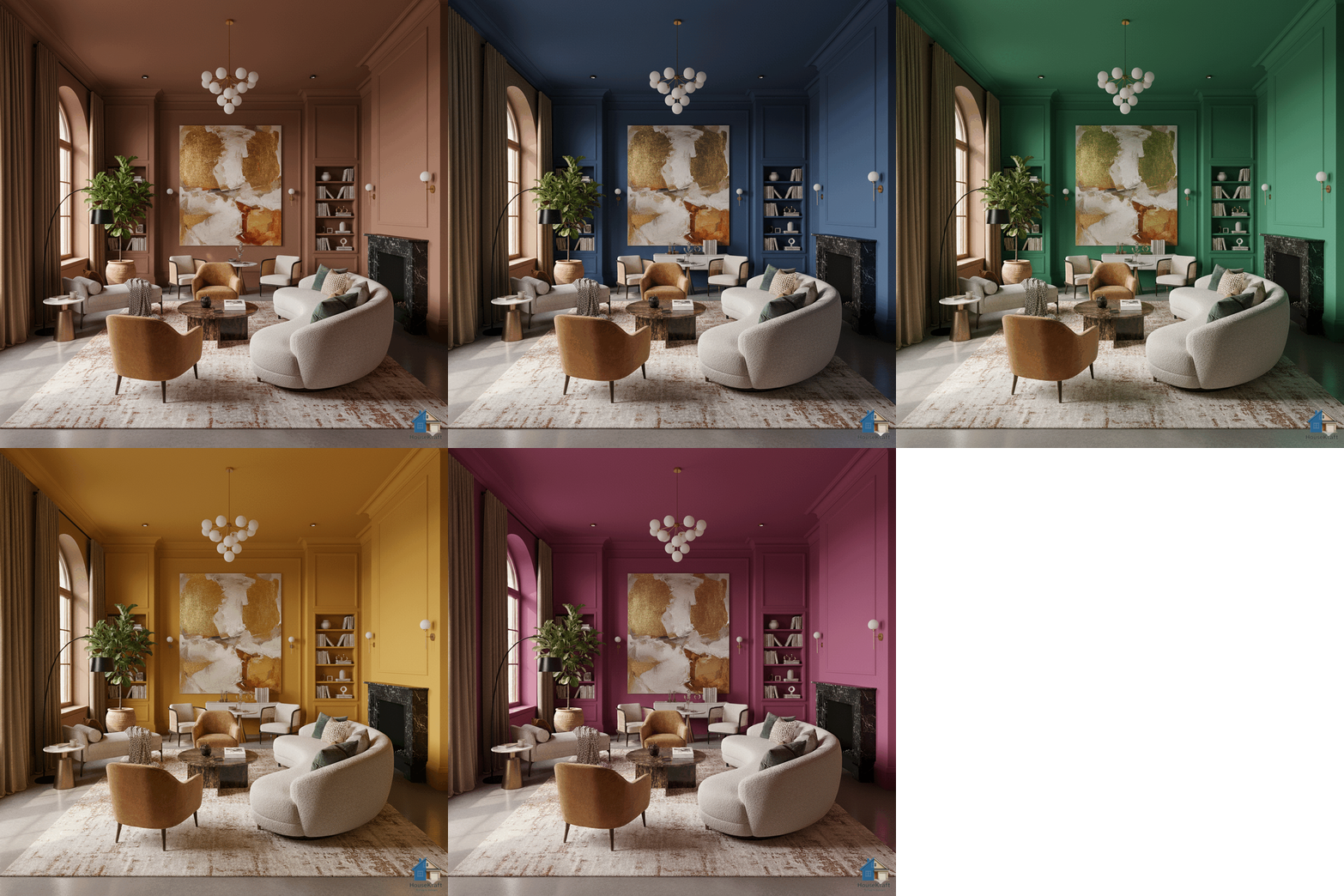
Test any paint color on your actual walls.

Explore →
AI Precise Custom Editing
Pro

AI Precise Custom Editing

Target specific objects for surgical, nano-level edits.

Explore →
Image Upscaling
Pro

Image Upscaling

Upscale renders to crisp, print-ready resolution.

Explore →
Sketch to Photorealistic
Pro

Sketch to Photorealistic

Turn sketches into photorealistic architectural renders.

Explore →
Change Material on Render
Pro

Change Material on Render

Swap materials on any surface without re-rendering.

Explore →
Change Point of View
Pro

Change Point of View

Shift the camera angle or perspective of any render.

Explore →
En Masse — Bulk Ideation
Pro

En Masse — Bulk Ideation

Explore many design variations at once, at lower cost.

Explore →
Dollhouse View from Floor Plan
Pro

Dollhouse View from Floor Plan

Get a 3D dollhouse render from a 2D floor plan.

Explore →
Try Now →